


Duplicating Dictionary
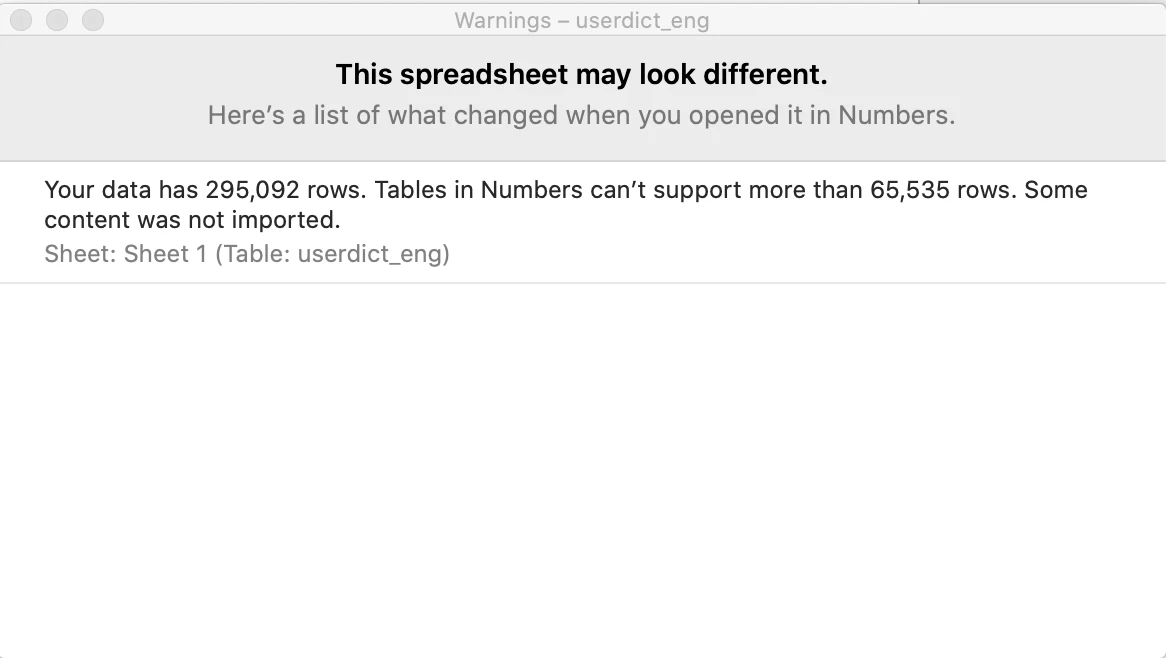
I am doing a technical presentation which is requiring me to add several words/symbols into the dictionary that is not getting pronounced correctly or pronounced at all. Each time I open the dictionary to add a new word, it seems to be replicating the entire dictionary. So now when I convert text to speech it is taking longer than 3 minutes to do it (yes I timed it). I am telling it to save file and replace file. When I go into the CSV file to open it, this is the message I get: So now I have almost 300,000 rows in my dictionary even though I may have only added around 50 words. How do I clean this up so that it does not take so long to generate my text to speech and how do I get it to stop duplicating? I have captivate 11.5.5.676.
 AdChoices