Participant
May 11, 2023
Question

Edit Video Demo Error
  • May 11, 2023
  • 1 reply
  • 271 views


Hello,


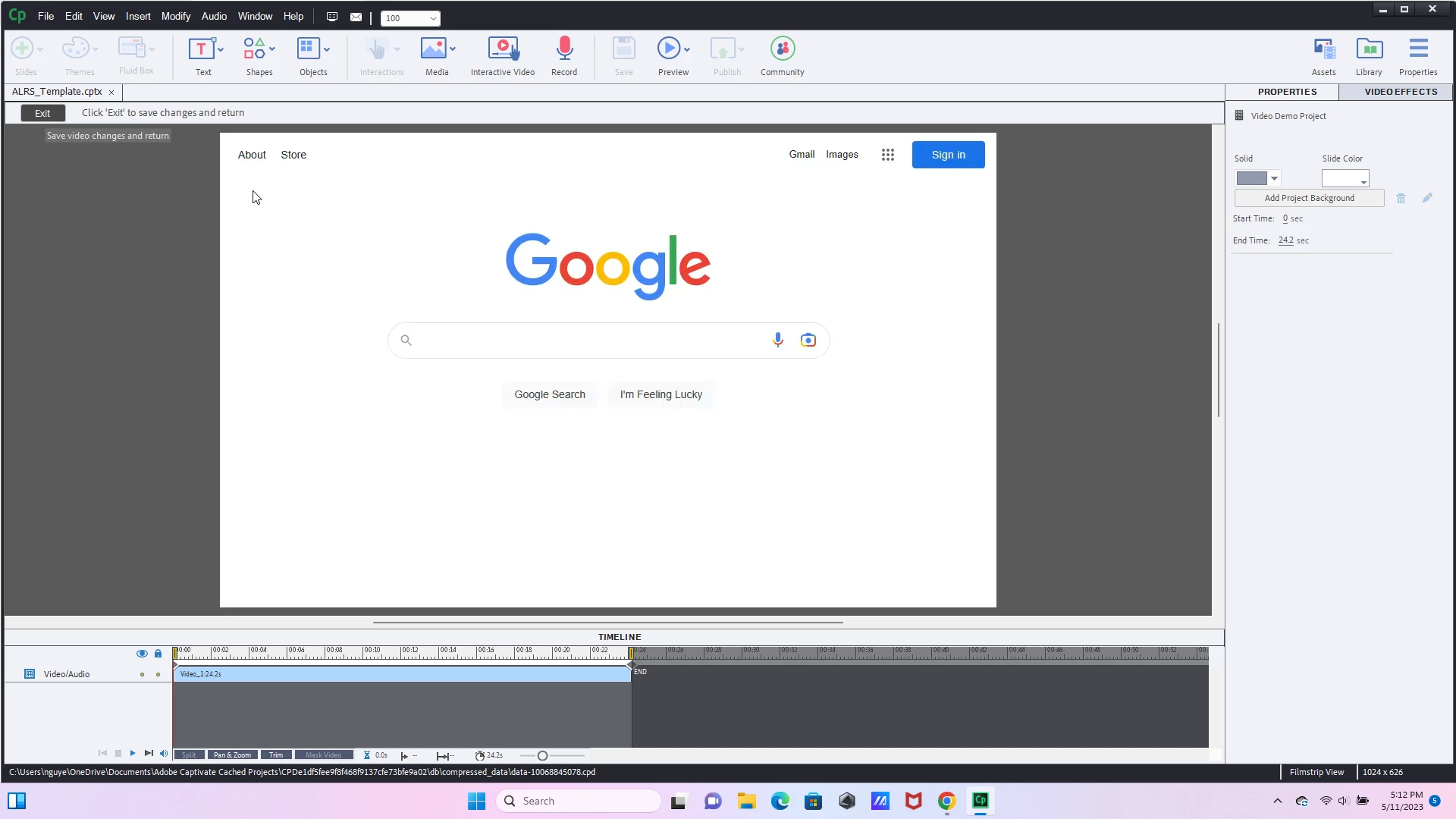
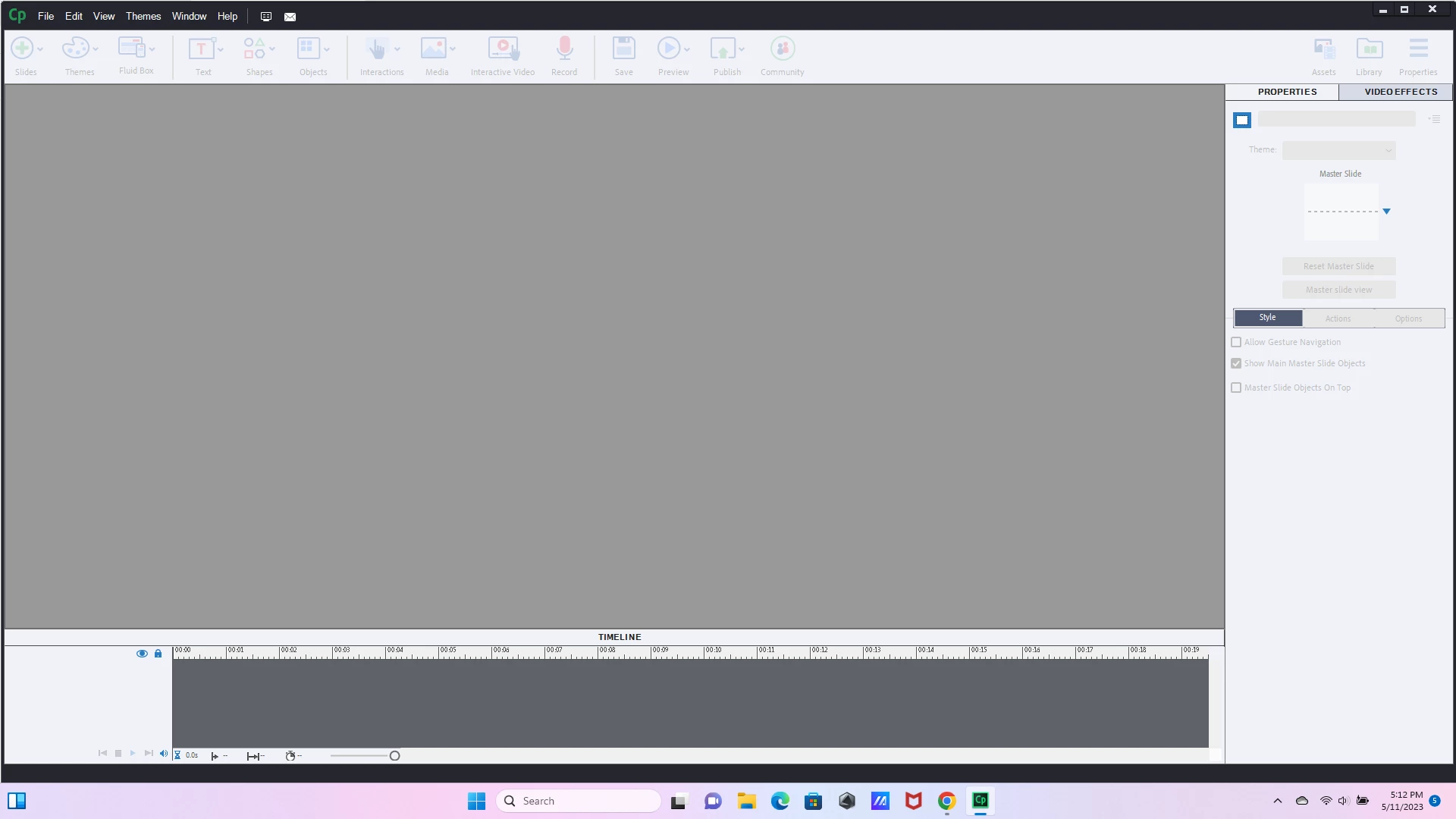
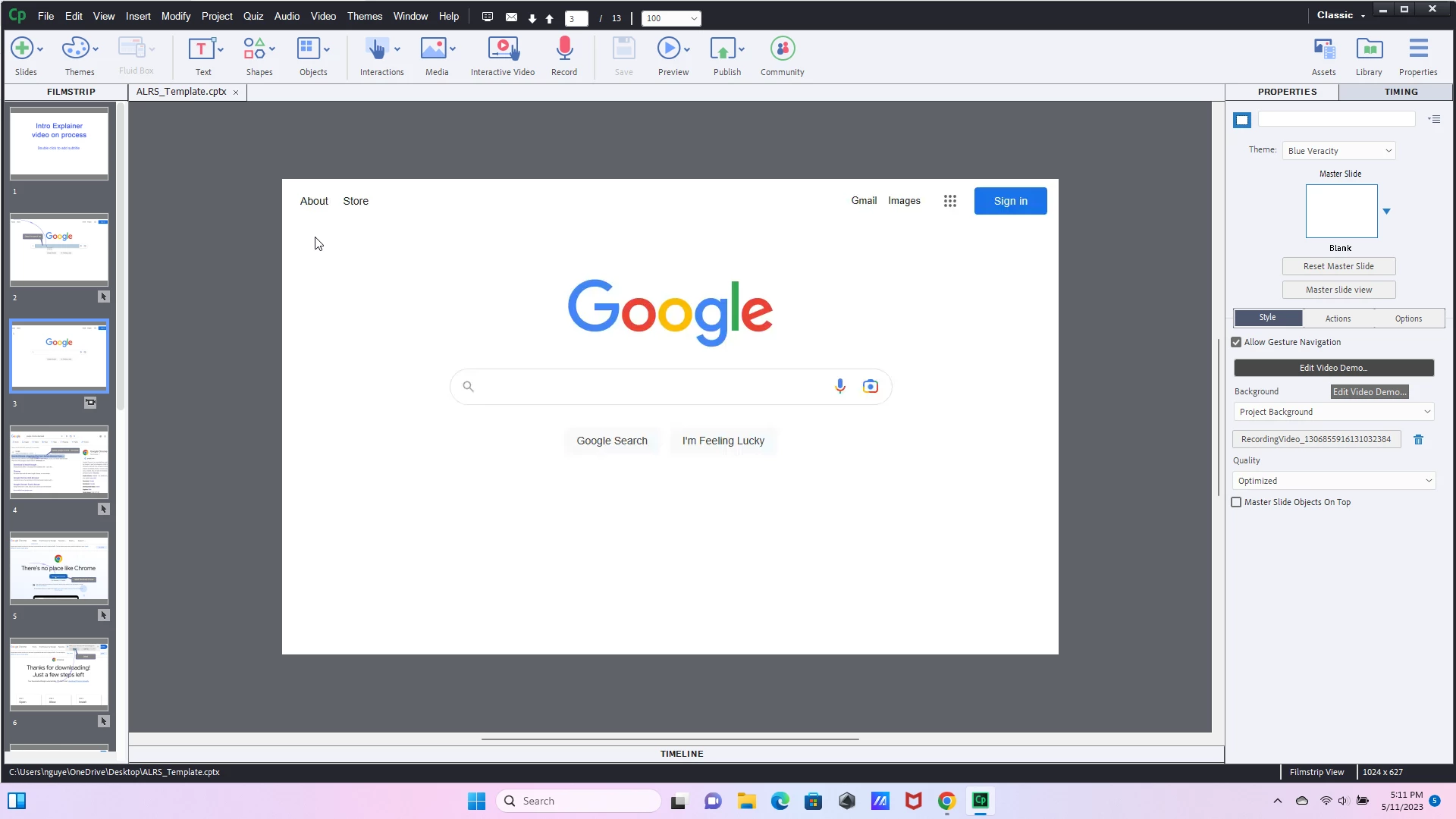
I am facing this recurring issue when working with a Video Demos.  Once I go into "Edit Video Demo" under properties and then hit "Exit" to save changes and return, Adobe Captivate doesn't prompt a "Save Now" pop-up, but rather takes me back to the original layout while removing the filmstrip as well as my ability to click any buttons within the application. Any advice on how to resolve this issue?  Do I just need to uninstall and reinstall?

    This topic has been closed for replies.

    1 reply

    Lilybiri
    Legend
    May 12, 2023

    I try to understand your problem, but need some more information.

    First question: which exact version are you using. Please give the full version number which you can find under Help, About Captivate (I see that you are using a Win version). Reason for my question: there was a recent version with issues about Video Demo.

    Secondly: it is about a Video Demo slide in a normal cptx-project. How was this slide created: was it captured during a capturing process from within the ctpx project or was it inserted as Video Demo slide after having created the Video Demo in a standalone file?

    I see that the Video Demo editor was opened in the second screenshot, but that you didn't return to the cptx-project. Why did you not use File, Save in the Video Demo editor?