


Participant
July 31, 2012
Answered

Editing audio that has been recorded

  • July 31, 2012
  • 2 replies
  • 851 views

Hello,

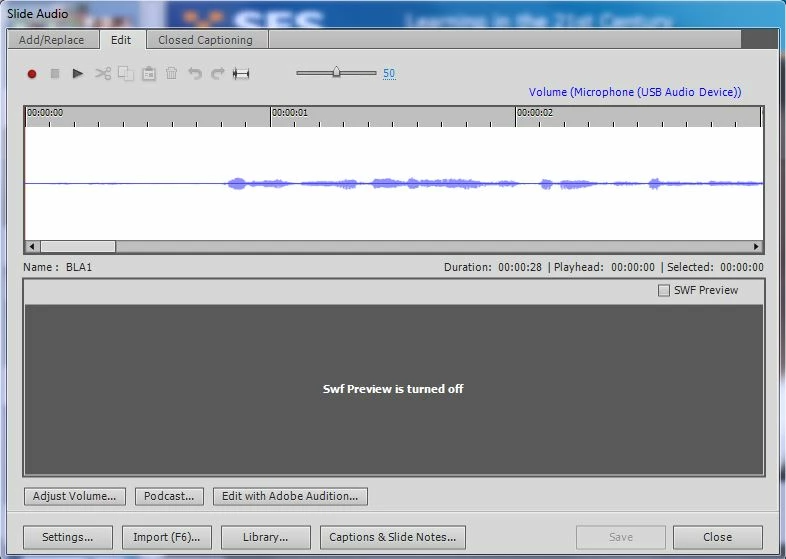
I have recorded audio in Captivate 6 by going Audio>Record> to slide. I have recorded the slide and then want to edit. However the edit buttons are greyed out as seen below. I have then pressed edit with adobe audition and again the options to cut/edit are greyed out. I'm wondering what I am doing wrong:
Thank you

This topic has been closed for replies.
Correct answer RodWard

Select a portion of the audio first.  Then you'll see the buttons become available.

2 replies

Participant
November 13, 2022

Hi, is there a feature in Audition that similiar to Punch and Roll? If so, please let me know how I can find it. Thanks! 🙂

RodWard
Community Expert
RodWardCommunity ExpertCorrect answer
Community Expert
July 31, 2012

Select a portion of the audio first.  Then you'll see the buttons become available.

flygirl55Author
Participant
July 31, 2012

Thank you very much