
polona003
Participant
September 13, 2015
Question

Editing multiple texts on one slide

  • September 13, 2015
  • 1 reply
  • 188 views

I'm localizinng text captions (Export and Import captions). There is slide wit 4 buttons, each one of them preform different texts, objests ... There is text in Export/Import (and as well PDF Handouts) BUT I can't find all texts in Project. I need to do some changes in Project (enlarge text boxes that are to small for translated text ...). I'm lookig for solutin for some hours

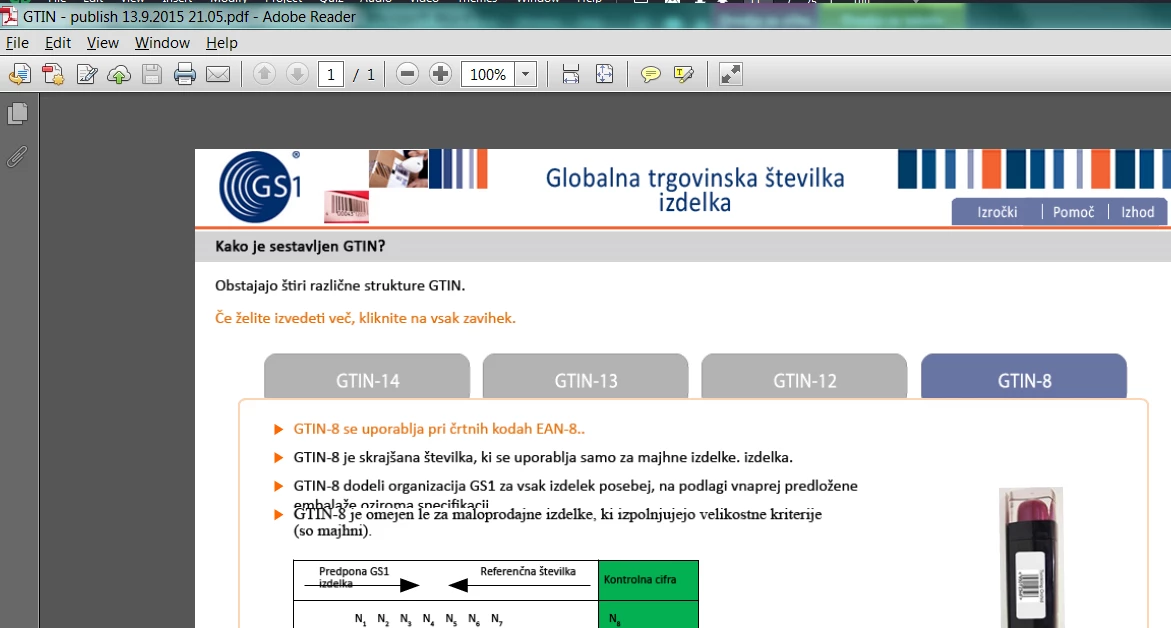
1. PDF Handout - text I want to fix
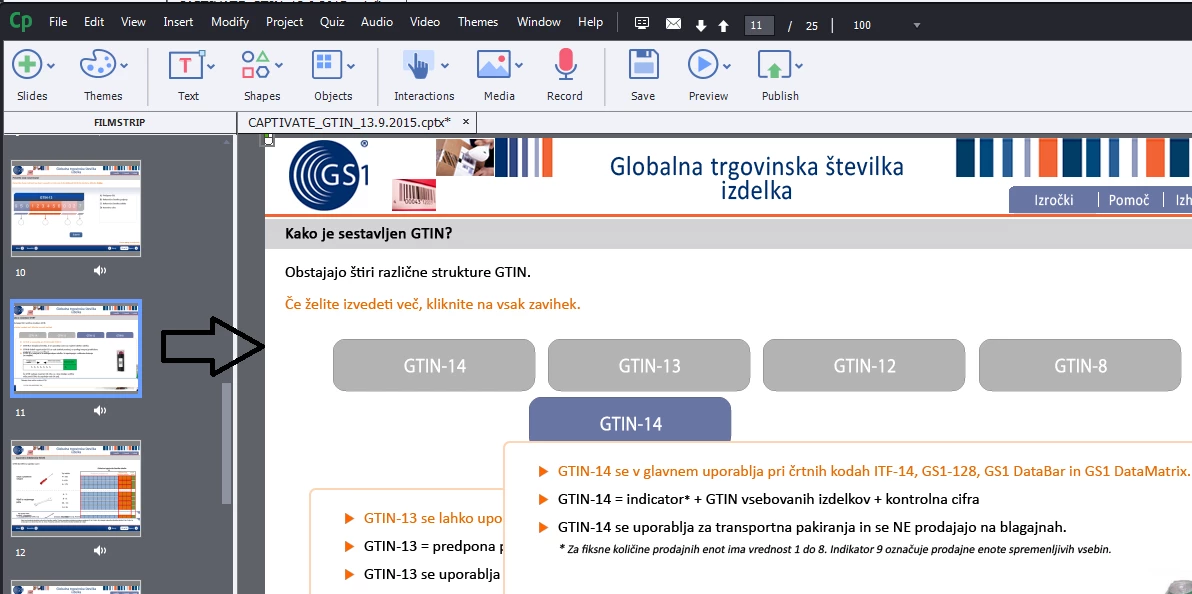
2. Project: I can't find this text - ?
    This topic has been closed for replies.

    1 reply

    Lilybiri
    Legend
    September 14, 2015

    Cannot help you for all your questions. Just one tip from my personal

    experience with localisation: before importing translated text I will check

    the option to automatically resize text captions in Preferences.

    polona003
    polona003Author
    Participant
    September 15, 2015

    When you run eLearning course there is plenty texts on one slideA, different text or object are shown by clicking on buttons on slideA.

    In AC project I only see and can modify slide A, I cant find texts that are shown afer clicking on buttons.