



Ben Nayak
Participant
June 17, 2021
Answered

Editing Toolkit text in Captivate 2019
  • June 17, 2021
  • 2 replies
  • 273 views

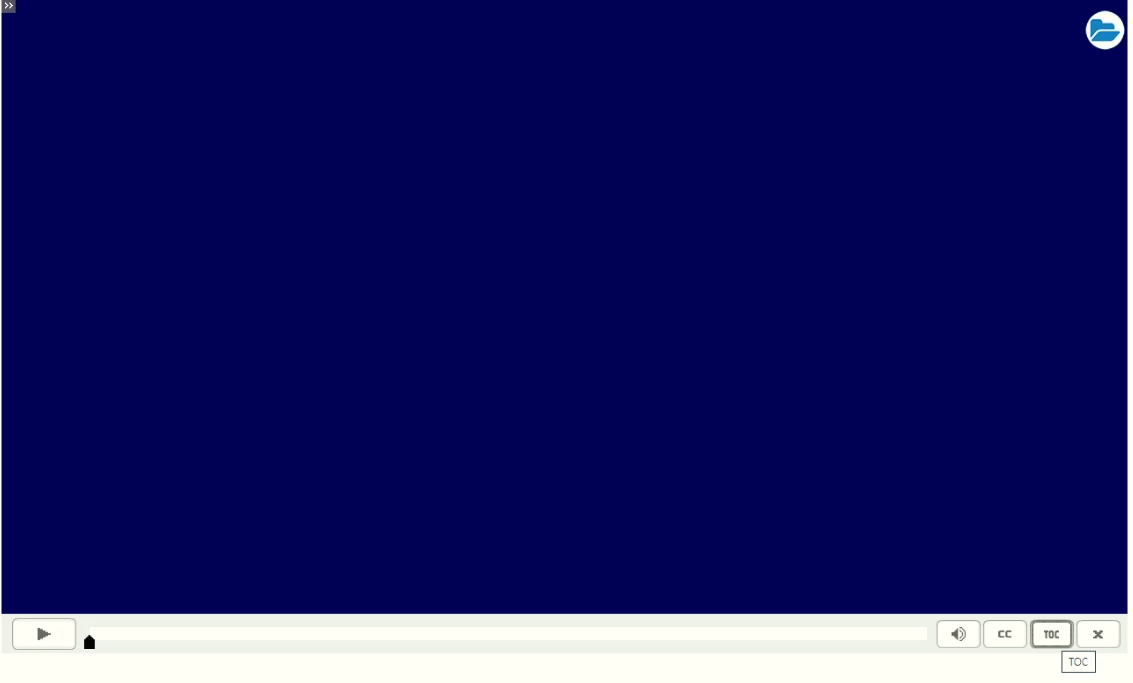
Is there a way to edit the Toolkit text that appears on hovering over the TOC & cc buttons? If TOC were to be shown as Table of Contents & CC as Closed Captions, does Captivate 2019 allow this to be modified?

    This topic has been closed for replies.
    Correct answer RodWard

    There is no place in the Captivate UI where you can configure the text on these buttons, no.


    2 replies

    TLCMediaDesign
    Inspiring
    June 17, 2021

    You can edit the file playbarScript.js for the playbar you are using here:


    C:\Program Files\Adobe\Adobe Captivate 2019 x64\en_US\Gallery\Playbars\HTML\


    the tooltips are in this object


    cp.playbarTooltips =
    {
    AudioOff : 'Audio Off',
    AudioOn : 'Audio On',
    BackGround : 'BackGround',
    Backward : 'Backward',
    Color : 'Color',
    CC : 'CC',
    EnterVR : 'EnterVR',
    Exit : 'Exit',
    FastForward : '2x Fast Forward Speed',
    FastForward1 : '4x Fast Forward Speed',
    FastForward2 : 'Normal Speed',
    Forward : 'Forward',
    Glow : 'Glow',
    Height : 'Height',
    InnerStroke : 'InnerStroke',
    Play : 'Play',
    Pause : 'Pause',
    Progress : 'Progress',
    Rewind : 'Rewind',
    Shade : 'Shade',
    Stroke : 'Stroke',
    Thumb : 'Thumb',
    ThumbBase : 'ThumbBase',
    TOC : 'TOC'
    };


    RodWard
    Community Expert
    RodWardCommunity ExpertCorrect answer
    Community Expert
    June 17, 2021

    There is no place in the Captivate UI where you can configure the text on these buttons, no.