March 6, 2019
Question

Embed Web Video appears in different place when published.

  • March 6, 2019
  • 1 reply
  • 393 views

Hi everyone,

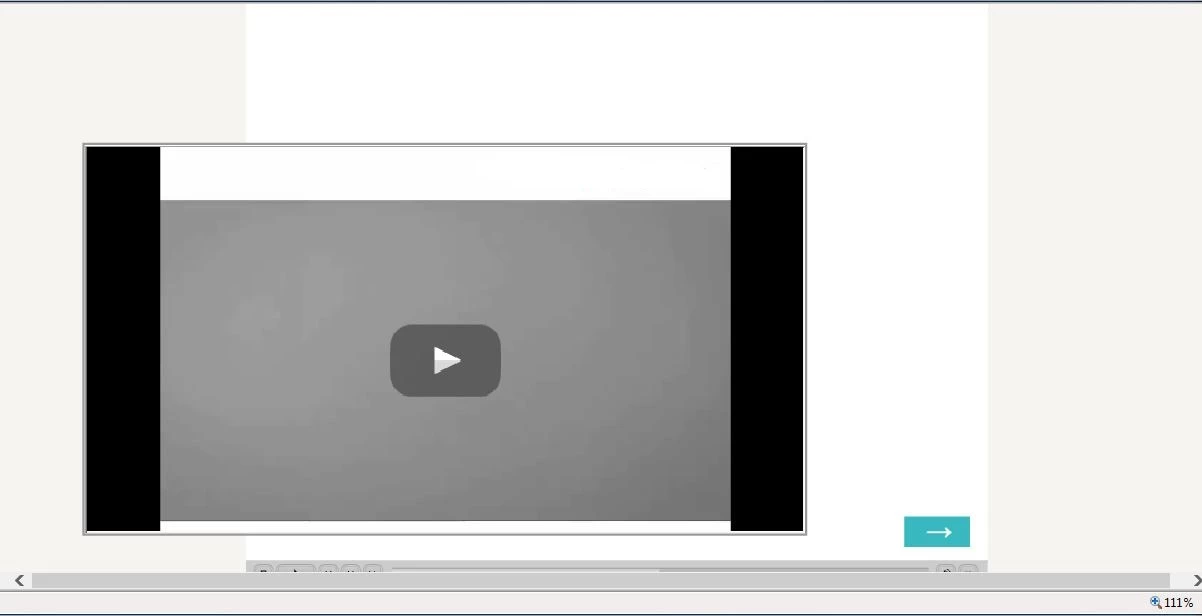
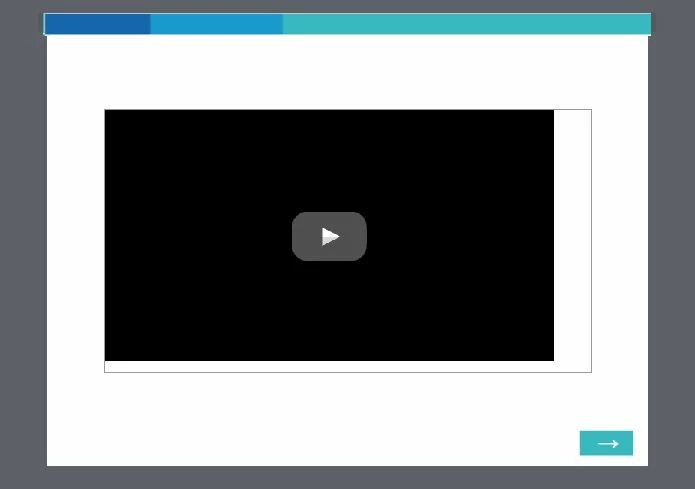
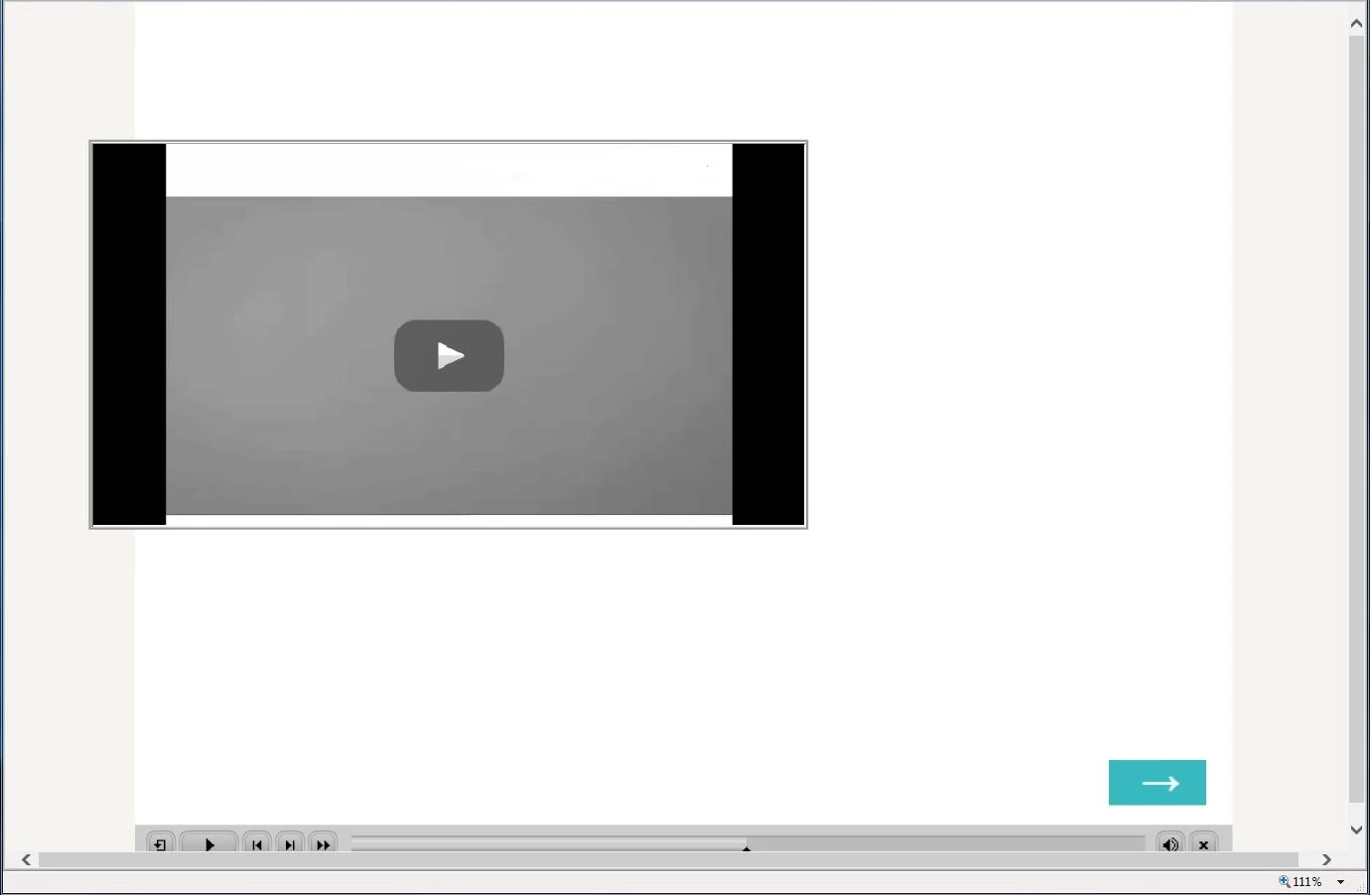
I decided to embed a video in a project, but I've been struggling with it because once it's published, no matter where I place it in the project, it appears in the same exact position when it's published (and seen on LMS), I can expand or reduce the size of the window and it never changes position or size. Any ideas how to keep it in the original position of the project after publishing?? I tried locking position of the web object and it doesn't work.
This topic has been closed for replies.

1 reply

Paul Wilson CTDP
Community Expert
Community Expert
March 7, 2019

What version of Captivate are you running and can you let us know what type of video have you added to your course? In other words, is this Event Video, Slide Video, web object video, are you using the YouTube interaction from Learning Interactions?

Paul Wilson, CTDP
March 7, 2019

I'm runnning Captivate 9, I added a web object video using embed code.

Paul Wilson CTDP
Community Expert
Community Expert
March 7, 2019

Is this a responsive design course or just a blank project course?

Paul Wilson, CTDP