
johnb98198346
Inspiring
July 9, 2015
Question

Embedded videos in Captivate show a green screen

  • July 9, 2015
  • 2 replies
  • 462 views

Hi,

I'm running Adobe Captivate 8.0.1.242.

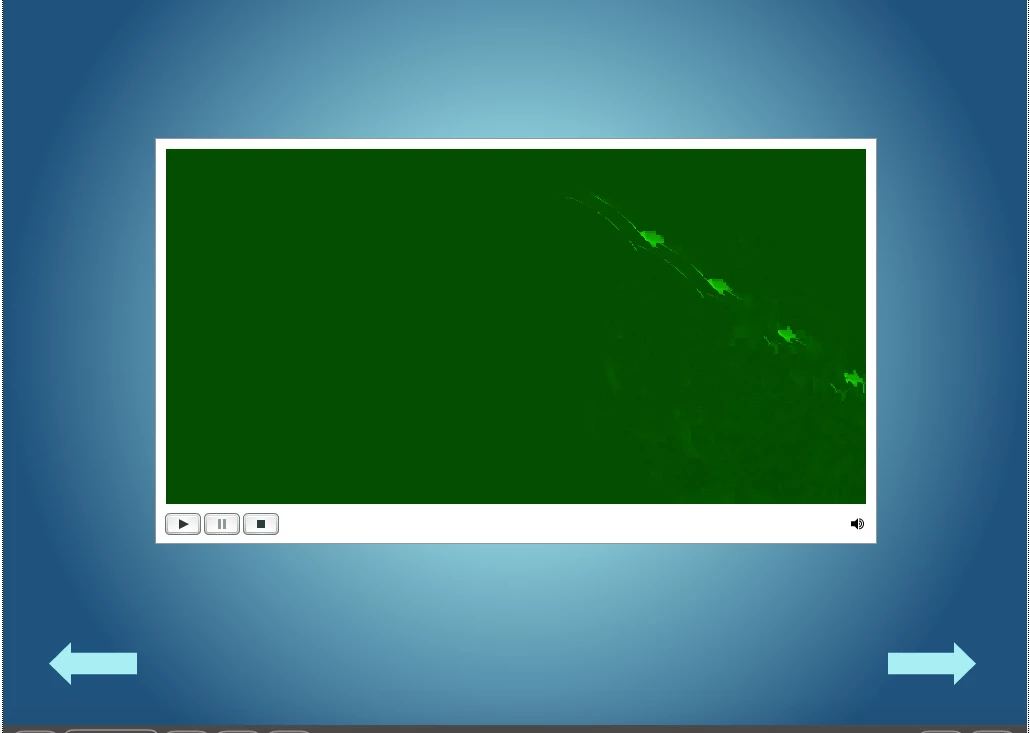
After viewing an embedded video in a Published Captivate project (SWF), that is, after the video ends on the slide, it turns a very strange green color. See the attached screenshot below.

Does anyone know why this is happening?
Thank you!

    This topic has been closed for replies.

    2 replies

    johnb98198346
    Inspiring
    July 13, 2015

    Thank you, guys.

    My only concern is that I have programmed Captivate to rewind the video automatically at the very end. So even if the green screen was the last frame of the video (the video turns black on its own), I'm still not sure why it would display this lingering green image.

    Perhaps I'm missing a detail?

    RodWard
    Community Expert
    Community Expert
    July 10, 2015

    Captivate doesn't do this (as far as I am aware).

    It looks more to me like what you're seeing here is the final frame of the video. 

    Try opening your video in some application that would allow editing and check all the frames right at the beginning and end.

    Captiv8r
    Legend
    July 10, 2015

    Or play the video outside of Captivate and see if you can pause it at the end.