


Participant
June 5, 2023
Question

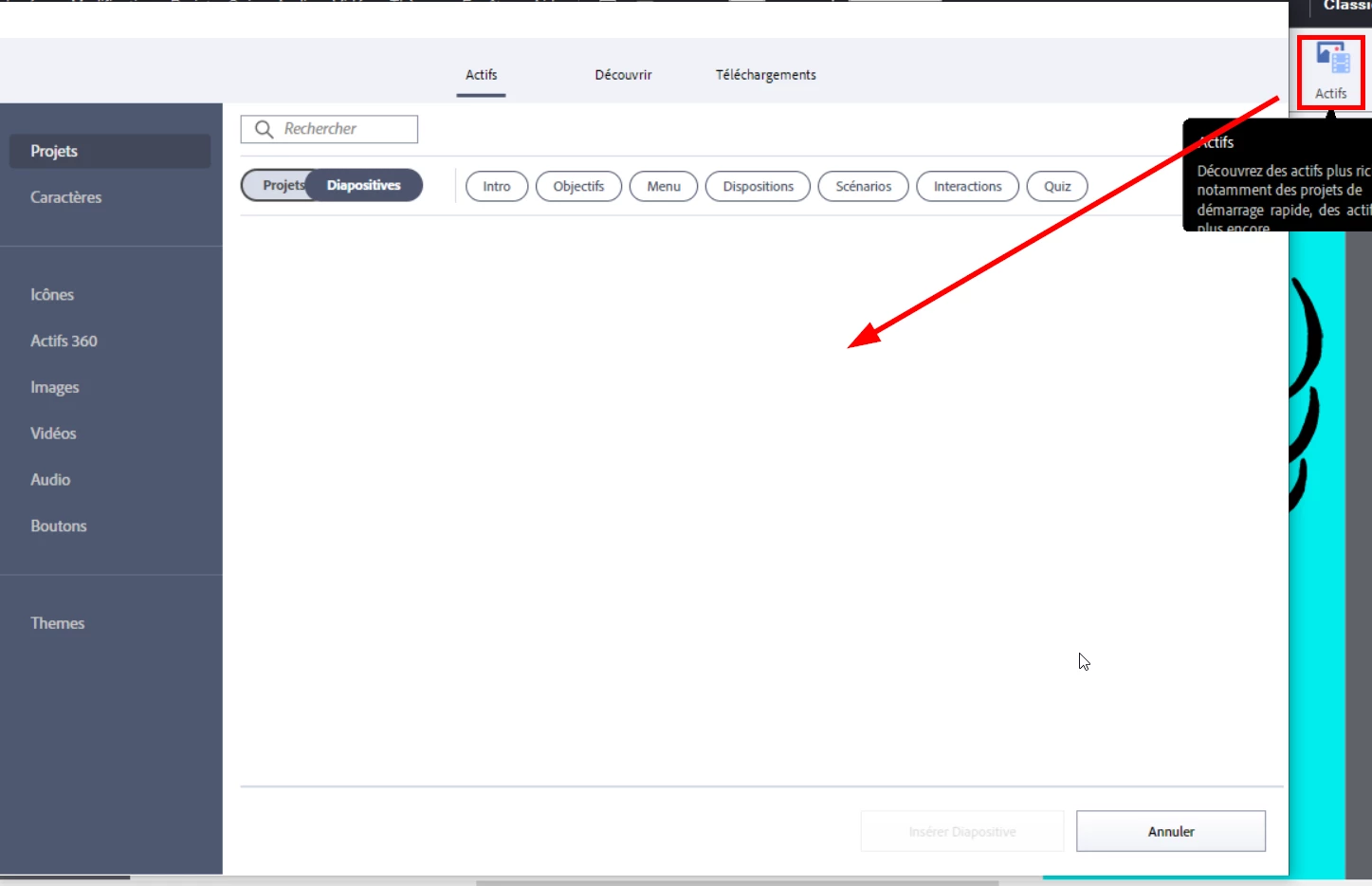
Empty Assets Tab Adobe Captivate 11.8.1 (Windows)

  • June 5, 2023
  • 1 reply
  • 545 views

Hi everyone,

I'm running Adobe Captivate 11.8.1 on Windows.

A few days ago, I was able to inster objects from the "Assets" tab but this morning it was empty.

I tried to update Windows, re-install Captivate, clear some temporary folders and reset preferences but it is still empty ..
I'm using a personal computer at home so I don't have any firewall issues.

If you have an idea on how to fix it, it would be nice!

Thank you in advance
 

    This topic has been closed for replies.

    1 reply

    Lilybiri
    Legend
    June 5, 2023

    Can you check if the eLearning assets have been installed correctly? They should be in this default path:

    \Users\Public\Public Documents\Adobe\eLearning Assets

    Participant
    June 5, 2023

    I do think so yes

    Lilybiri
    Legend
    June 5, 2023

    La taille me semble très petite. Pourriez-voud insérer un image du contenu? Linstallation chez moi montre une taille d'eLearning Assets de 3GB mais j'ai deux versions.