
Answered
Enable debugging in LMS
Hi there, I want to enable a debugging window to launch when a course is launched in LMS 365. I go to the scormdriver.js and change the SHOW_DEBUG_ON_LAUNCH=false to SHOW_DEBUG_ON_LAUNCH=true The debugging window launches alright, but it stays blank. Would anyone have an idea if I have to change something more? For Storyline SCORMs, changing the line to SHOW_DEBUG_ON_LAUNCH=true works well. Maybe I am missing a step? Thank you in advance B
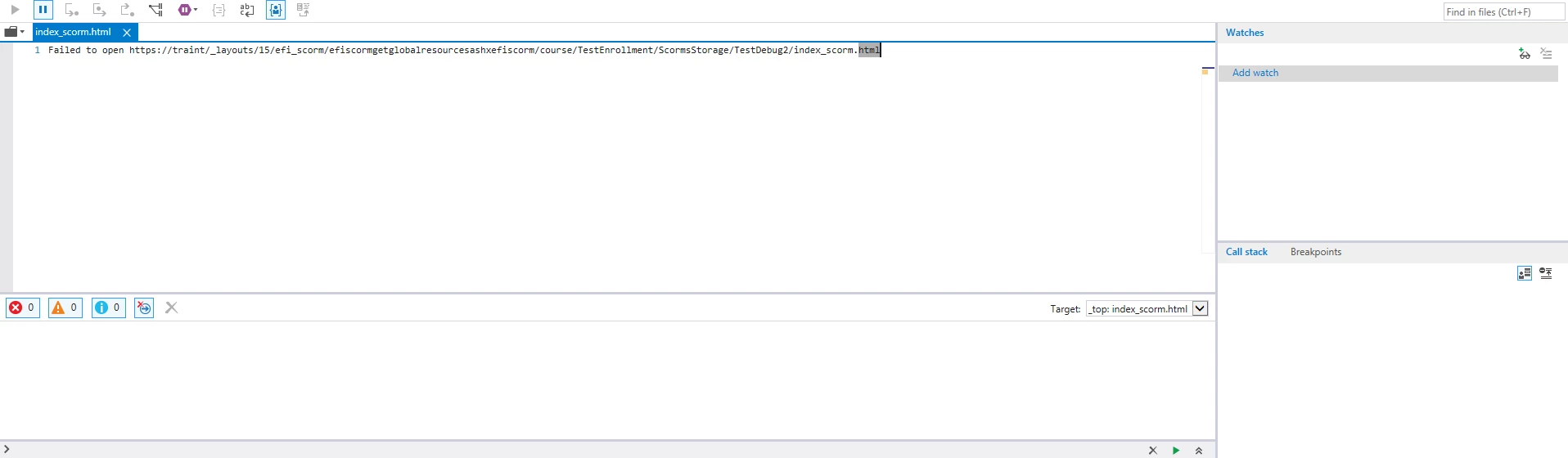
This is what I can see in the debugger window when pressing F12.


 AdChoices