Participating Frequently
June 19, 2014
Question

Error about filename or extension too long with publishing HTML 5 content

  • June 19, 2014
  • 1 reply
  • 526 views

I have created a Captivate 7 module without any potential HTML5 issues; the tracker dialog did not list anything.

When I published the content, an error was displayed (screenshot attached).
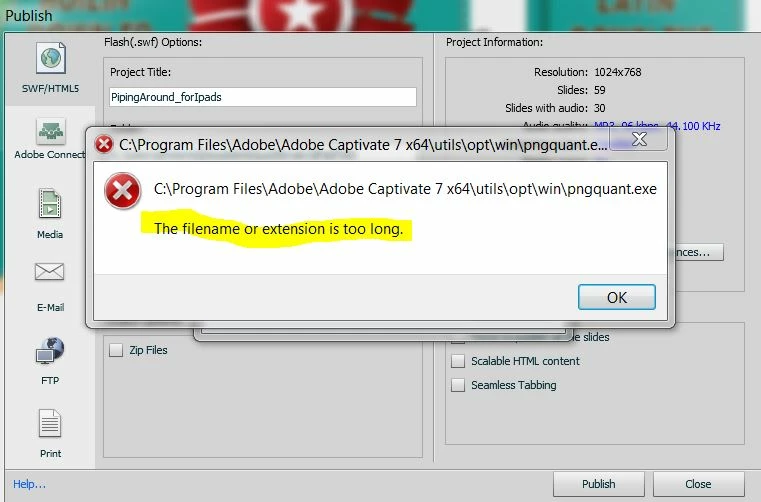
I clicked OK and then got a message that said the content was published successfully (another screenshot).
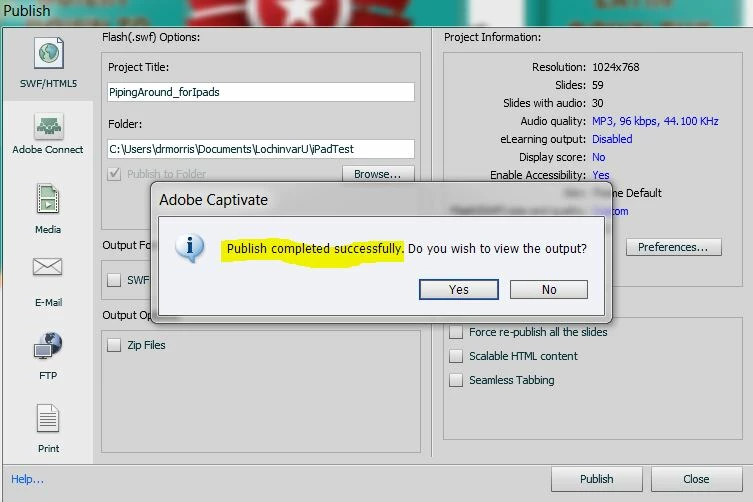
I uploaded the files but have not been able to view the module.

http://www.tngrafix.com/school_und/PipingAround_forIpads/index.html


I have an iPhone 5C that I am using to check and all I get is the spinning wheel. Can anyone tell me what the problem might be? Thank you.

This topic has been closed for replies.

1 reply

Lilybiri
Legend
June 19, 2014

Just checking: which version? You should have 7.0.1.237

TNDianeAuthor
Participating Frequently
June 19, 2014

Yes, thanks for the quick reply. I do have that version:

Lilybiri
Legend
June 19, 2014

Got your answer in Dutch by mail, totally puzzled! Are you Dutch-speaking?

Seems bit of corruption. Can you clear cache? If it is not helping, close Captivate because you'll have to refresh the Preferences folder. Look in the subfolder Utils of the Captivate installation folder for the CleanPreferences batch file that is fitting your OS and run it. When you reopen Captivate, a fresh folder will be created, hopefully this error will be gone.