
Resuelto
Error message in CP2019
The attached popup message appears at the beginning of the lesson when it is played from the folder or the server. They've set the reporting default to slide views.
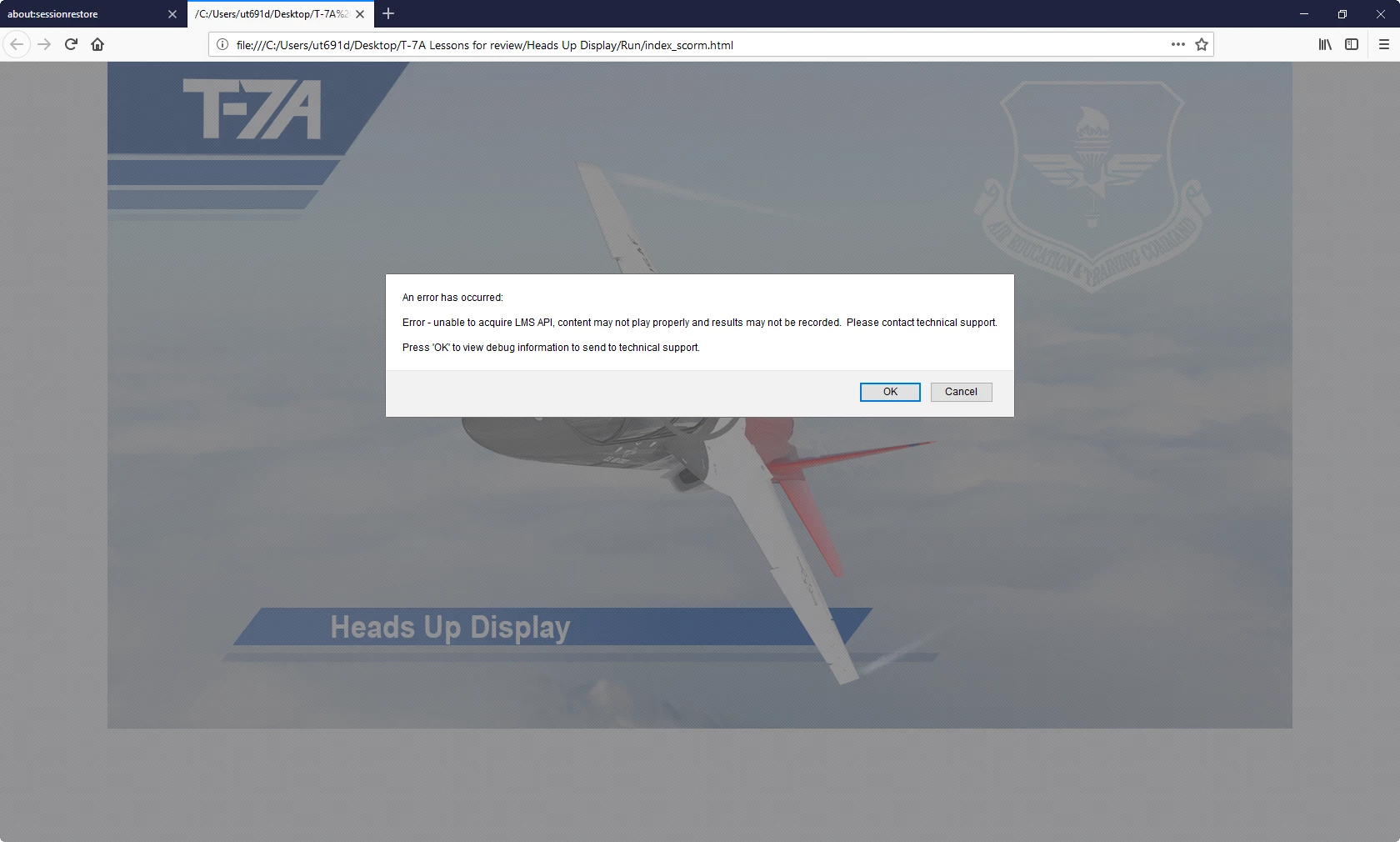

The attached popup message appears at the beginning of the lesson when it is played from the folder or the server. They've set the reporting default to slide views.
Have answered this question today somewhere... someone else?
You cannot play locally or from a webserver if the course is set up with Reporting. You need to upload to a LMS.
Enter your E-mail address. We'll send you an e-mail with instructions to reset your password.


 AdChoices