



Error message when importing SVG file into Captivate 2019
I have been desiging graphics in Adobe Illustrator 2021 all day and exporting them as SVG files, then dropping them into my Captivate 2019 file. I am 12 slides in and all of a sudden my most recent file gives me this error message. 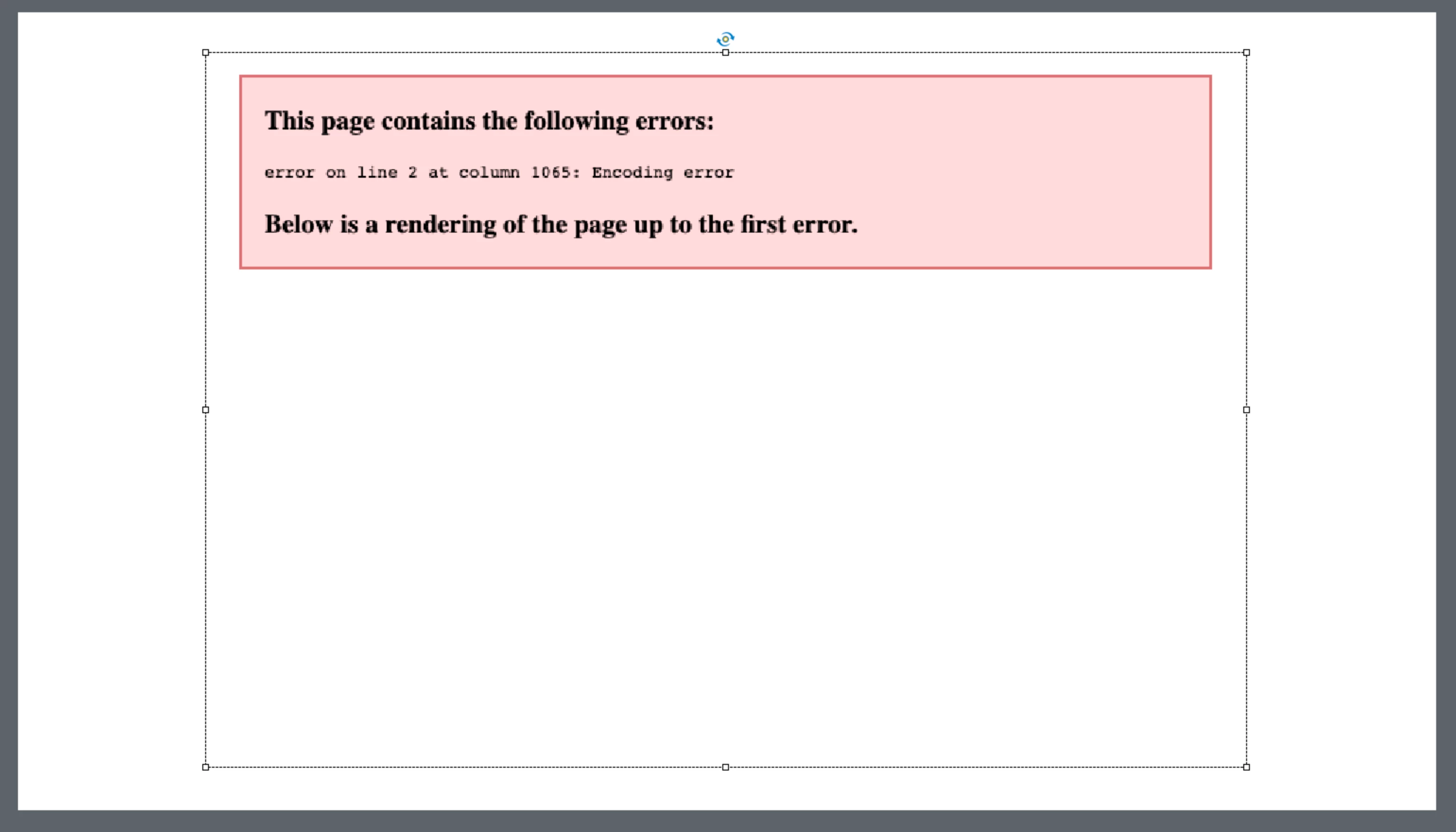 I can import my other already saved SVG files back in perfectly fine and I even drew a simple circle then exported that as an SVG which imported into Captivate just fine, but for what ever reason this new ones just keeps showing me that error message. This is a screen shot of the SVG file I wanted to import.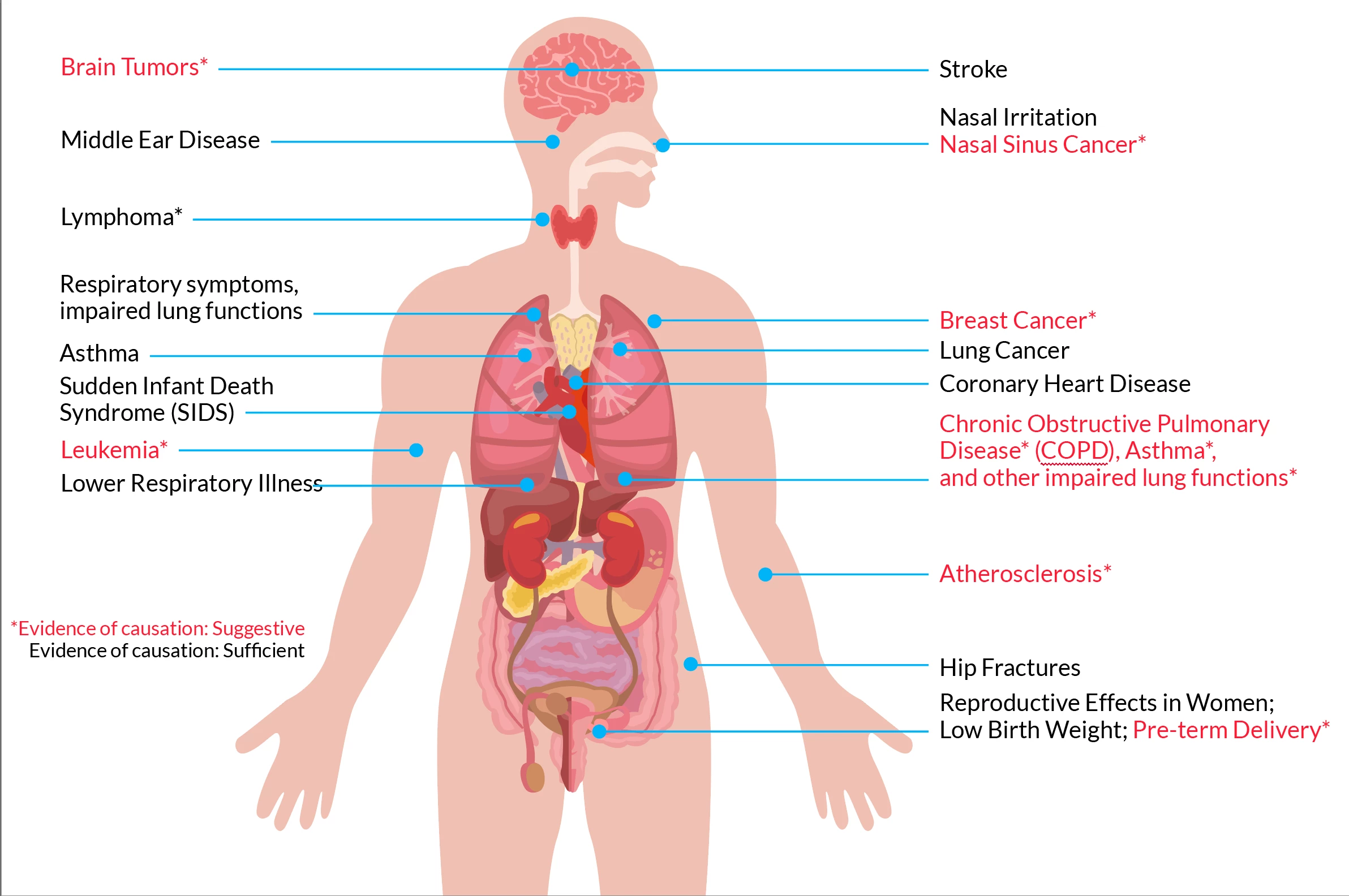
I tried outlining the text and setting the SVG CSS Properties to - "Presentation Attributes" .as I have seen other threads about SVG import issues that seemed to have resolved around that. Here is a screen shot of my SVG settings. 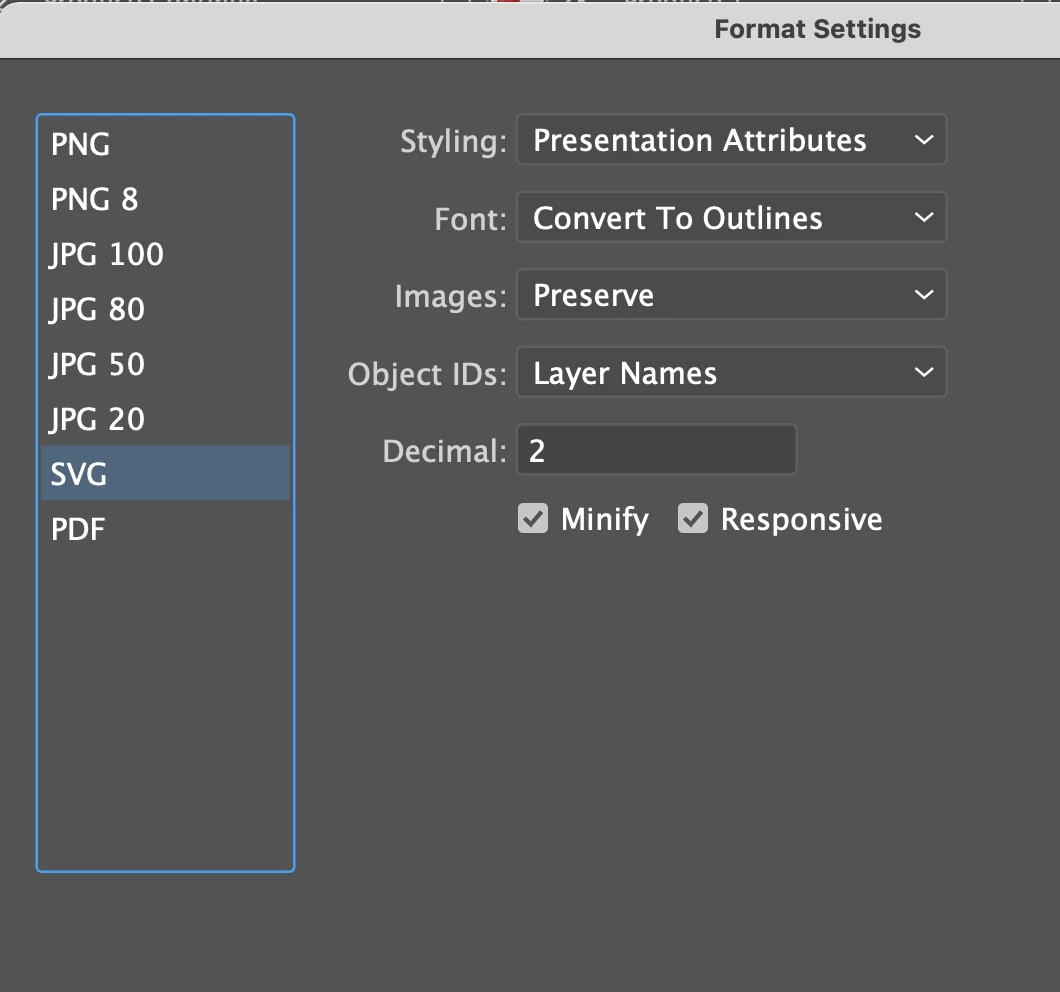 Also I am running on macOS Big Sur 11.2.1 if that is a factor as well, but it really does seem to just be this one graphic fro what ever reason.
 AdChoices