I believe you are most likely correct that Redirect caused your issue. Captivate is not designed to work that way.
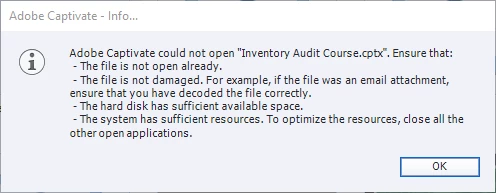
If you want to work with Captivate and avoid file corruption issues then you need to set up folders on your local PC hard drive and ONLY work from them. Your Preferences > Default Folders should also both be set to local hard drive folders and Generate Project Backup should be turned on by default at the Global level in Preferences.
Never directly work on CPTX files that reside on a network. Always download the project files to your local hard drive FIRST and open it from there in Captivate. When finished, save and close down Captivate FIRST, then use Windows Explorer to upload your finished CPTX to the network if you want it backed up.
Project file corruption is usually caused by NOT doing these things. IT departments usually aren't happy to have you working on everything locally because they want total control over the file system. But they usually back off if you tell them that working any other way with Captivate is likely to cause them support headaches.



 AdChoices