Participant
July 31, 2023
Question

Error When Changing Comment Box

  • July 31, 2023
  • 3 replies
  • 216 views

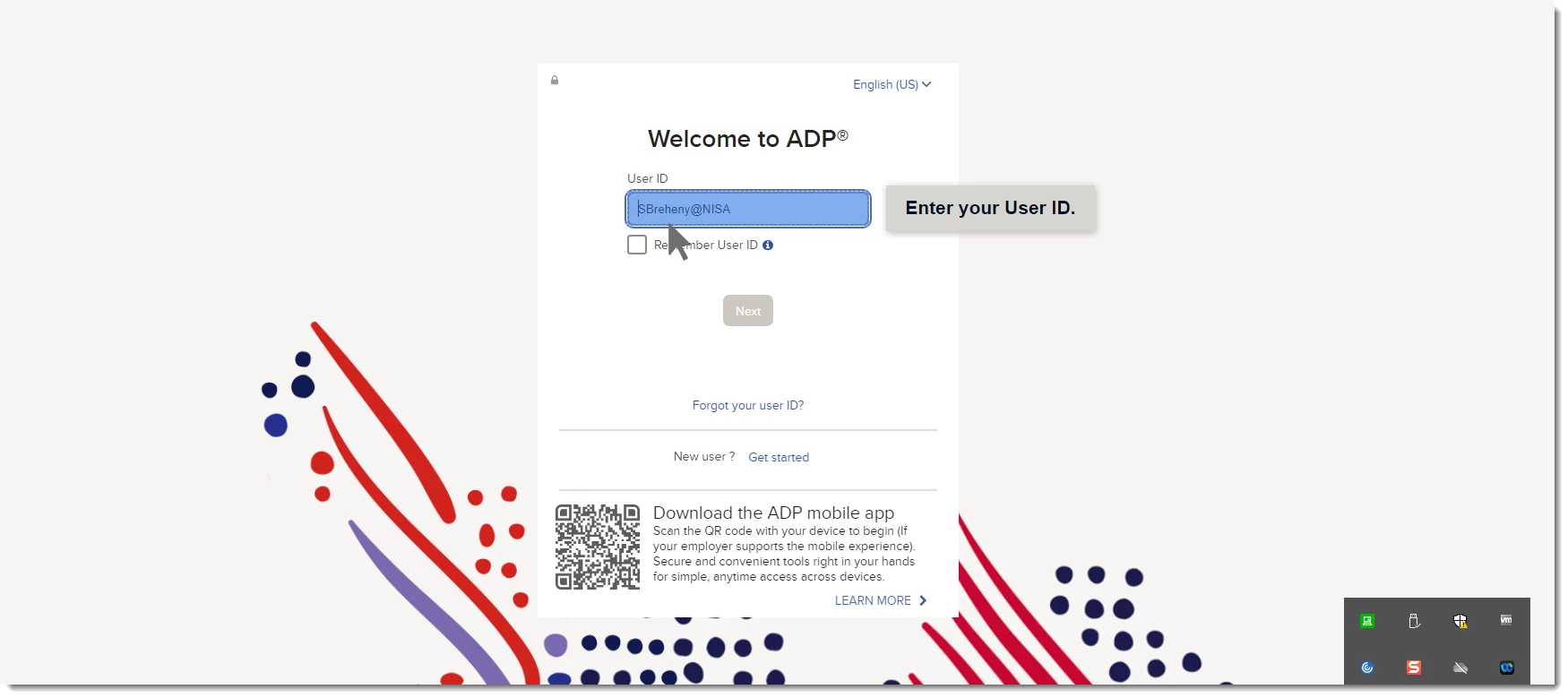
Whenever I changed the comment box from the generated text in a simulation, it appears fine on the program. When I go to "preview" or "publish," I have an error screen that reads "Something went wrong."


Also, this only happens on certain pages. For example, I changed the text on this page and it is viewable when I previewed. 

However, I changed the text on this page and recieved an error message when I previewed it. 

 

Any tips or suggestions would be much appreciated! 

This topic has been closed for replies.

3 replies

Lilybiri
Legend
July 31, 2023

Sorry but I have some questions which are not answered by your screenshots.

It is a software simulation, but I cannot detect which version you are using: is this with Captivate Classic (version 11 or older) or with the new version 12? You find the full version number under Help, About Captivate.

I suspect this simulation is in Training or Assessment mode, which one did you use?

Can you post a screenshot of the Timeline of the slide with the error message?

If this is a non-responsive project (probably) in a Classic Captivate version, which Preview method did you use? Except in version 11.8 the versions have a lot of Preview methods which are no longer valid. You should use only F11, Preview HTML in Browser.

Did you upload the published version ot a webserver to check it out?


kglad
Community Expert
Community Expert
July 31, 2023

in the future, to find the best place to post your message, use the list here, https://community.adobe.com/

p.s. i don't think the adobe website, and forums in particular, are easy to navigate, so don't spend a lot of time searching that forum list. do your best and we'll move the post if it helps you get responses.


<"moved from using the community">
kglad
Community Expert
Community Expert
July 31, 2023

is this an acrobat question?

Participant
July 31, 2023

This is happening when using Adobe Captivate.