
Participating Frequently
February 12, 2016
Question

error while publishing videos due to cpmediaframework.dll missing

  • February 12, 2016
  • 2 replies
  • 374 views

I get a permanent error while publishing videos (mp4) in Captivate 9.
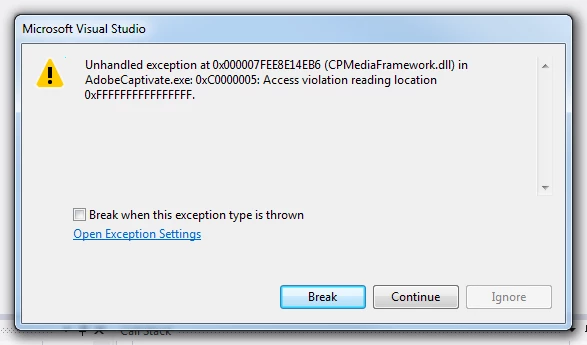
Exeption Settings:
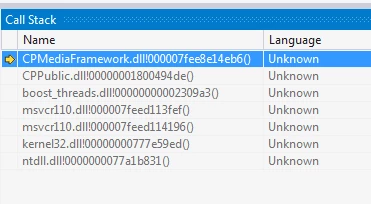
I've reinstalled the software already, nothing changed. And the file cpmediaframework.dll is really missing, nothing in search results.

The mp4 file is created, nevertheless, and it's OK, but each time I publish video the program cancells and I have to reopen it, it's inconvenient. Can you help? Thanks in advance!

This topic has been closed for replies.

2 replies

BDuckWorks
Inspiring
February 12, 2016

The 'Access Violation' message may mean a permissions issue, are you launching the Captivate application as Administrator?

Participating Frequently
February 14, 2016

Yes, I've tried this also. And can you please tell me where CPMediaFramework.dll is placed at your PC?

Lilybiri
Legend
February 14, 2016

cpMediaFramework.dll is in the Captivate installation folder on my PC.  Did you delete the Preferences and Layouts folders? Those are not in the installation folders of Captivate but in your profile or in the public documents.

Lilybiri
Legend
February 12, 2016

When you reinstalled, did you delete the Preferences and Layouts folders?

Participating Frequently
February 14, 2016

Yes, I've deleted Captivate 9 again and deleted all files and folders dealing with it, and then reinstalled it once again. Nothing changed.