
Known Participant
December 3, 2017
Answered

Errors publishing as HTML5/SWF

  • December 3, 2017
  • 3 replies
  • 1328 views

Hello,

I’m using Captivate 2017 and created a simple non-responsive project with drag and drop interactions, and buttons that prompt images, etc.

I'm using a MAC to create the course and upload it to an LMS (Bridge). When I view them, they work fine for me.

The issue that I’m having is that when I select HTML5/SWF, users are getting several errors when launching the course using Chrome (pop up blockers, unsafe scripts, https errors).
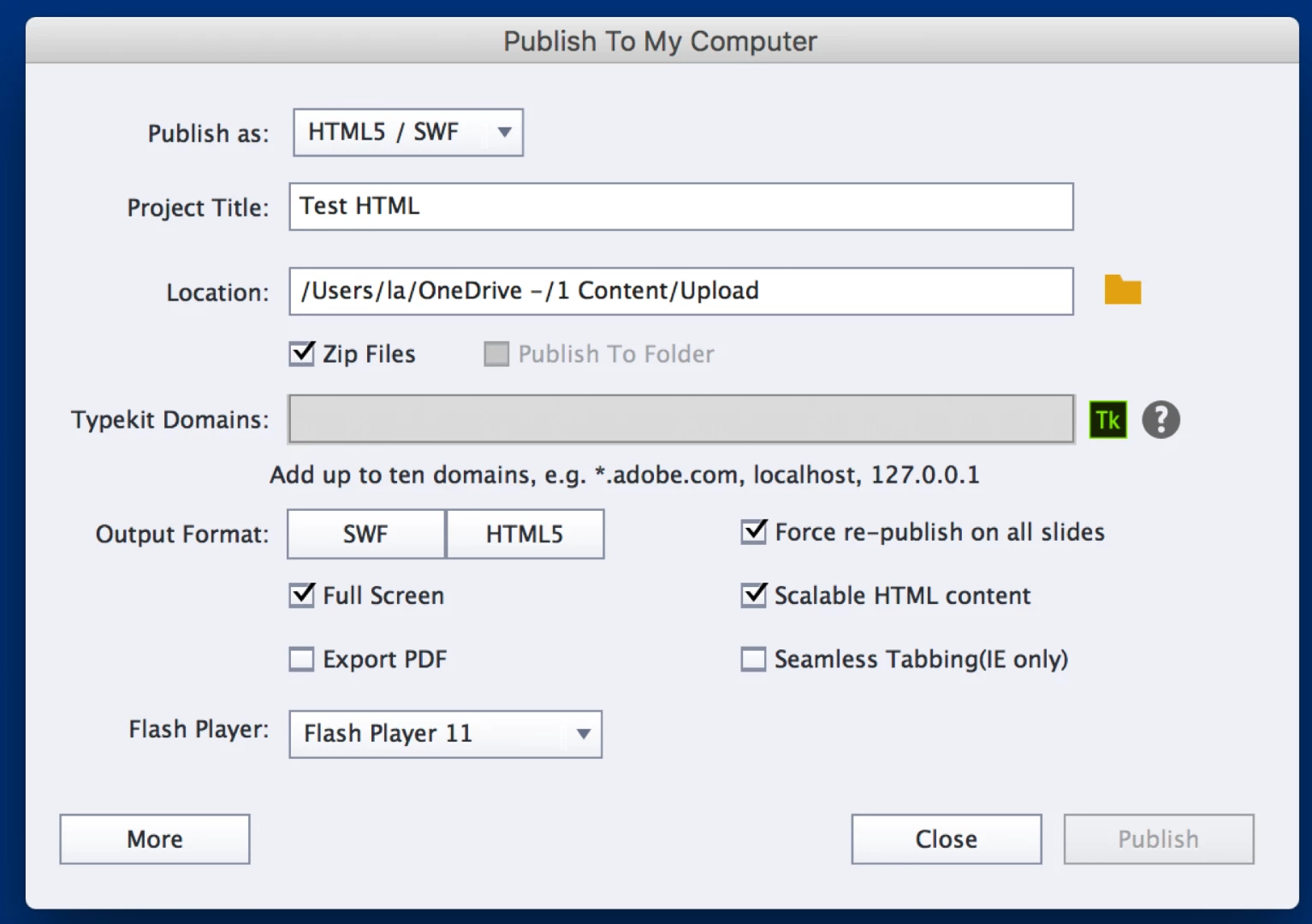
The "Not secure" message is making our IT department nervous. 
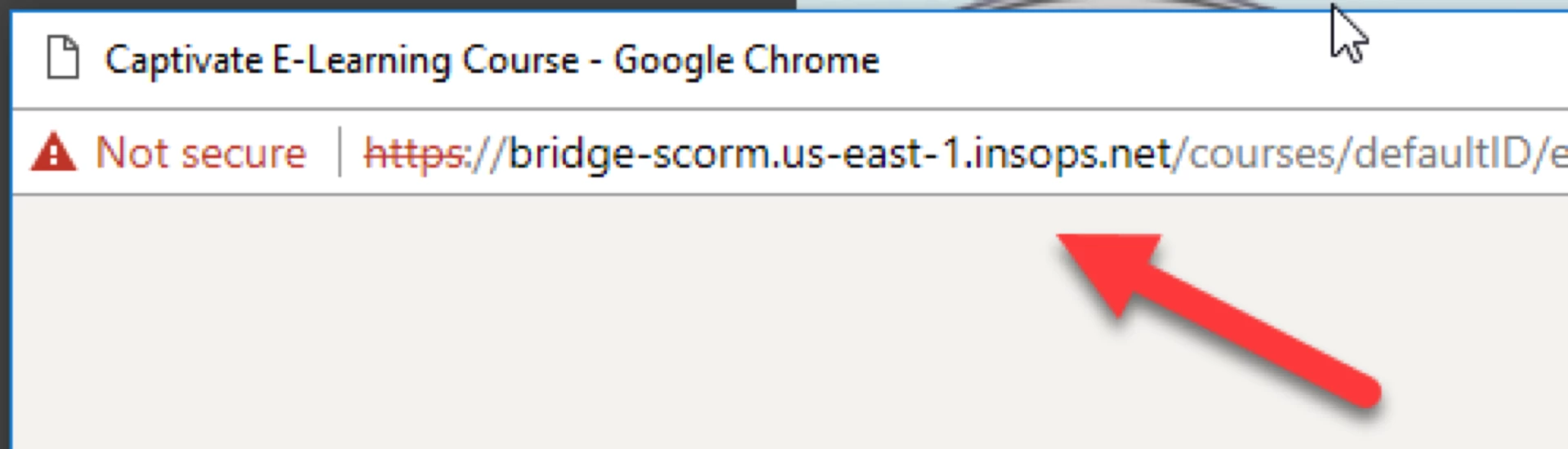
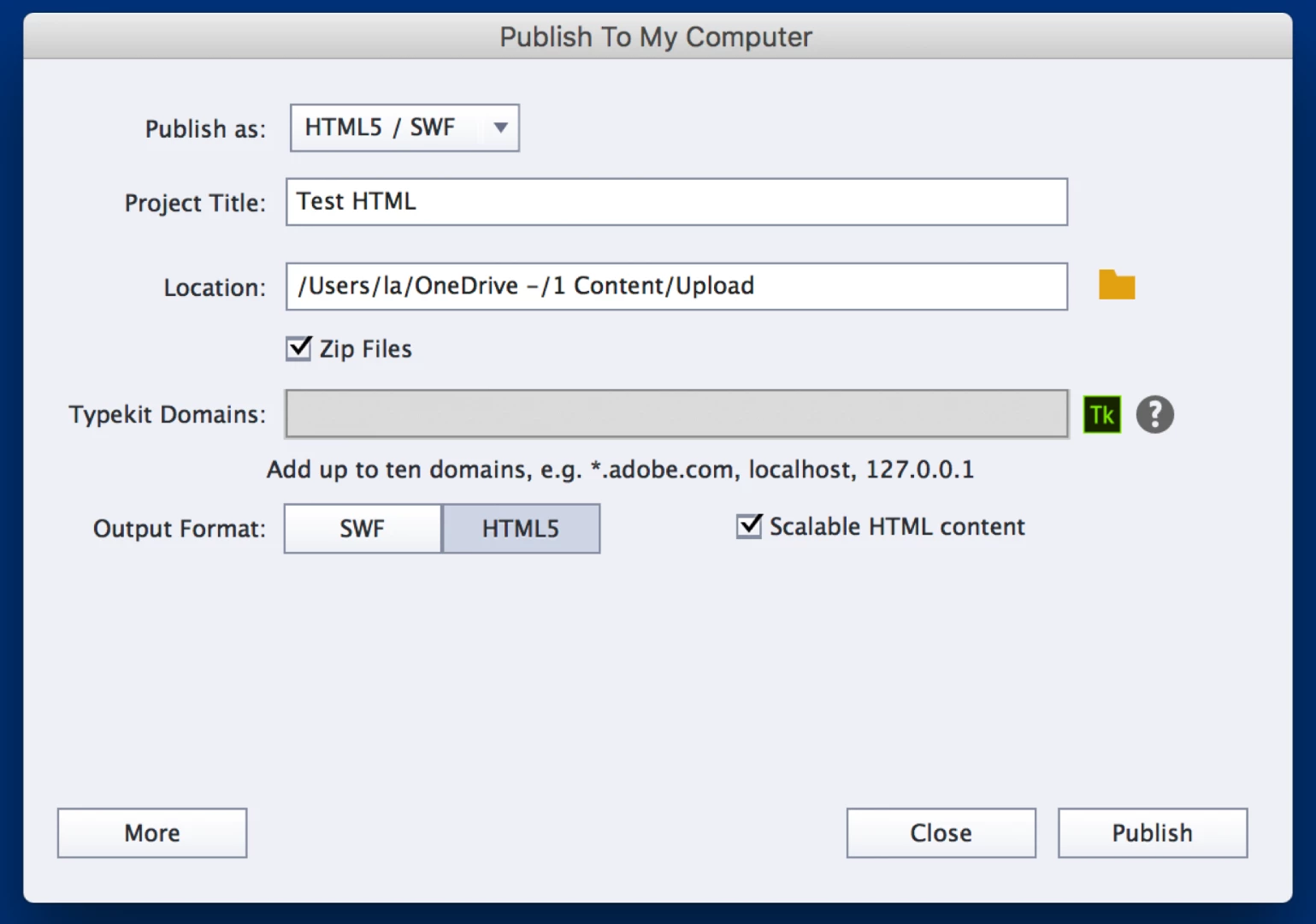
However, when I choose HTML5, nothing comes up when the course is launched. It just keeps buffering, and nothing ever happens.

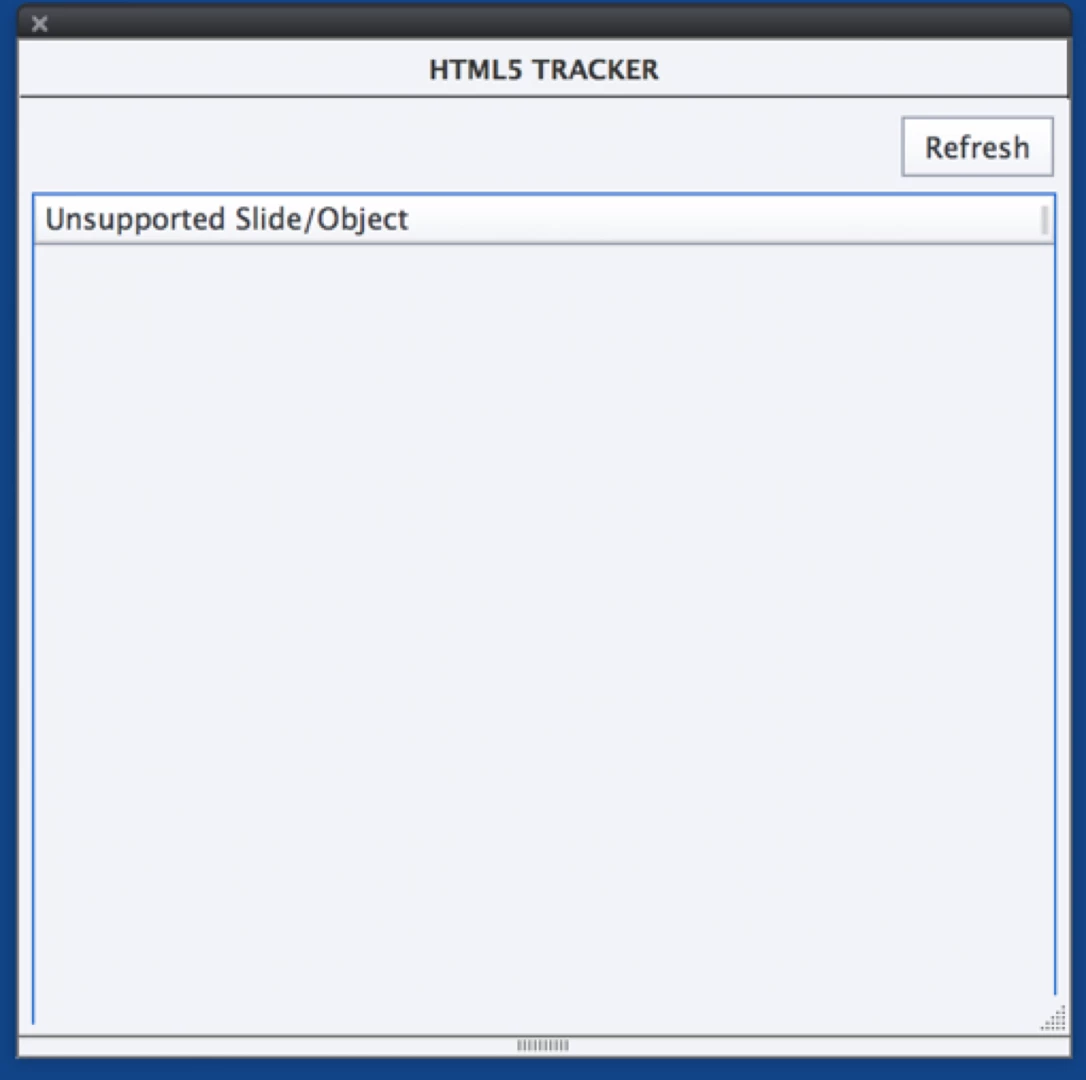
The HTML5 tracker doesn’t show any unsupported slides/objects.
Any idea of what I’m doing wrong?

Thank you in advance for your help!

Lucy

This topic has been closed for replies.
Correct answer RodWard

If you are NOT publishing to SWF but only to HTML5, then the other suggestion I made would be more relevant.  You need to get your IT people to make sure the LMS web server is set up to allow the JSON mimetype.

3 replies

Participant
November 6, 2019

It might also have to do with how Captivate is pubishing the multiscreen.html file when you publish both SWF and HTML5. I found that the file is not correctly displaying that Chrome should use the HTML5 versions. To fix it, I edited the file like this:


1) publish the file as SWF and HTML5

2) open the zip file and copy the multiscreen.html file to the desktop

3) edit the desktop version to include chrome as HTML5 supported by changing the following line:


Original

var lDevicesUserAgents = ["blackberry","android","iphone","ipad","symbian","smartphone","ios","windows ce","webos"];


Edited

var lDevicesUserAgents = ["blackberry","android","iphone","ipad","symbian","smartphone","ios","windows ce","webos","chrome"];


4) save the file and copy it back into the zip


Chrome should now open the HTML5 version instead of SWF and the plugin blocker will not be an issue.

RodWard
Community Expert
Community Expert
December 3, 2017

The issue with the security warning is most likely because your LMS uses HTTPS and there is at least one or two HTTP links built into the HTML code of the course.  That mismatch will trigger a warning about possible security violations.

The dual publishing outlet uses an initial redirect file called multiscreen.html to work out whether the end user should get the HTM/SWF or HTML5 version of the content.  That redirect methodology will also sometimes trigger security warnings on some systems that see this as a potential security flaw.  (It's a technique sometimes used by web hackers.)

If the HTML5 content just shows a spinner, you may not have your LMS web server set up to allow the JSON mimetype.  You need to get this sorted out with your LMS administrator and your IT people.

Known Participant
December 3, 2017

Hi Rod,

Starting with your first point of the mismatch, how would I go about finding if the course has HTTP links and changing that to HTTPS?

Or should I just move on to your last point?

Thanks,

Lucy

RodWard
Community Expert
Community Expert
December 4, 2017

In SWF content there is always an HTTP link to the Adobe website page where you can download and install the latest Flash Player plugin.

In non-LMS output, this link was found in the HTM page that Captviate publishes with the SWF. That file is found here:

C:\Program Files\Adobe\Adobe Captivate 2017 x64\Templates\Publish

However, if you are publishing to SCORM output,  that link now appears in one of the JS files that gets published with Captivate called SCORM_utilties.js  And that file is found here:

C:\Program Files\Adobe\Adobe Captivate 2017 x64\Templates\Publish\LMS\Standard\SCORM\Default\js

Lilybiri
Legend
December 3, 2017

Since one of the versions of 9 there are issues when publishiing at the same time to SWF and HTML5 as you do, and use the mutliscreen.hrml file to launch the course. I have just accepted that situation, didn't see any improvement in 2017 and publish separately to HTML5 and to SWF (last becoming less and less used since the EOL of Flash player and browsers starting to not include Flash player by default).