Puuha_RTF
Participant
April 20, 2015
Question

Everything gets out of place after publishing...

  • April 20, 2015
  • 1 reply
  • 268 views

Hi!

I have an issue with captivate 8

Someone else has made my e-learning material that I am publishing...

When I try to publish to a SWF-file everything gets all screwed and items are missing. The same captivate project published from an other computer works.

Does anyone have an idea what could be wrong in my computer (Lenovo ThinkPad, win7 64)

this is how it looks like:
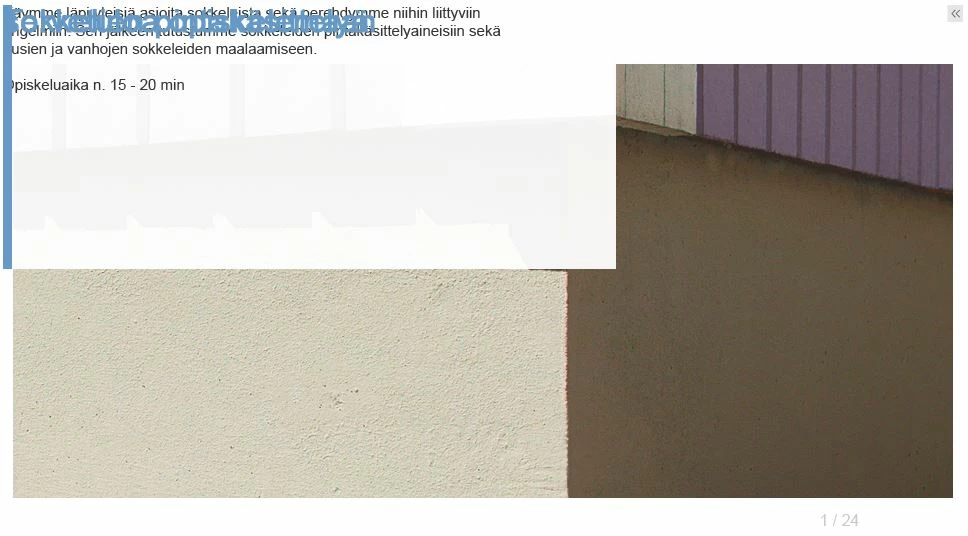
    This topic has been closed for replies.

    1 reply

    HimanshuSatija
    Adobe Employee
    Adobe Employee
    April 20, 2015

    Hello,

    Welcome to Adobe Forums !

    Could you please check the exact version of Adobe Captivate you are using (Go to Help > About Adobe Captivate) ?

    Also check the output in other browsers as well like Google chrome.

    Make sure you are checking the output with .htm file and not the .swf output.

    If you have created a zip folder please unzip the content before playing the project.

    Please test if preview works fine or not.

    Regards

    Himanshu

    Puuha_RTF
    Puuha_RTFAuthor
    Participant
    April 20, 2015

    Hi,

    Captivate version 8.0.1.242 (just updated to this, no effect)

    The same happens in every browser.

    Result is the same with straight from the swf and .htm

    At first the preview works just fine and after publishing the same problem occures in the preview.

    On my co-workers computer this problem does not exist. There has to be something wrong with my pc I assume.

    At the moment I'm installing a new version of Java, if that would have any impact

    -petri-

    HimanshuSatija
    Adobe Employee
    Adobe Employee
    April 20, 2015

    Hello Petri,

    Yes you may try that, also check if you have updated version of Adobe Flash or not https://get.adobe.com/flashplayer 

    You may try resetting the preferences for Adobe Captivate 8 ,

    • Save your Project.
    • Close Captivate
    • Windows 7: C:\Users\[user name]\AppData (hidden folder)\Local\Adobe\Adobe Captivate 8.0 folder
    • Mac:  /Users/[user name]/Library/Preferences/Adobe Captivate 8.0 folder
    • Rename the Captivate 8.0 folder to anything.
    • Launch Captivate and test your project.

    Regards

    Himanshu