
Question
Exit Button Not Working as Expected
I have added an exit button to the end of a Captivate course created via a PowerPoint integration. I used the shape option and checked the Use as Button check box.
I set timing as:
- Display for Rest of Slide
- Changed Appear After to 0 secs
- Unchecked Pause After
Timeline changes:
- SmartShape button set to 1 second so the user can click the Exit button immediately
- Slide set for 5 seconds
I have tested this in IE11 and Chrome and find that each time I get to the last slide and click the Exit button, there is a pause and I have to click the button 1- 2 more times before the course closes. I need to course to close on the first click if possible.
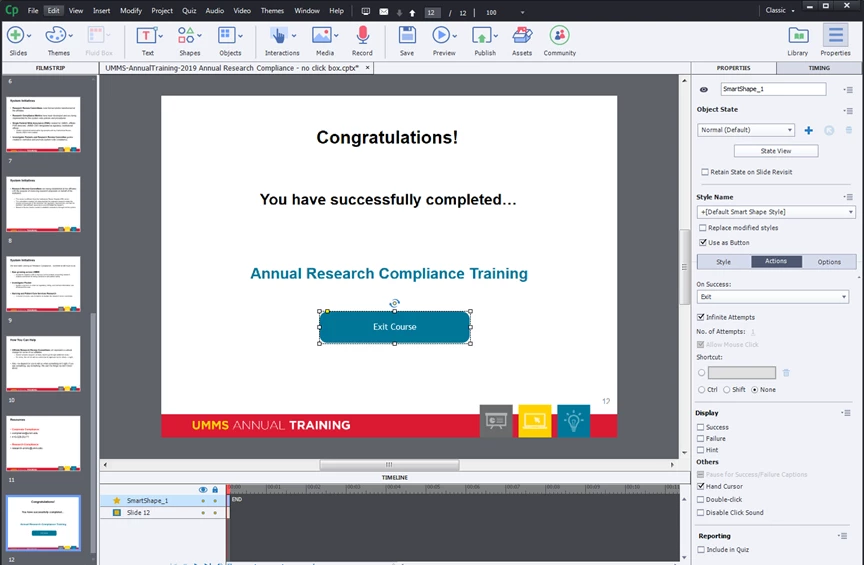
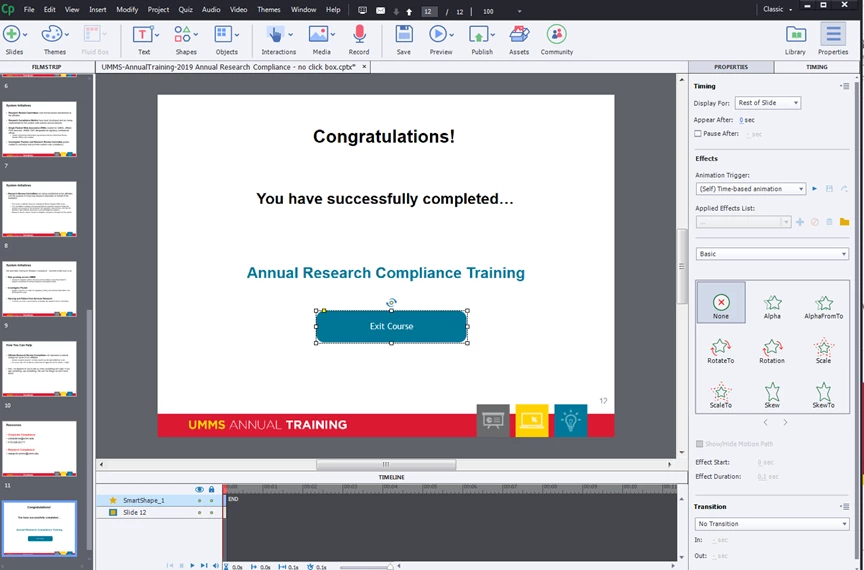

First click, nothing happens. Approximately 10 seconds later, click again and course closes. Any thoughts on what I may be doing incorrectly.


 AdChoices