
Question
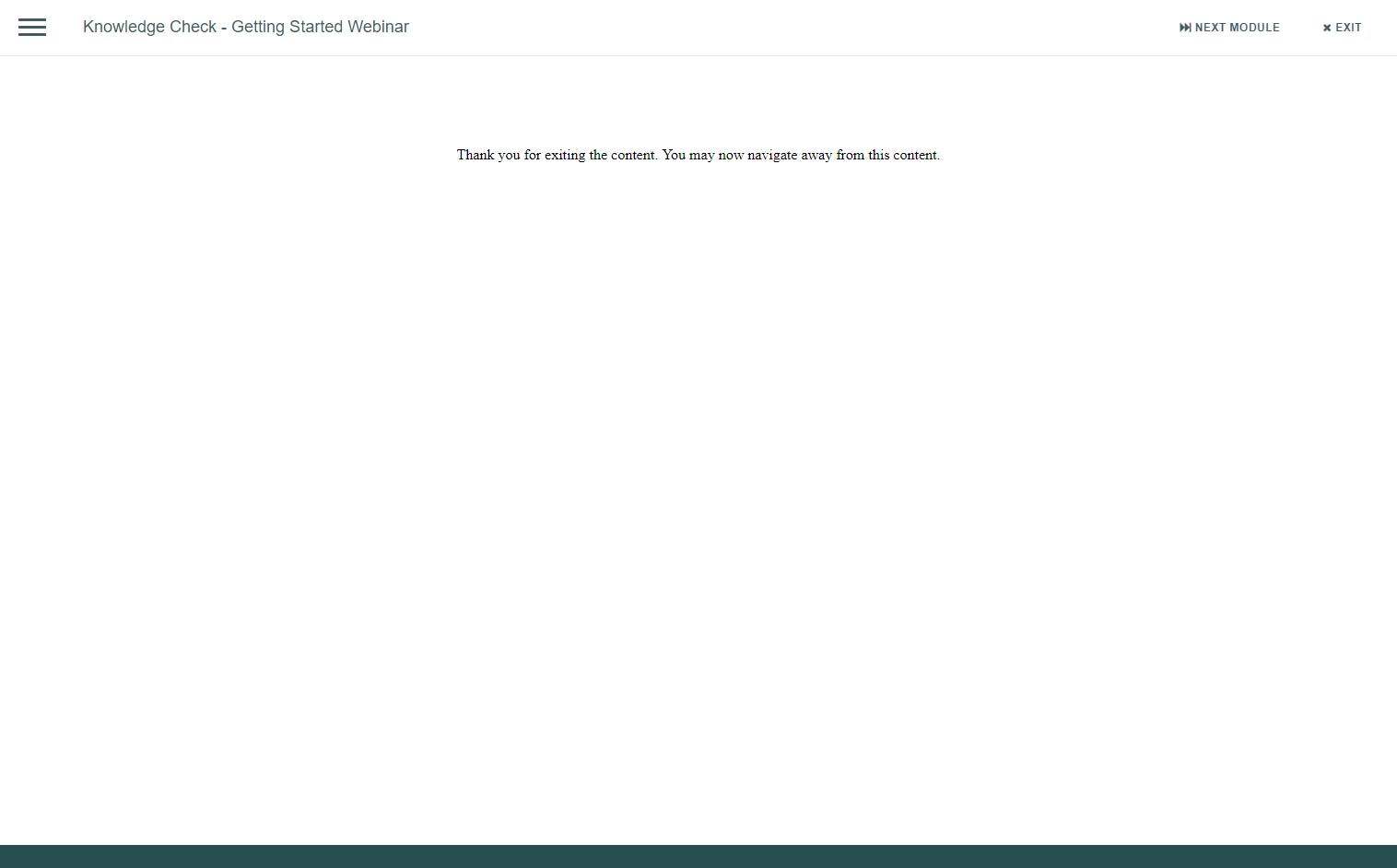
Exit Button produces "Thank you for exiting the content..."
I created a smart shape and set it as a button w/ actions to "exit" the module. My module is exported as a SCORM file. Well, upon clicking the 'exit' button in a live environment, it produces this page (image below). How can I set it so that the exit button actually just closes the module and not produce this window? If there's no way around it, how can I edit this text?
 AdChoices