May 8, 2014
Answered

Exit button to close LMS course

  • May 8, 2014
  • 3 replies
  • 4431 views

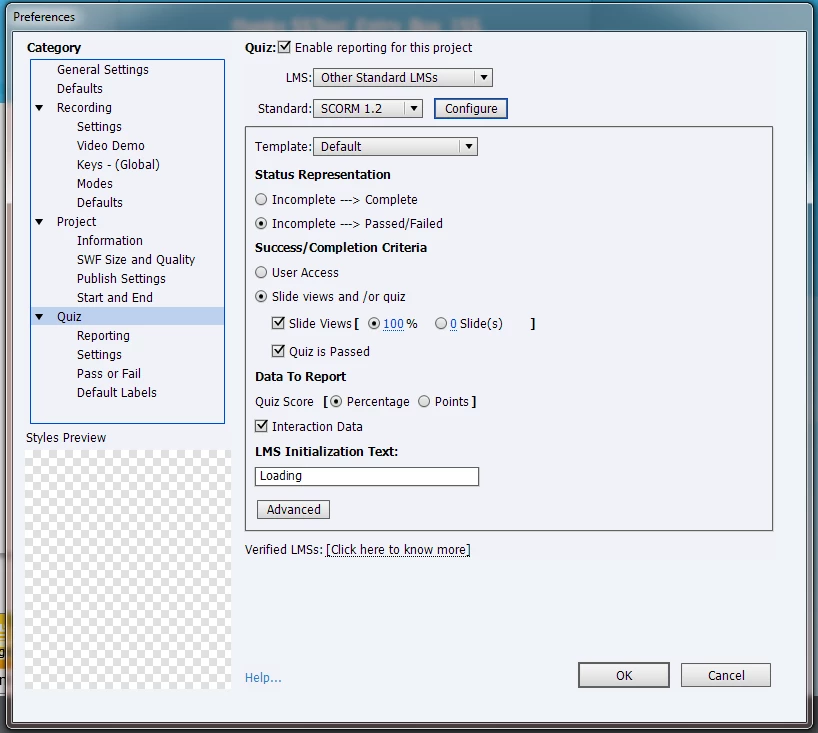
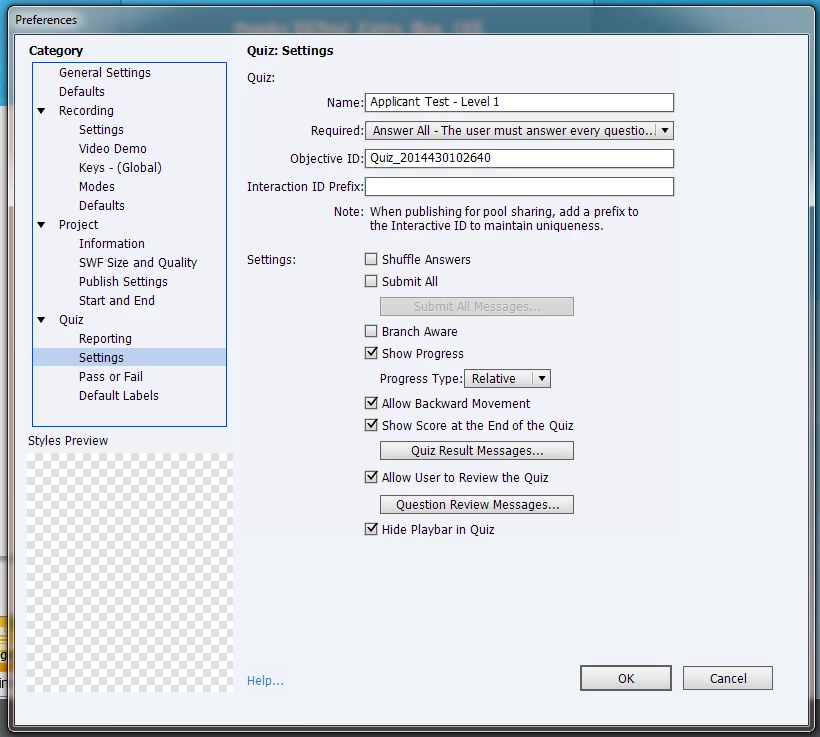
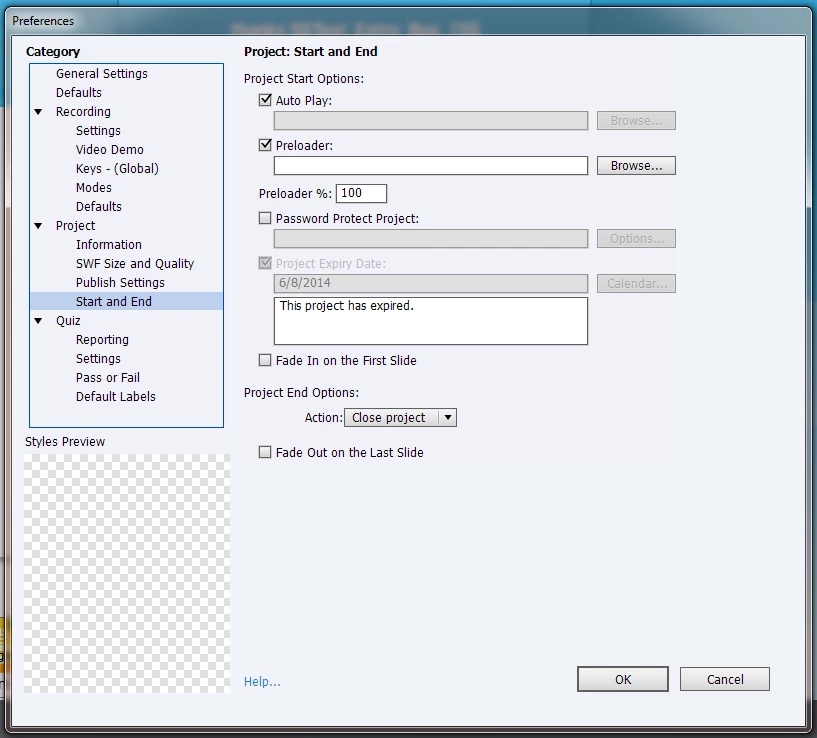
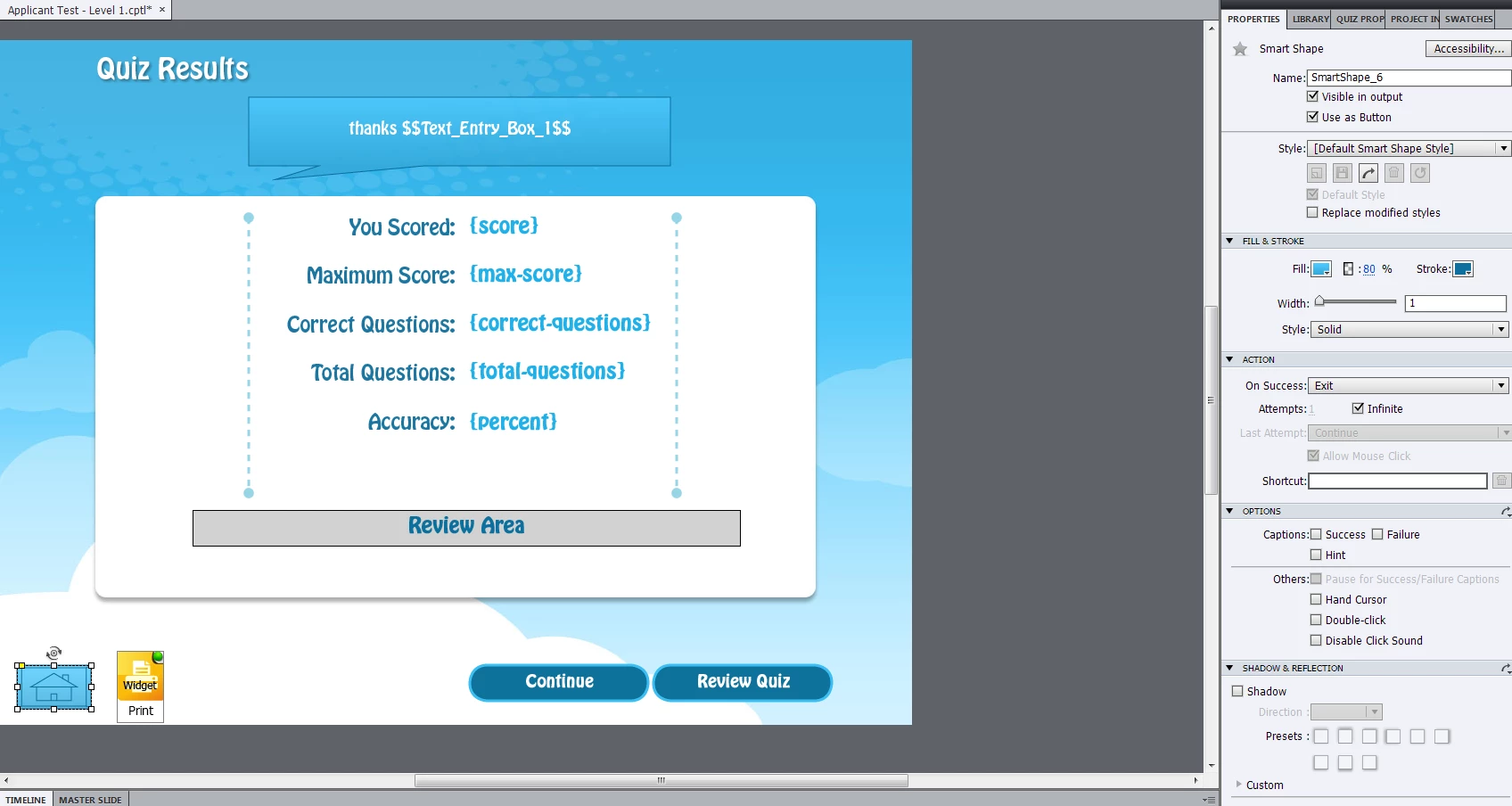
Hello, I am working on a SCORM 1.2 course in Captivate 7 in which I want the course to close upon completion of the course.  Currently, I have 2 different button on the quiz results slide (which happens to be the last slide).  One button is a continue button and the other button is and exit button.  I published and uploaded the course to the LMS i'm using but neither button closes the course when clicked.  In publish setting I have tried this setting: Project => Start and End => Project End Options: => Action: = Close Project  This did not work.

I am still pretty new to Captivate and i'm sure this is pretty east to figure out but it's got me stumped.  Does anyone know how to make a SCROM course exit back to the main LMS tree once the user completes a course?  Any help would be greatly appreciated.      

Publish Settings
Last Slide
This topic has been closed for replies.
Correct answer TLCMediaDesign

This may be the one that works:

SCORM_CallLMSFinish();

3 replies

Erik Lord
Inspiring
May 9, 2014

Not so much dependent on the browser but moreso on the LMS.

See here:

ICS Learning Group: Captivate 7, Exit Bug and a Solution

And noted in this forum reply:

Captivate 7 - The Exit Bug and a Solution

I also agree with Rod that there should always be some sort of conclusion/good-bye slide after the Quiz Results slide to help ensure everything is scored properly.

HTH
Erik

bobelmore
Inspiring
May 8, 2014

I believe this is dependent on the browser.

TLCMediaDesign
Inspiring
May 8, 2014

I haven't actually tested this, and some of how a course returns to the LMS menu depends on the LMS, but you could call this JavaScript attached to a button:


SCORM_Finish(‘EXIT_TYPE_ FINISH’, false);

May 8, 2014

I'm pretty sure you're on the right track on this one.  The script you provided does not work, but I have contacted the LMS provider and requested the correct exit script.  I will update once I am able to solve this issue with the LMS provider.

RodWard
Community Expert
Community Expert
May 9, 2014

Just a suggestion...it's ALWAYS best practice to have a slide AFTER the Quiz Results slide and to do any close actions from that slide rather than on the Quiz Results.