

Question
Fade Out Issues
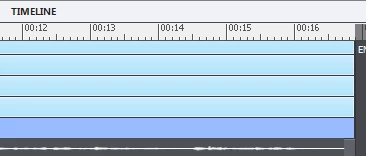 I am having fading out issues with Adobe Captivate 9. At the end of the slide, if it advances automatically, my icons do not always fade out at the same time. This happens even though they are at the same place on the timeline and have the same fade out time. They appear to fade out correctly when I "preview from this slide", but do not fade out at the same time when I upload my project to Review My E-Learning, or when I review in HTML5.
To fix this, I've been sliding an object to the left on the timeline, then right clicking and selecting "for the rest of the project".
Sometimes this fixes the problem, but most of the time it does not.
Does anyone know what I am doing wrong, and how to fix it?
 AdChoices