


Participant
December 11, 2020
Question

Font: Location and Format

  • December 11, 2020
  • 1 reply
  • 144 views

Hello,


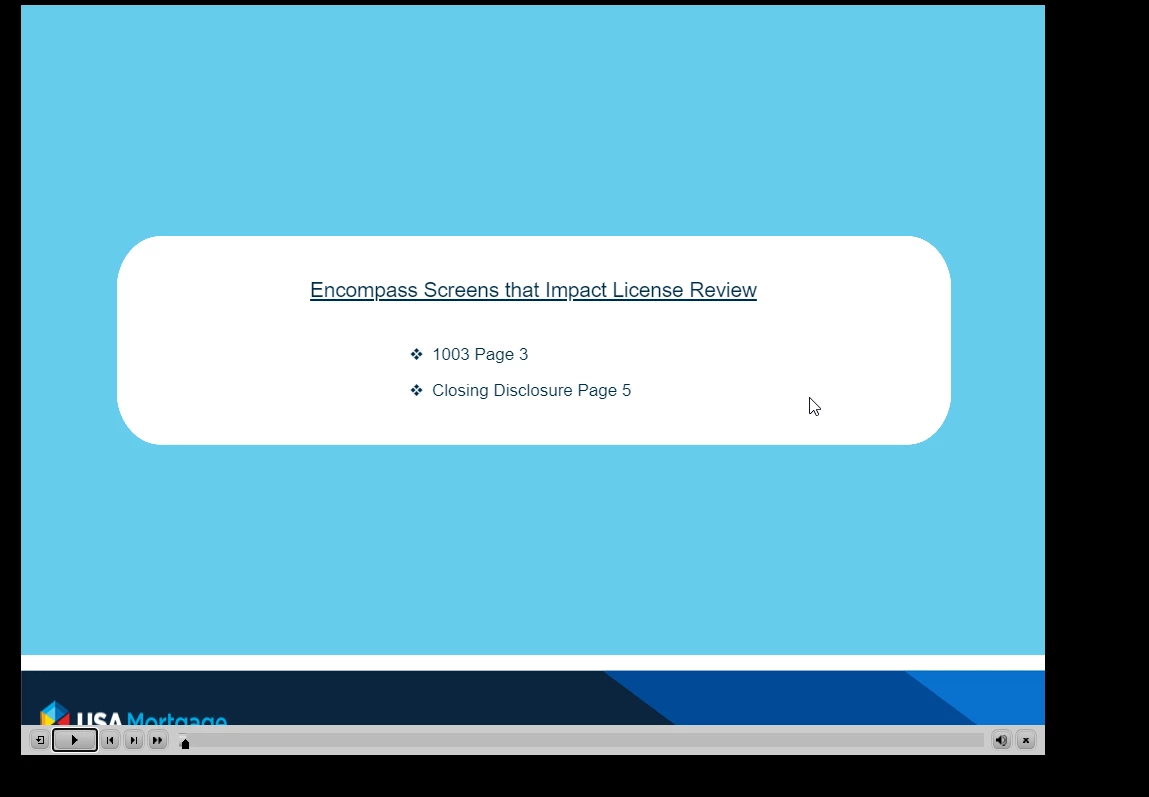
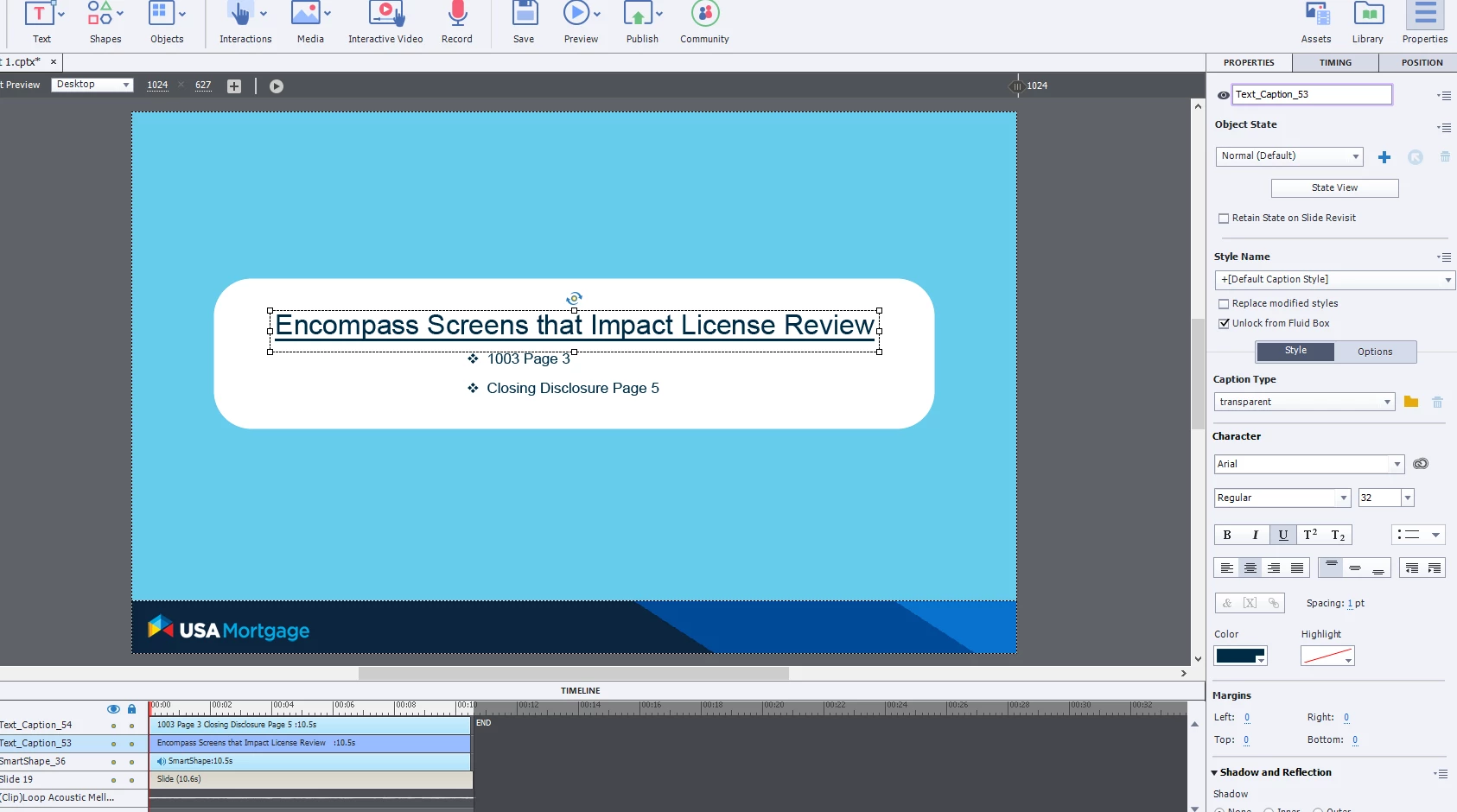
When developing in Captivate I'm utilizing multiple fonts on a slide but when I publish it appears to make all the fonts the same size.  Additionally, on certain slides, my text boxes and smart shapes show up in different places.  I have attached screenshots to provide an example (this is a responsive project and I am using web fonts).
    This topic has been closed for replies.

    1 reply

    Lilybiri
    Legend
    December 11, 2020

    You say it is a responsive project, but I don't see any fluid box on the timeline. Moreover the option 'Unlock from Fluid box' is checked for the selected Text Caption. What does that mean?  If you want a responsive design with Fluid Boxes, you need to set up fluid boxes and have all text containers in a fluid box. Nothing will be fluid on the slide you are showing. Captivate simply doesn't know what to do with your objects. I cannot see if you set up Position Properties, since that panel is not visible.