


Known Participant
November 5, 2020
Question

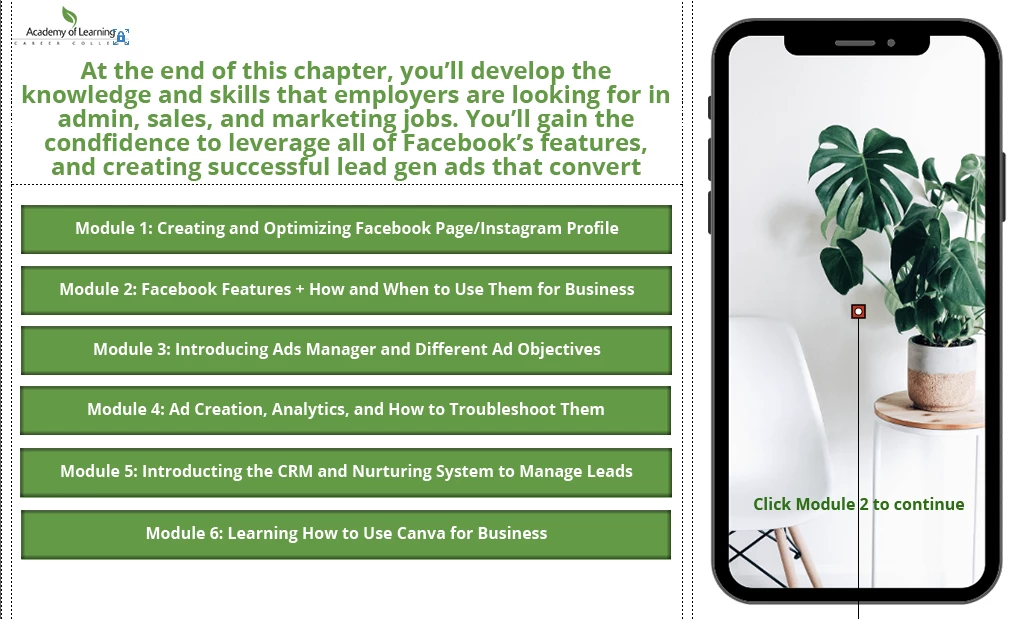
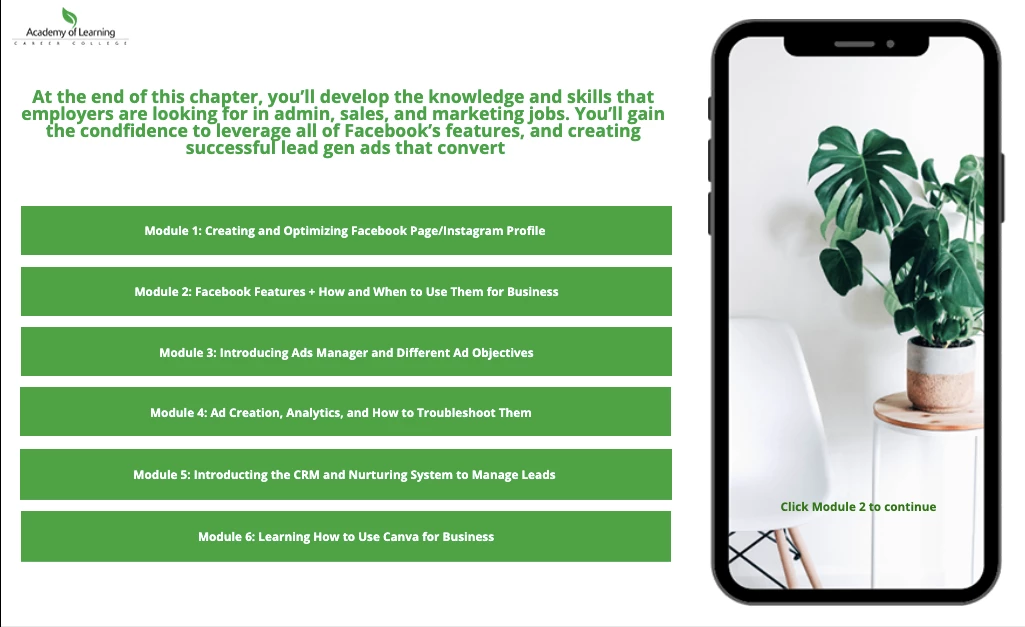
Font size bigger in preview but smaller when I play project

  • November 5, 2020
  • 2 replies
  • 188 views

So when I preview my slide or when I'm working on it, it looks like the top photo (which is the way I want it to look). However, when I play the project, it looks like the second photo, which I DONT want because everything is too small, my shadows disappeared and the shade of green even changed. I don't know what I did to make this change - can anyone help me?
 

    This topic has been closed for replies.

    2 replies

    Lilybiri
    Legend
    November 5, 2020

    Is this a responsive project or a non-responsive project? It looks like a responsive project, but want you to confirm.

    If it is a responsive project, did you use Fluid Boxes?  That means you lose a lot of control over the output. How did you set up the Object styles for the text captions or shapes used as text containers?  Which font did you use?

    Eric Dumas
    Community Expert
    Community Expert
    November 5, 2020

    HI, 

    Can you confirm the version you are using and the browser (s) you have used?