rahulss240
Participant
July 22, 2019
Question

Fonts issue in IE11 when publish from Captivate 2019

  • July 22, 2019
  • 1 reply
  • 558 views

Hi,

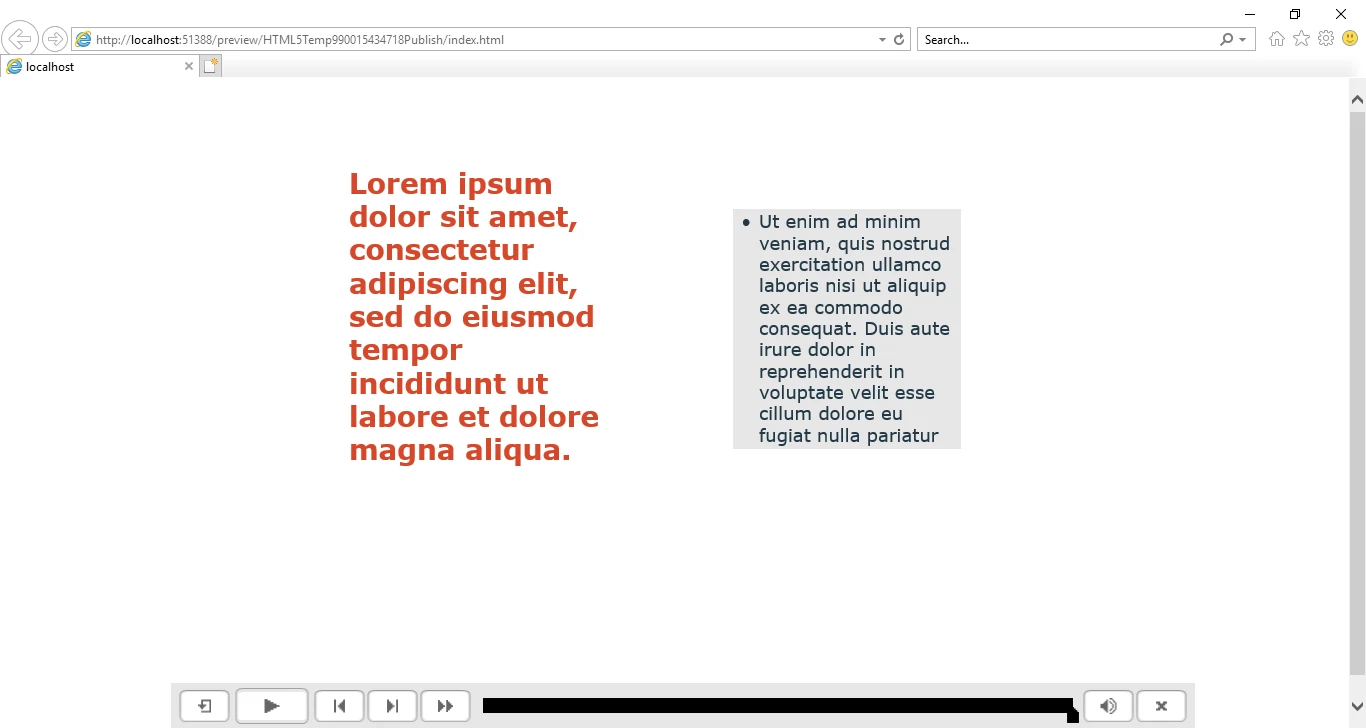
I used Verdana font in my project. When I published the course and run on Google Chrome, all the objects and fonts look same as in the source file. But when I run the same publish in the Internet Explorer, the fonts look different. The bold font looks extra bold and the width of the font extend upto one line. In some places the text box automatically squeeze and create a arrow at the bottom right corner of the text box to show the complete text.

Below is the screenshots for reference

Google Chrome
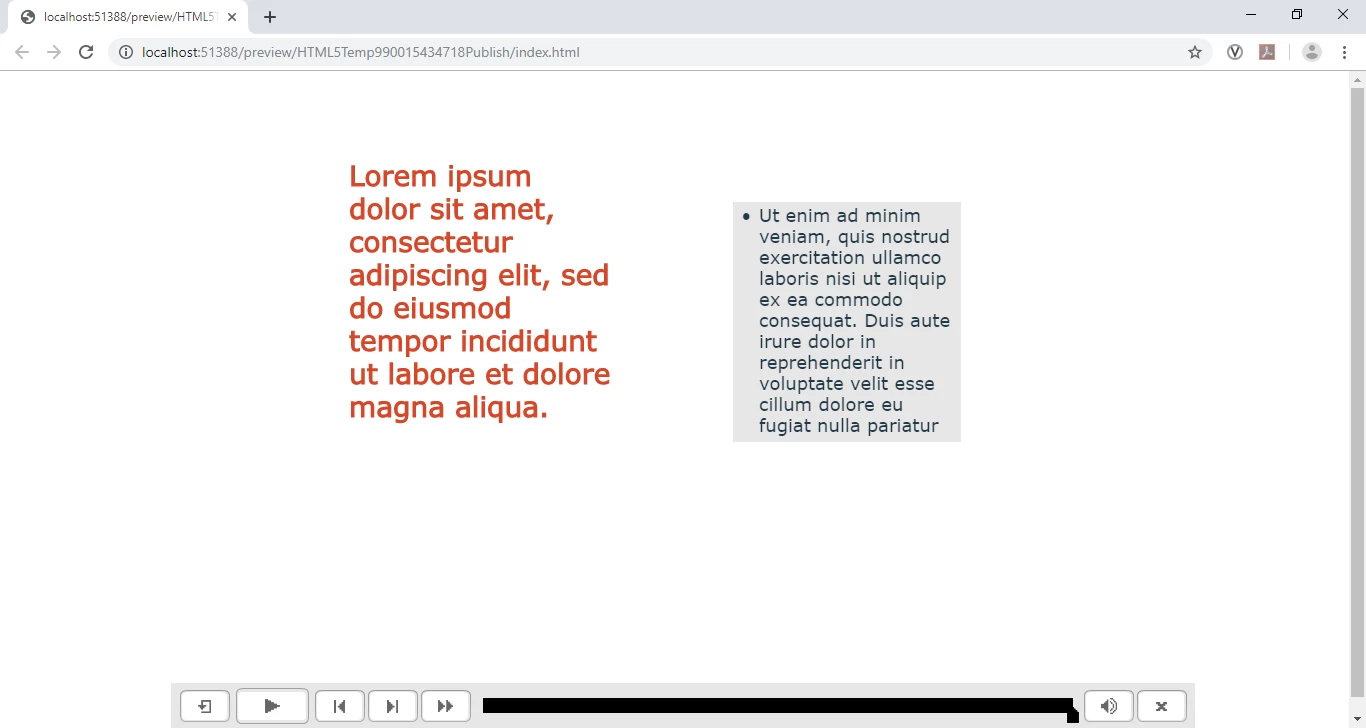
.

Internet Explorer

    This topic has been closed for replies.

    1 reply

    Paul Wilson CTDP
    Community Expert
    Community Expert
    July 23, 2019

    Are these responsive design projects or blank projects (non-responsive)?

    Paul Wilson, CTDP
    rahulss240
    Participant
    July 23, 2019

    Hi Paul,

    These are responsive design project.

    Paul Wilson CTDP
    Community Expert
    Community Expert
    July 27, 2019

    So that means the browser is rendering the actual fonts and you are not seeing an image of the various text objects. The difficulties with various browsers are they all have their own rendering method for content intended to be displayed on the web, including the fonts themselves. IE11 is actually kind of an old browser at this stage. Microsoft still supports it, mostly for companies who require it for older web applications that they wish to continue to support. I'm sure Microsoft would love to get rid of it at this stage but they don't want a revolt from all those Windows Enterprise customers.

    Rather than using what is technically a system font for your eLearning, why not try using an Adobe Font? While Verdana is considered web-safe, because of the nature of different devices, even something as universal as Verdana will look vastly different on different devices anyway. Choosing an Adobe Font still may show some differences from what you see on your computer versus on the web, you can be sure that every person accessing your course will see the same web font from Adobe's server. The only possibility of problems is if users attempt to launch your course but don't have access to the regular web while taking the course.

    Paul Wilson, CTDP