
Formatting problem with PowerPoint-to-Captivate transfer
Hello,
I'm working with Adobe Captivate 2017, and I'm experiencing a recurring problem.
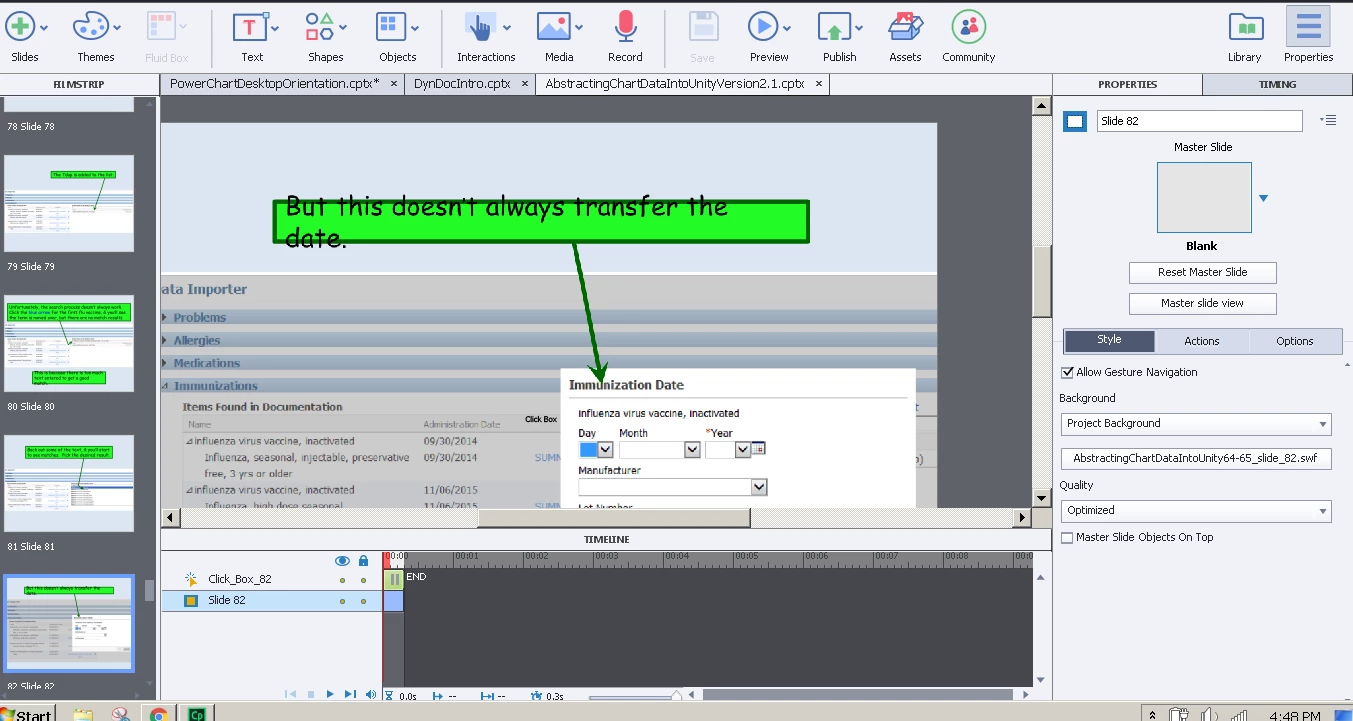
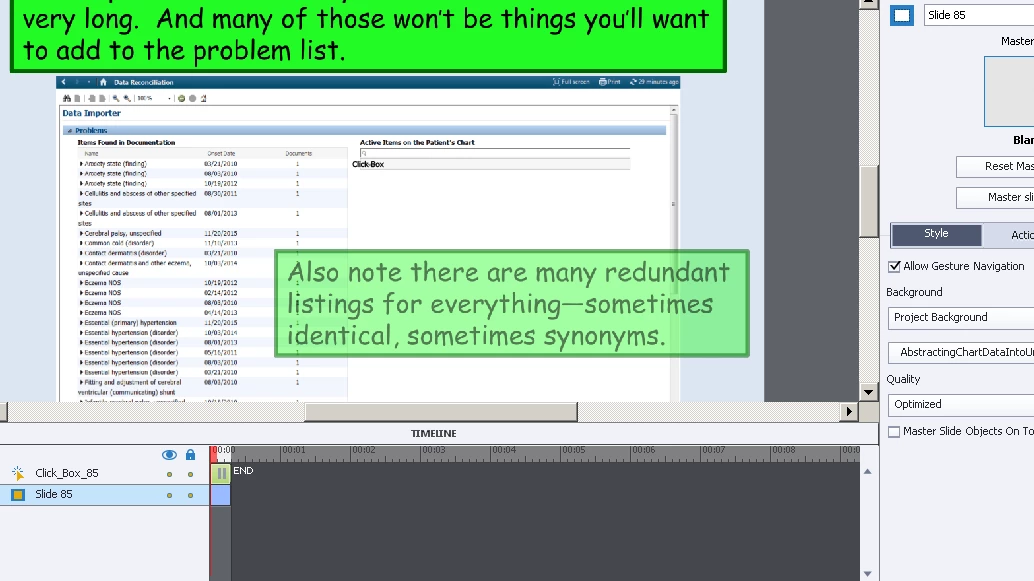
Basically, I'm uploading PowerPoint quizzes to Captivate, and the text boxes in some of the PowerPoints are misaligned with the text they're supposed to contain, while other text boxes are faded out. These do not occur on all slides, only some random ones. They're all formatted to the default size. There does not appear to be direct overlap between the two problems -- they may occur on the same page, but a faded text box won't have misaligned text. The text boxes are all properly aligned on the PowerPoint file -- the problem only occurs after the transfer to captivate. There are no animations on the problematic slides in the PowerPoint file. Is this problem insurmountable?
The problem looks like so:
Any help from the Adobe community will be deeply appreciated.


 AdChoices