Participating Frequently
June 6, 2019
Answered

Full Screen Video?

  • June 6, 2019
  • 1 reply
  • 2385 views

Hi there,

I'm trying to add a video to a slide of a project and I'd like the user to be able to view the video in full screen and then exit back to the slide. Ideally, there would be an option on the video skin to do so, but I'm not seeing that. Does anyone have experience with this and can provide some insight or a fix?

I'm publishing a responsive project as HTML5 and using Adobe Captivate 9.

Thanks!

This topic has been closed for replies.
Correct answer Paul Wilson CTDP

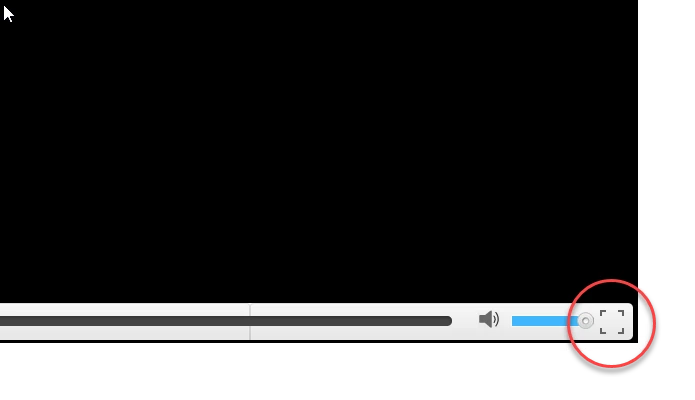
It's been some time since I've used Adobe Captivate 9 but in 2019 release you can use Event Video with one of the skins selected and publish for HTML5. This will have a full-screen option in the bottom right-hand corner of the video.

1 reply

Paul Wilson CTDP
Community Expert
Paul Wilson CTDPCommunity ExpertCorrect answer
Community Expert
June 12, 2019

It's been some time since I've used Adobe Captivate 9 but in 2019 release you can use Event Video with one of the skins selected and publish for HTML5. This will have a full-screen option in the bottom right-hand corner of the video.

Paul Wilson, CTDP
kirux
Participant
October 26, 2019

Actualy this button has no effect in Safari (macOS)! May be you know how to fix that?

Participant
January 15, 2020

i have the same issue - is there some text to be added to the embed code for the iframe?