
Question
Full Youtube video screen not visible
Hi,
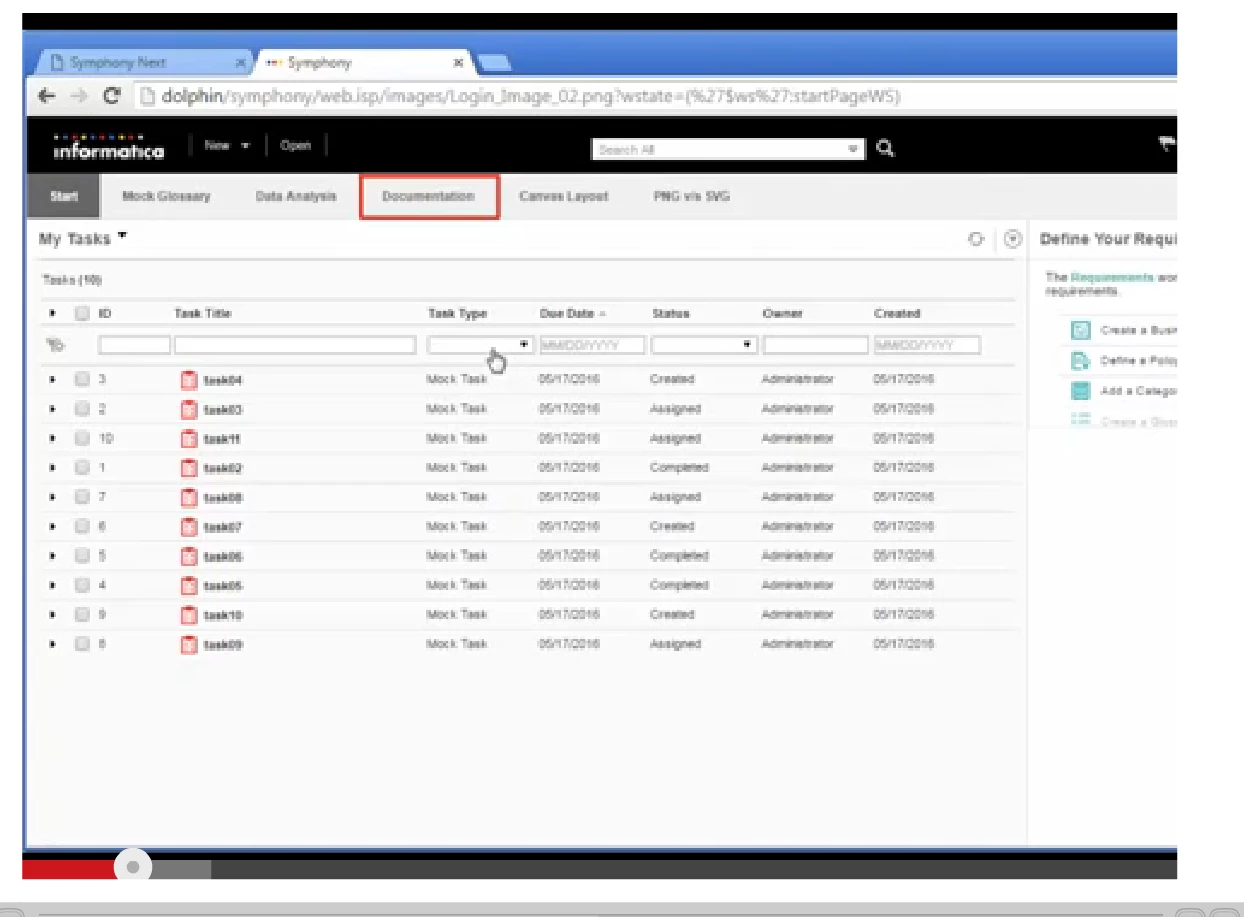
I am using Captivate 9 to design my e-learning courses. I am stuck with a problem of embedding youtube link in the youtube learning interaction screen. When I publish and play, full video screen isn't playing, only the left side 3/4 screen is screen.
This means that the actions/texts on the right side of the video isn't visible. Also, I am not able to change the settings option of the video (selecting HD quality), and hence the quality of video is poor and blur.
Attached are the screenshots for your reference.
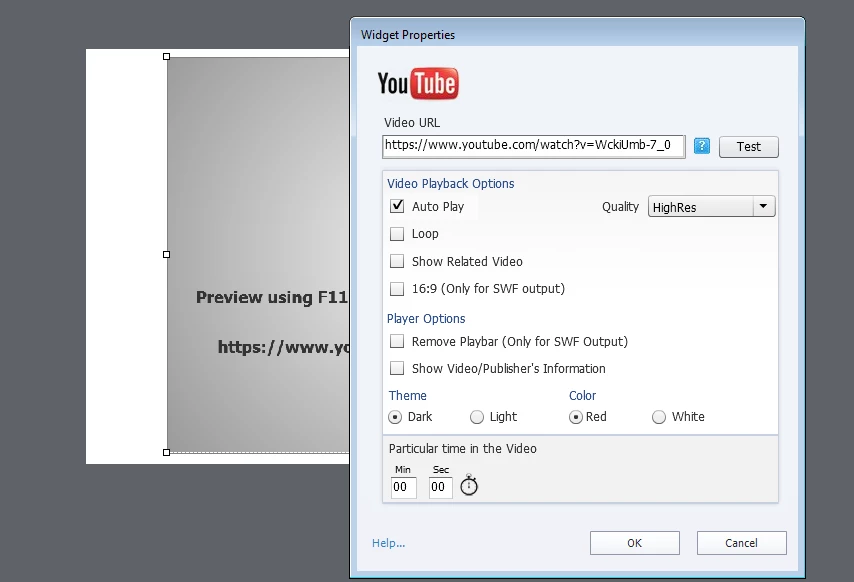
Settings:
This is how the video appears when played:
This is how it appears in youtube:
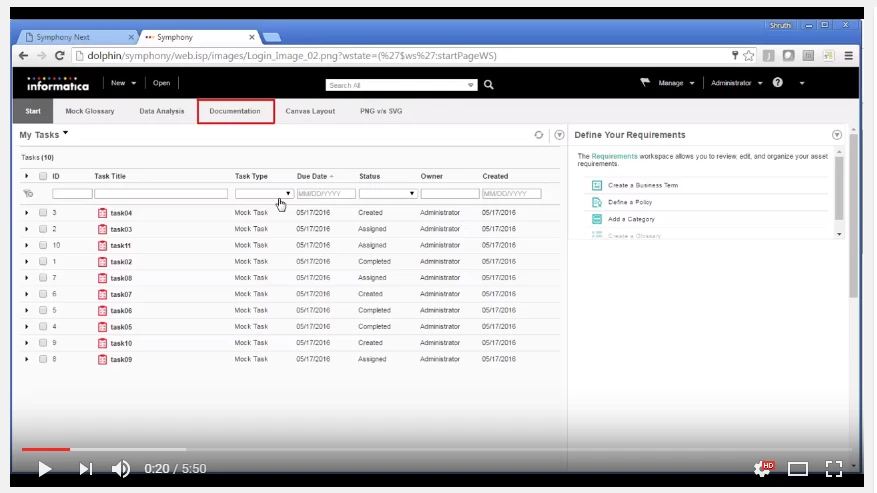
As you can see, video isn't playing full screen, and there's no playbar.
Please help me resolve this issue.
Thanks
Shruthi
 AdChoices