

ChadLuke
Participant
September 18, 2019
Answered

Getting a "Location is not available" error when accessing network folder

  • September 18, 2019
  • 2 replies
  • 3383 views

Hello Captivate friends!


I could use a little help with this one.  I'm on a network at my job and I'm trying to bring an image into my Captivate project.  I have a new laptop with a new install of Captivate and I'm getting the following error when I try to insert an image from a network folder:
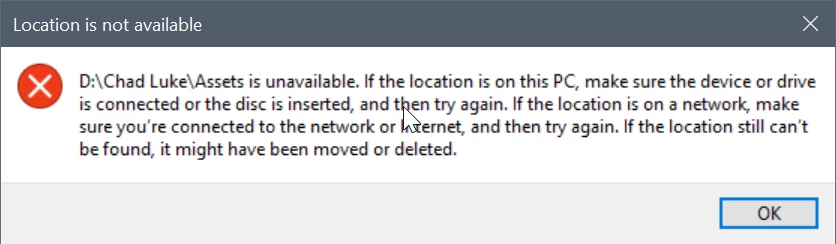
My drives are mapped and I can access the folders through other Adobe programs.  Any help is grately appreciated.

    This topic has been closed for replies.
    Correct answer ChadLuke

    I just worked with my IT guy and he figured it out that the pathing was wrong with my network drives for some reason.  We re-mapped my network drives and now I'm no longer getting the error.  Strange, I know but, I hope this helps someone else running into this issue in the future.  Cheers!

    2 replies

    ChadLuke
    ChadLukeAuthorCorrect answer
    Participant
    September 19, 2019

    I just worked with my IT guy and he figured it out that the pathing was wrong with my network drives for some reason.  We re-mapped my network drives and now I'm no longer getting the error.  Strange, I know but, I hope this helps someone else running into this issue in the future.  Cheers!

    Lilybiri
    Legend
    September 19, 2019

    I was referring to the Captivate files and cache files, not to media libraries.

    Anyway thanks for reporting the solution which solved your problem.

    ChadLuke
    ChadLukeAuthor
    Participant
    September 19, 2019
    Of course. What my IT guys and I discovered today works for all files that are in network folders. At least in our system it does. Obviously, I can't speak for anyone else's systems but, if all else fails, work with your IT people.
    Lilybiri
    Legend
    September 19, 2019

    Can only tell that Captivate doesn't like to have the cptx-files nor the cache files stored on networked or external drives. Is it not possible to transfer the files to your system (documents may be mapped to networked drive) and transfer them back to the network when finished?

    ChadLuke
    ChadLukeAuthor
    Participant
    September 19, 2019
    Thanks for the response. That's not really an option for me. I'm pulling from a library of assets. I can't copy the assets folder over and then back again.