


Participant
May 6, 2022
Question

Getting Images with cp.imagesJSONCache

  • May 6, 2022
  • 1 reply
  • 283 views


I’m in the process of making a widget for captivate. I have been having issues with images not being accessible with my javascript, sometimes. The issue that I have been able to track down that a line of code seems to only retrieve 4 of the img json files that captivate generators.


I am getting the json files with the images with: ‘window.parent.cp.imagesJSONCache

The result I get when I console.log is
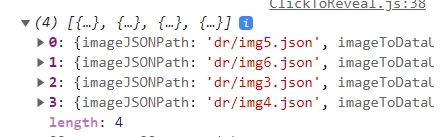


Looking through this object, the image that I need does not exist in these json files that were retrieved.
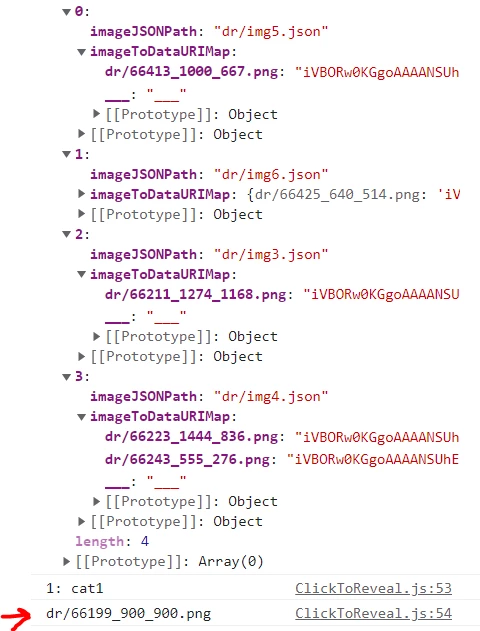


I can use ‘window.parent.cp.imageToJSONPathMap’  to pull information of which json file the image lives in. In my screenshots I need the img2.json which isn’t loaded with the JSONCache.  
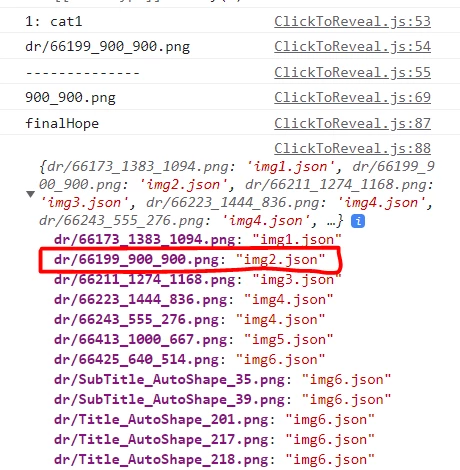


I don’t know if there is a way to get in ALL the json files or grab the one I need with javascript  if it doesn't load. Or if there should be another route I should be taking to get these images?


    This topic has been closed for replies.

    1 reply

    Known Participant
    August 16, 2024

    Not 100% production ready or tested, but the basics work


                            const imageObj = cp.model.data[ feedbackData.lb + 'c' ];
                            const imgPath = imageObj?.imgf?.img?.ip;
                            if( imgPath ){
                                const jsonPath = cp.imageToJSONPathMap[ imgPath ];
                                const file = 'dr/'+ jsonPath;
                                // Extract the part of the string containing the index
                                const startIndex = file.indexOf("img") + 3;
                                const endIndex = file.indexOf(".json");
                                const indexStr = file.substring(startIndex, endIndex);
                                // Convert the extracted string to a number
                                const index = parseInt(indexStr, 10);
                                var script = dlcCreate({type:'script',  classes: '', attrs:{}, parent: dlc.headEl});
                                script.type = 'text/javascript';
                                script.src = file;
                                
                                script.onload = function() {
                                  console.log('loaded');
                                  const base64Image = cp[ 'imagesJSONCache00' + index ][ imgPath ];
                                    const img = new Image();
                                    // Set the src attribute to the Base64 string
                                    img.src = "data:image/png;base64," + base64Image;
                                    dlc.html.appendChild(img);
                                };