
Ghost image appears in background of slides
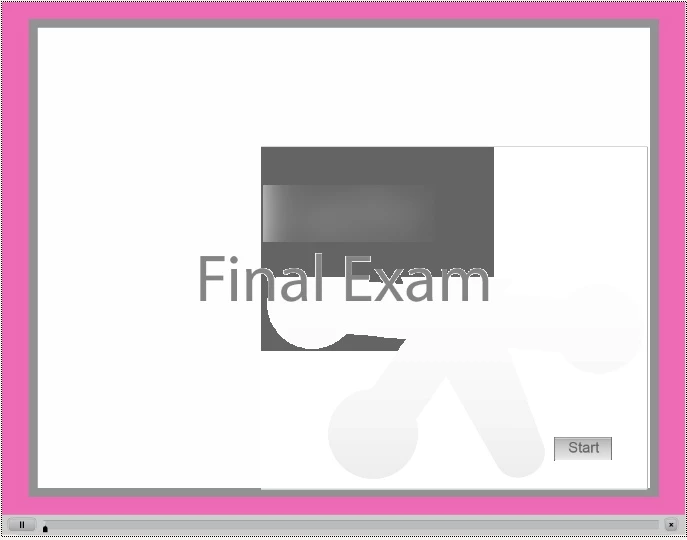
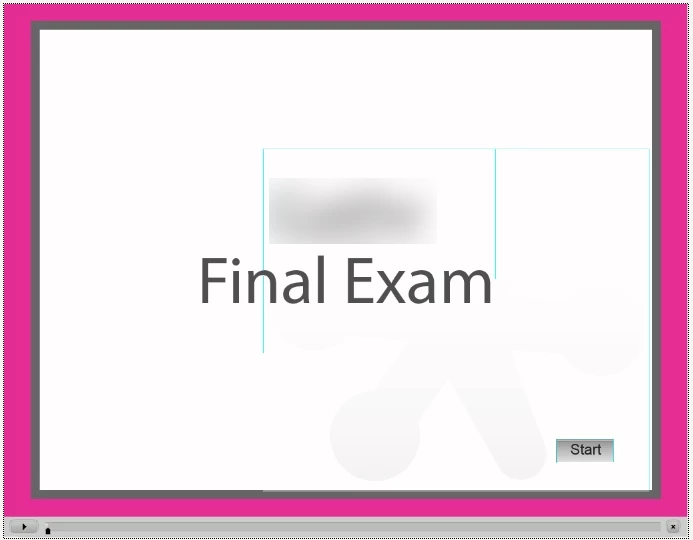
When I publish an exam using Captivate 6 on the MAC, the first and last slides have a "ghost" image of an item that i deleted earlier from the project. These two slides are the only regular slide in the project, with the rest being Quiz slides.
I have tried inserting new slides and recreating them, but keep getting the same thing. There are no objects on the timeline, nor are these images visible on the slide until it is previewed or published.
This also happened another time when i was duplicating slides in a project and then altering them. Any deleted items appeared as "Ghost" images when published.
Below are screen shots. THe only things that should be visible on the slide are the border, the Start button, the product name (blurred out) and the words "Final Exam." When played, you first see the grey/black box in the first image and then that fades to the green lines in the second image.


 AdChoices