
Inspiring
January 22, 2016
Question

Glossary widget issue

  • January 22, 2016
  • 1 reply
  • 482 views

Hello all,

it´s me again...

I created a responsive project and everything was working as planned.

I had a glossary on one slide and it worked just fine.

But now the widget preview thumbnail in the slideview is invisible.

I can click it and edit/add terms and even play/view it in a preview.

I tried refreshing the widget in the properties inspector but that doesn´t change anything.

I still can´t see the image just the frame.

But once I publish it, the glossary doesn´t work anymore.

It just loads forever and then gives me an empty page. (With this stand-in)
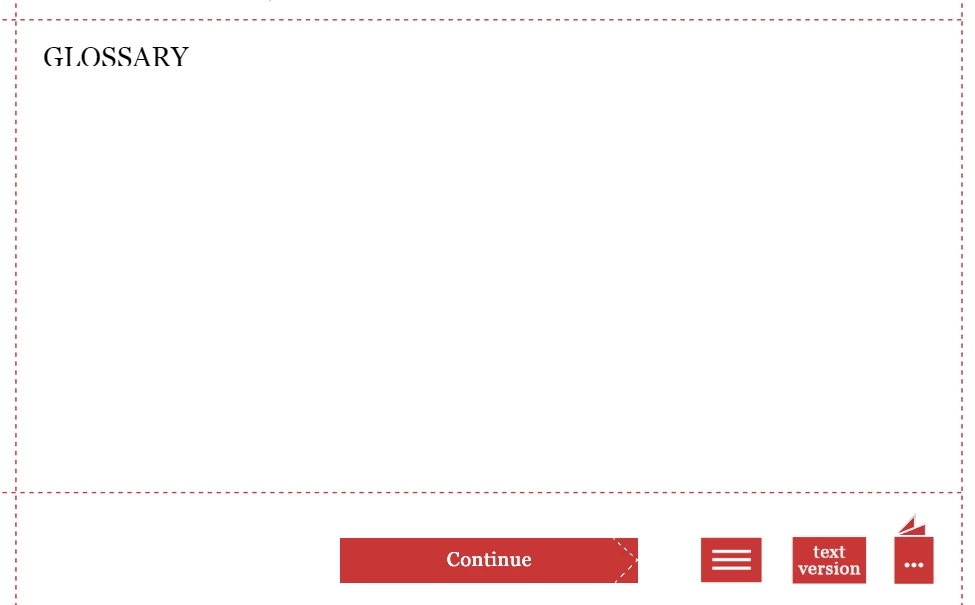
What could be the reason?

It works in the preview.

Thanks for any idea as I need the glossary.

Where is the data that is shown stored by the way?
I don´t want to reenter all the content.

    This topic has been closed for replies.

    1 reply

    RodWard
    Community Expert
    Community Expert
    January 23, 2016

    If you are publishing to HTML5 for this, I recommend you upload your published content to a web server and test from there.

    Inspiring
    January 23, 2016

    Thank you.

    But the image not even showing up in the filmstrip view must have a reason, doesn´t it?

    So you think that by uploading it to a server the project might access the glossary content more easily?

    I will try that.

    But on the other hand I just created and brand new project and just inserted a new glossary widget on page 1.

    Still it works in preview but not after publishing it. It still loads forever and then comes up empty.

    Is the widget broken?

    Inspiring
    January 23, 2016

    I might have to correct myself.

    Apparently it works in Firefox after publishing but not in Chrome even though it did before.

    Now I am puzzled...