

bobelmore
Inspiring
May 23, 2017
Answered

Glow and Blur in HTML5

  • May 23, 2017
  • 4 replies
  • 557 views

I like the effect of using glow and blur in Captivate, but it does not work when publishing to HTML 5.
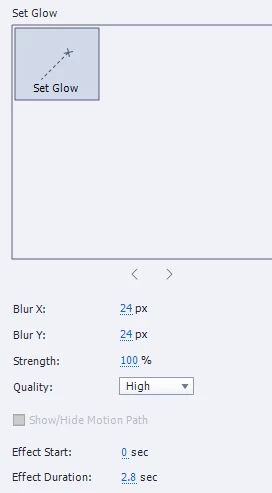
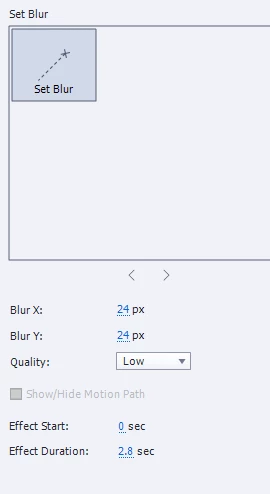
 

Has anyone found a similar or other effective highlighting technique for HTML 5 delivery?

I was hoping the new version of Captivate would have something, but I don't see anything new.

I know there are SWF to HTML5 converters, but that does not seem like a reasonable option.

Thanks.

    This topic has been closed for replies.
    Correct answer Lilybiri

    No new effects in Captivate 2017, and those two effects were already not compatible with HTML5 output in CP9.

    4 replies

    Participant
    June 11, 2020

    Our company is desperately looking for this feature as well. In fact we are looking at alternatives to fit our needs, because at this time it inefficient to take images outside of Adobe Captivate, blur, paste and reposition back inside.

    We would love a feature that would enable us to blur our portions of the screen - images, text, etc. and for it to properly export into HTML5 with these settings in place.


    Thanks and i'm hoping someone has a solution or Adobe will spend a short amount of time enabling this "Filter" / "Widget".

    bobelmore
    bobelmoreAuthor
    Inspiring
    May 1, 2020

    I am following up on this.  It is very dissapointing that one of the nicest effects I used with Flash is not available.  Does anyone know a way to do this?

    bobelmore
    bobelmoreAuthor
    Inspiring
    May 24, 2017

    Thanks Lieve, that's my understanding too.  I am wondering if anyone has found a way to do something similar in HTML5. 

    I am disappointed that Adobe has not offered similar effects for HTML5 output.

    Lilybiri
    LilybiriCorrect answer
    Legend
    May 23, 2017

    No new effects in Captivate 2017, and those two effects were already not compatible with HTML5 output in CP9.