Participant
March 28, 2011
Question

Help - Captivate 4 preview/publish problem....
  • March 28, 2011
  • 2 replies
  • 801 views

HI

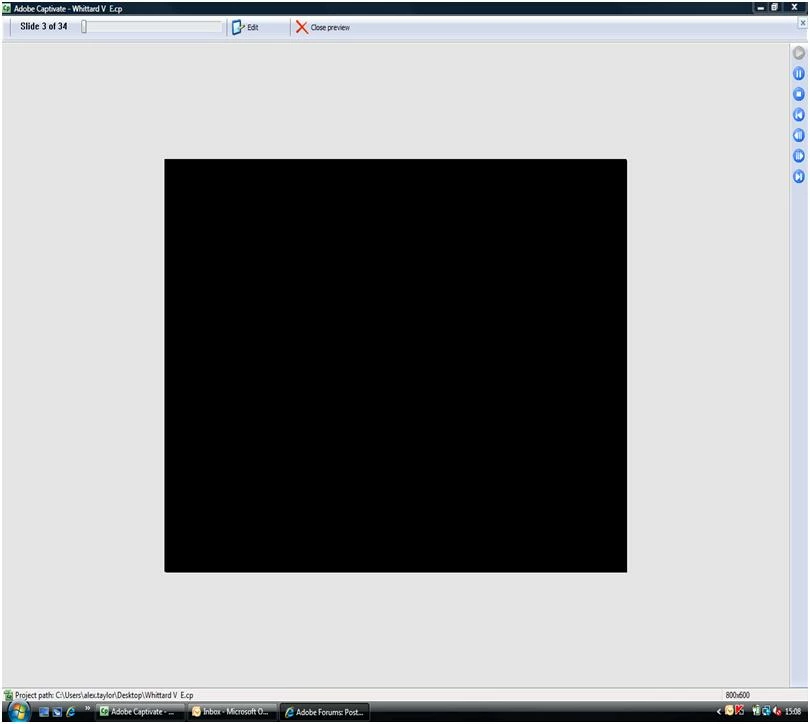
I am having trouble with a project that I am working on in Captivate 4. The problem occurrs when I attempt to preview my project, all I get is a black screen, I have attempted to preview from other points in  the project but still get this black screen.

I also published the project and the problem is still there, albeit, no black screen this time just a blank screen - when I right click it says movie not loaded.

I have compared the project settings with other projects that do open up and work fine and cannot find any differences! Most irritating!

Does anyone have any possible solutions at all?? Any help greatly appreciated.

Thanks,

Alex

Attached screen shot of issue:

    This topic has been closed for replies.

    2 replies

    Participant
    March 28, 2011

    I did a test project of 3 slides - created a template and then added some info - I copied and pasted objects/text etc from the existing project that I am having problems with. Interestingly I dont get the black screen when I preview/publish but I do get some interference on the slide from a jpeg used on Slide 1. For info I've screen shot slide 2 before and after preview to show issue. It feels like I am going to have remove captivate and re-installbut really dont want to have to do that!

    Anyone come across this before?

    Thanks in advance,

    Alex

    Captiv8r
    Legend
    March 28, 2011
    Participant
    March 28, 2011

    Hi Rick,

    Unfortunately no, the behaviour of captivate is weird!

    I thought it may be because I saved the file on the network, so re saved onto my c drive and it previewed the first 3 pages when i tried a 5 page preview - then went back to slide 1 and a black screen, the next time I previewed I just got the black screen...I dont think it is a flash issue as other projects with same properties work fine....

    I'm going to start off a new project do a couple of slides and see what happens...

    Thanks,

    Alex