Known Participant
May 5, 2011
Answered

Help with Advanced Action - Hide caption not working

  • May 5, 2011
  • 1 reply
  • 762 views

Hello All,

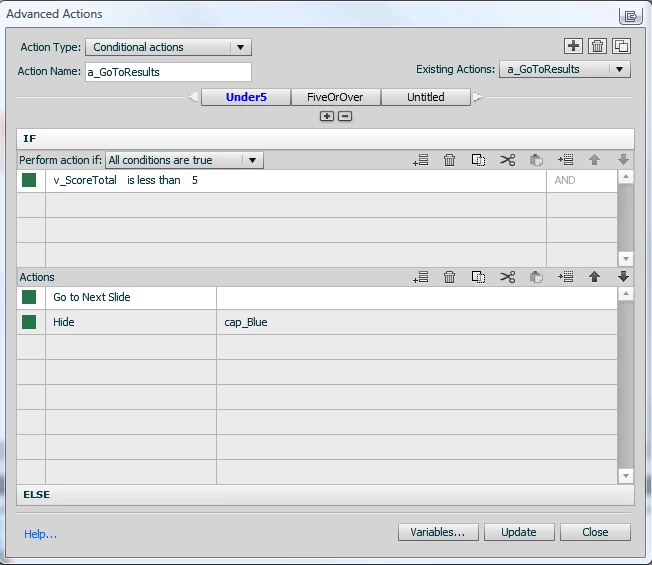
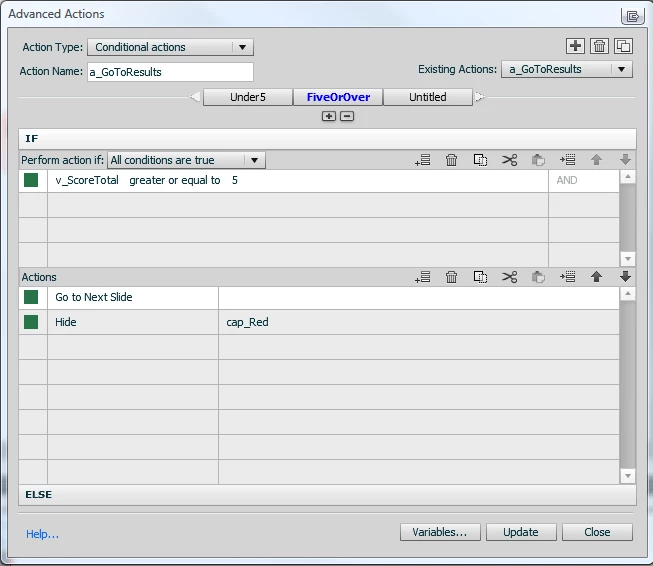
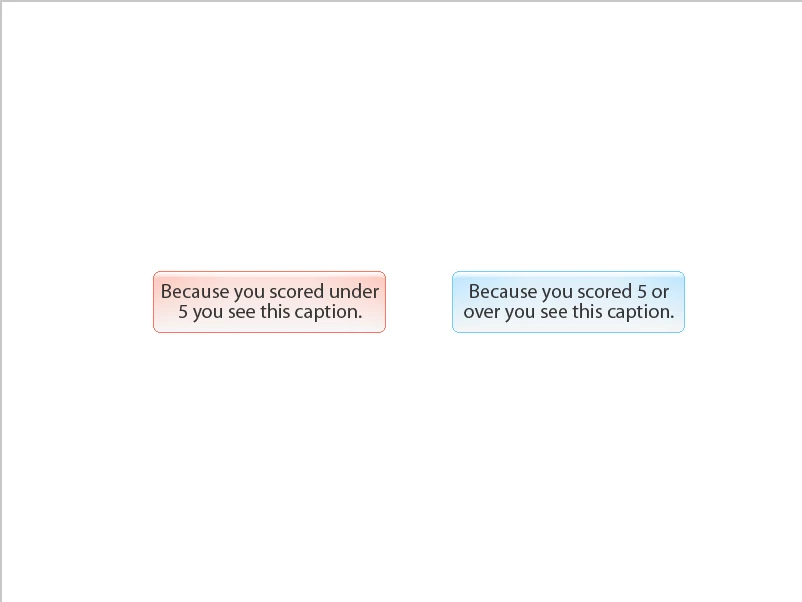
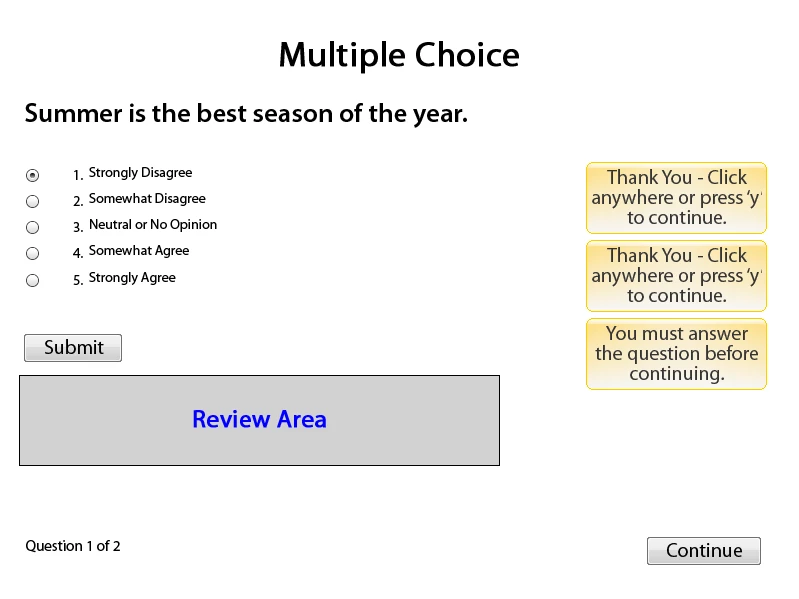
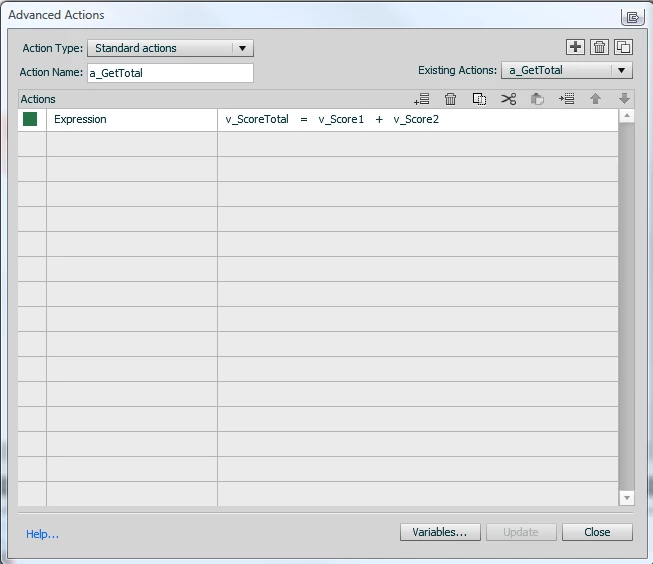
I'm relatively new to using Captivate advanced actions (now using Cap5). I have a solid background in Actionscript so programming concepts are not new to me. However, this relatively simple process has got me stumped. Here is what I have going on. Using variables and advanced actions, I'm using MCQ answers as a likert scale question. I'm doing this so I can send the user to a particular slide based on the culmination of a pretest score and post test score. So, in my test MCQ slide I have 5 answers and set each one to assign a number to a variable when chosen. ie. Click 1 Strongly Agree assigns v_Score1 to 1, Click 2 Somewhat Agree assigns 2 to v_Score1, etc. I then have an expression that adds two slides responses (v_totalScore = v_Score1 + v_Score2). On the next slide I show what v_Score1, v_Score2, and v_totalScore are in captions. Then I have an action on a button that fires off another action called a_goToResults. a_goToResults is an advanced action with two conditions. The first says if v_totalScore is less than 5 go to next slide and hide the blue caption (cap_Blue). The other condition says if v_totalScore is 5 or higher go to next slide and hide the red caption (cap_Red). Everything works except for the Hide part. I've named the captions and chosen them from the dropdown so I'm sure there's not typos. I can't seem to get Captivate to hide the caption however. Does anyone have any advice or know of another way to do what I'm trying to do? Thanks in advance.

Craig.
    This topic has been closed for replies.
    Correct answer Lilybiri

    Hello,

    On which slides are those captions? I suspect that they are on another slide than the slide where the advanced action is executed???

    You cannot show/hide an object with an advanced action unless it is on the same slide where the action resides. I once blogged about hiding/showing objects. Perhaps it could help you:

    Playing Hide-and-Seek with Captivate objects

    BTW my blog is almost entirely about advanced actions in CP5 and has links to articles that explain more in depth. I'm not a programmer, so perhaps this is superfluous for you.

    Lilybiri

    1 reply

    Lilybiri
    LilybiriCorrect answer
    Legend
    May 5, 2011

    Hello,

    On which slides are those captions? I suspect that they are on another slide than the slide where the advanced action is executed???

    You cannot show/hide an object with an advanced action unless it is on the same slide where the action resides. I once blogged about hiding/showing objects. Perhaps it could help you:

    Playing Hide-and-Seek with Captivate objects

    BTW my blog is almost entirely about advanced actions in CP5 and has links to articles that explain more in depth. I'm not a programmer, so perhaps this is superfluous for you.

    Lilybiri

    Known Participant
    May 5, 2011

    Thank You! That worked perfectly. I'm used to thinking in Flash terms with global variables. I just moved the action to happen on enter where the captions existed.