
meldridg
Participant
March 28, 2017
Question

Hide TOC on first slide

  • March 28, 2017
  • 2 replies
  • 698 views

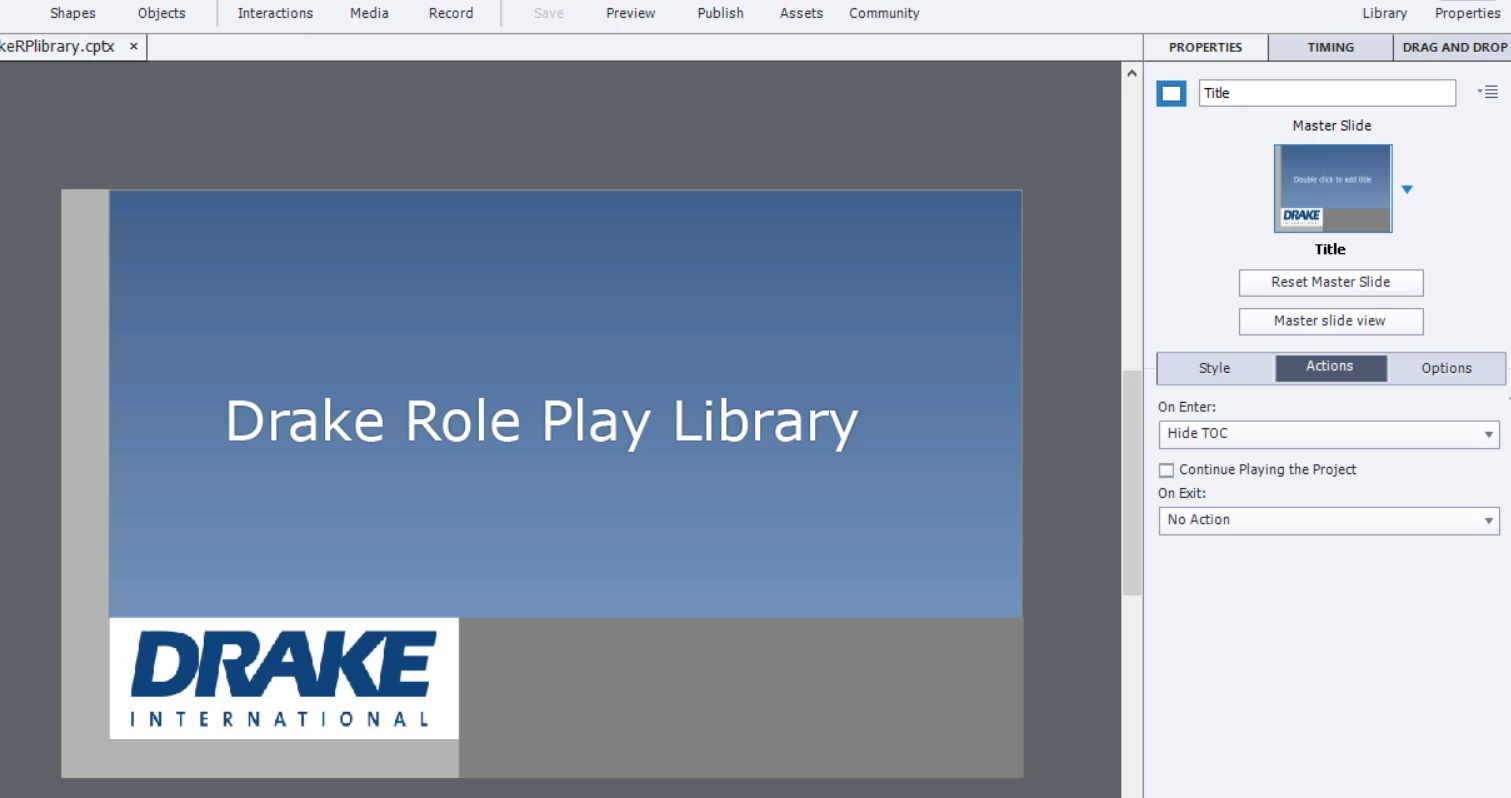
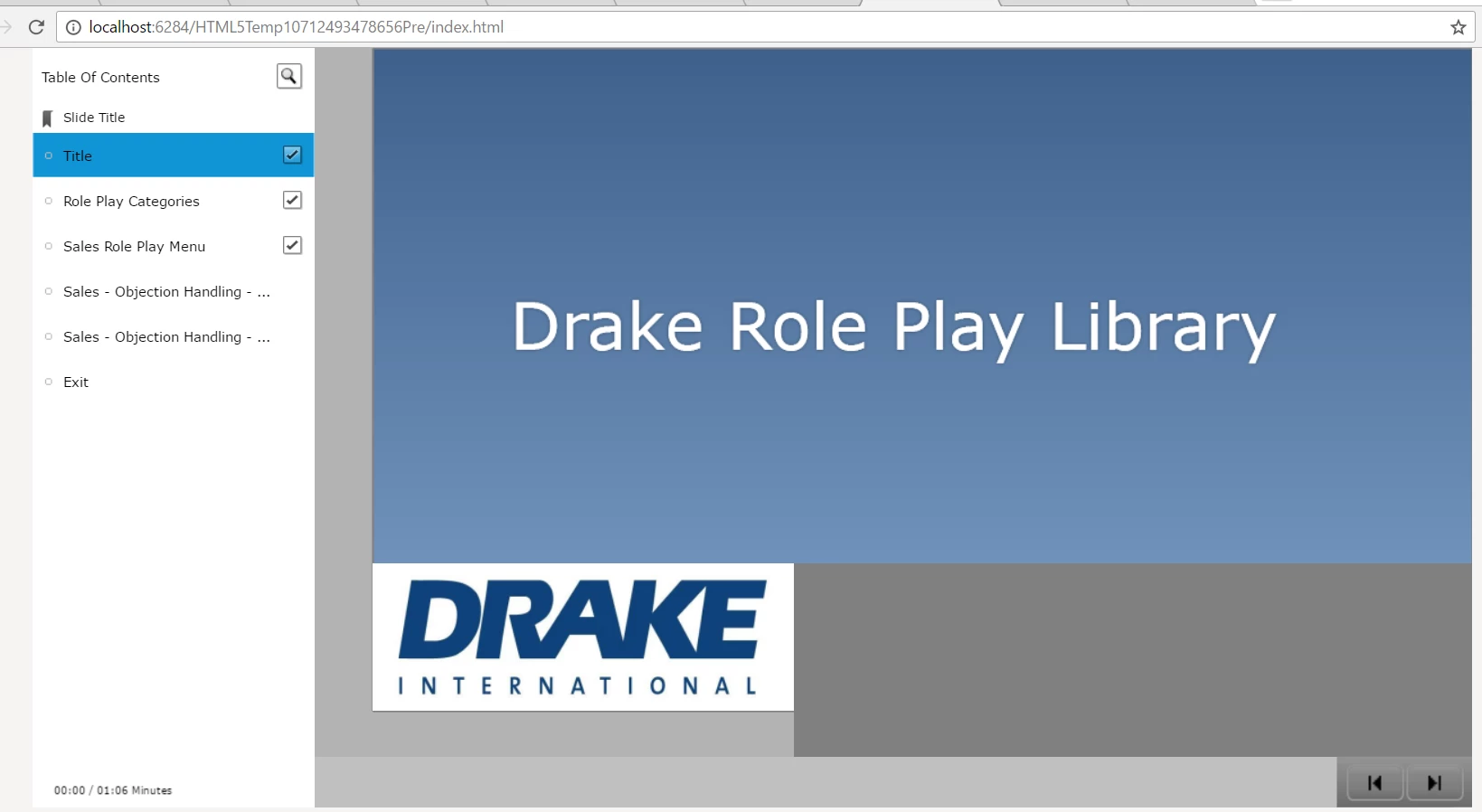
I don't want the TOC to show on my title slide, so I chose Hide TOC on Enter for that slide action. However, in preview and once published, the TOC still shows on the title slide.  I am publishing to HTML5 (maybe that is the problem)? Not sure what am I doing wrong. Using Captivate 9.02.437 on a Windows machine.

Hide TOC action:
TOC still shows:
This topic has been closed for replies.

2 replies

TLCMediaDesign
Inspiring
March 28, 2017

If you have borders turned off in the skin editor, you can execute this JavaScript on slide enter:

document.getElementById("toc").style.opacity=0;

To turn it back on:

document.getElementById("toc").style.opacity=1;

Participant
August 12, 2017

This JavaScript didn't work for me. I just put it in the Execute Javascript Action window on Enter... did I do something wrong?

Amazing there is no way to hide a TOC otherwise.

Lilybiri
Legend
March 28, 2017

You misunderstand: Hide and Show TOC is only functional for a TOC in Overlay mode​. You have it in separate mode.

This functionality is controlled by the system variable cpCmndTOCVisible (Boolean), but even in the explanation of that variable this is not mentioned.

Maybe you could download my table with system variables from this blog post: System variables in Captivate 8/9 - Captivate blog