

Hide Web Object Video Controls
Hi Cp Community!
I have about 20 videos embedded as web objects (videos hosted on internal media server) and when users reach slides with videos, video plays as intended but contains a top and bottom border and native video play controls (pause, full screen, advance bar, etc). I need to remove both the border and the play controls to force users to watch the entire video. Whether I check or uncheck options in web object properties, they don't make a difference. Here's an example of the web object URL. I know I need to either add text to the URL to hide play controls and border, or manipulate the xml file but I'm not sure what to add or on which one. Any idea?
The Question is: Do I add to the URL to hide video player controls and border, and if so, what?
http://mt000xsweb10/ondemand.cfm?event_id=F70C9831F9834D3CA24BE5EF2683530A&w=1010&h=600&as=true
or...Do I manipulate the XML output file once published?
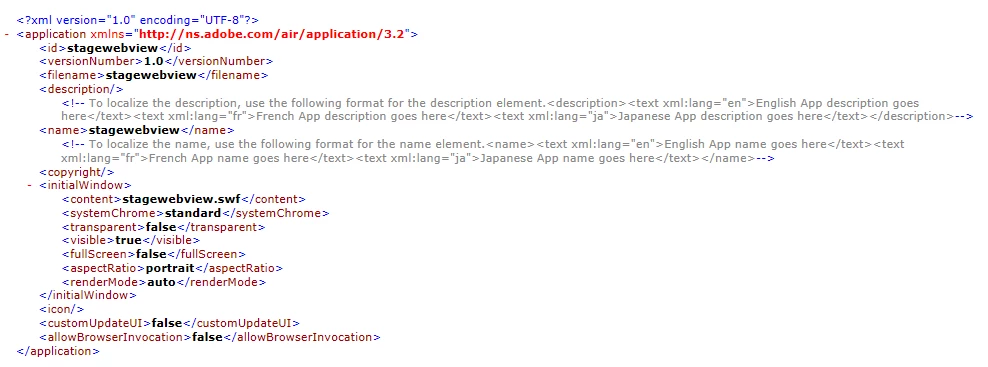
Thanks for your help!
Ryan
 AdChoices