


Participating Frequently
November 14, 2020
Answered

Horizontal Tab Layout

  • November 14, 2020
  • 1 reply
  • 864 views

I imported an asset form the Buisiness deck called "Horizontal Tabs Layout" - unlike previous assets I have used, I cannot seem to locate where to edit the content box (the one that appears when I prview the slide after clicking on the accociated tab). It is not hidden anywhere in the timeline, nor in the stateview when I click on the Tabs
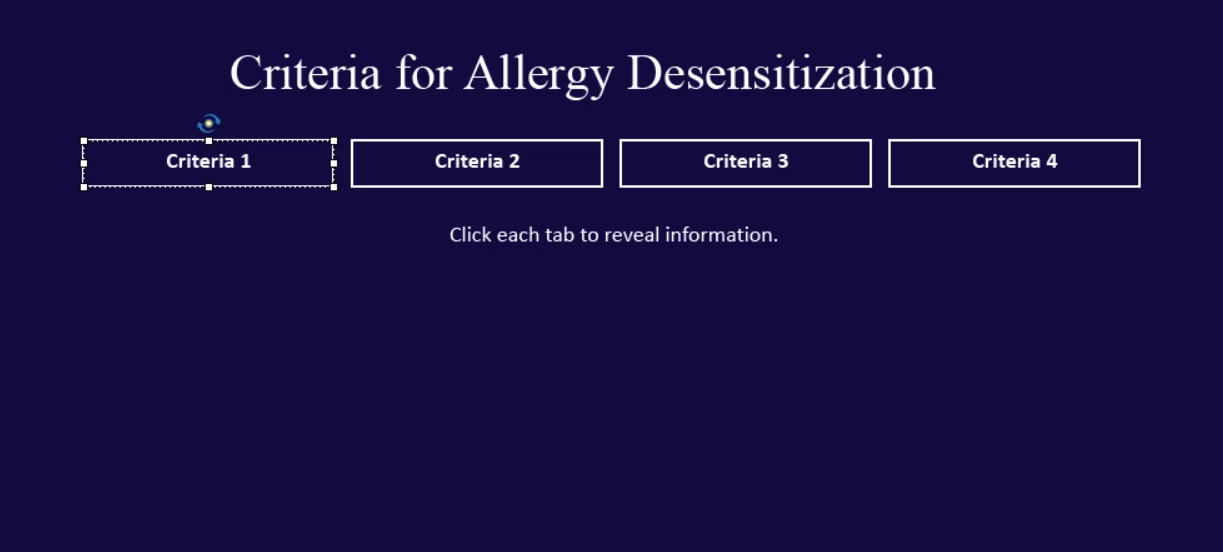
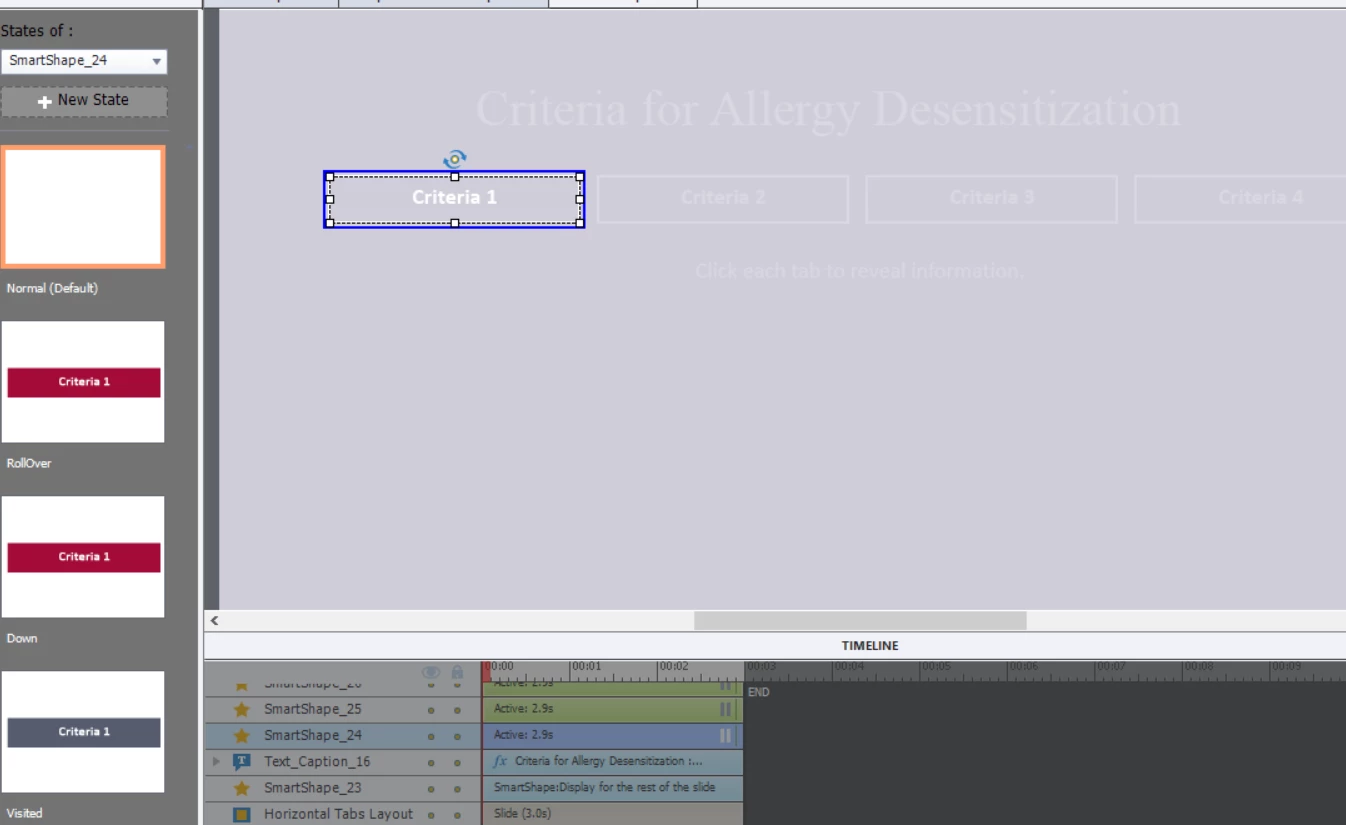


Any help would be appreciated! 

    This topic has been closed for replies.
    Correct answer Lilybiri

    That is what I tried to explain in those blogs. There is no easy way to see which objects are multistate objects, that would have been a good starting point but now it is indeed just searching. The Advanced Interaction panel can help as well to identify where actions are performed. I have been exploring a lot of those Quick Start Projects, and helped many users but it is not the right way.

    1 reply

    Lilybiri
    Legend
    November 14, 2020

    This is perhaps the most complicated of the interactions.  I know why (has to do with buttons losing interactivity when moved).  Although I have written a couple of blogs about editing ready-to-go slides, I don't think it will be sufficient to figure this out unless you are real familiar with advanced actions;

    http://blog.lilybiri.com/editing-ready-to-go-slides-quick-start-projects-part-1-text-and-images

    http://blog.lilybiri.com/editing-ready-to-go-slides-quick-start-projects-part-2-interactions

    Too bad that there is no real documentation available for those slides. It is not up to me, a simple user, to write out Adobe's help documentation.

    Participating Frequently
    November 14, 2020

    I agree - there should efiately be documentation for these slides! Not being an advanced user, I was just about to give up but randomly found where the slides were hiding! They were in the state view for the button that says"Click each tab to reveal information" . . . .I suppose from now on I'll try checking the slide states for each of the objects to find where the hidden ones are....it's like a frusterating game of hide and seek!

    Lilybiri
    LilybiriCorrect answer
    Legend
    November 14, 2020

    That is what I tried to explain in those blogs. There is no easy way to see which objects are multistate objects, that would have been a good starting point but now it is indeed just searching. The Advanced Interaction panel can help as well to identify where actions are performed. I have been exploring a lot of those Quick Start Projects, and helped many users but it is not the right way.