
Answered
Hot Spots moving Captivate 2017
Hi
Im still pretty new to this. I have an image on which i want to add 2 hotspots..... but they move in relation to the image - how do I get them to "stay in place" ? What do I need all my properties to say?
Hi
Im still pretty new to this. I have an image on which i want to add 2 hotspots..... but they move in relation to the image - how do I get them to "stay in place" ? What do I need all my properties to say?
thanks, as im new im not sure if I should do the breakpoint thing...... If I can do it with properties , id like to.... current settings...
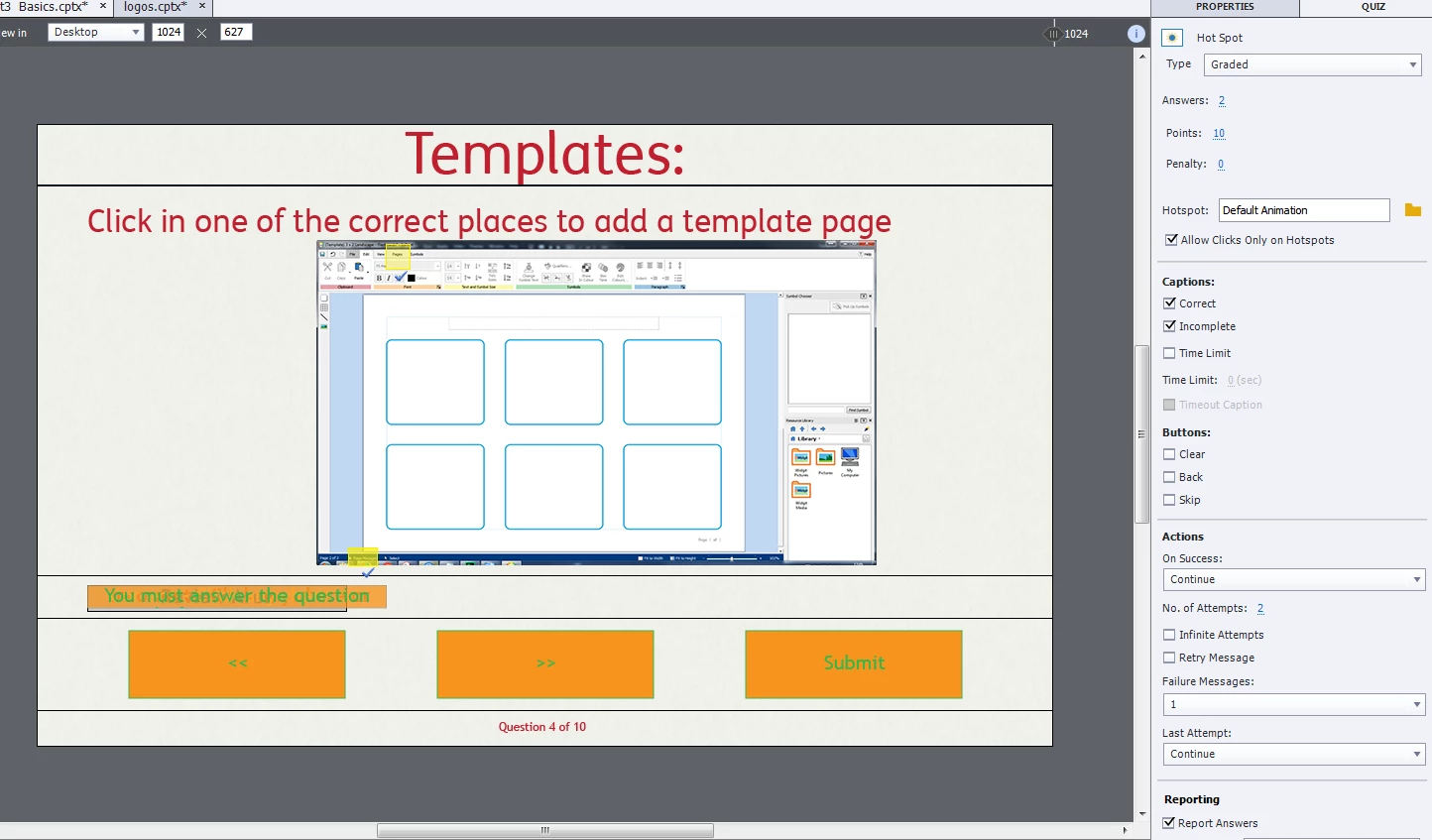
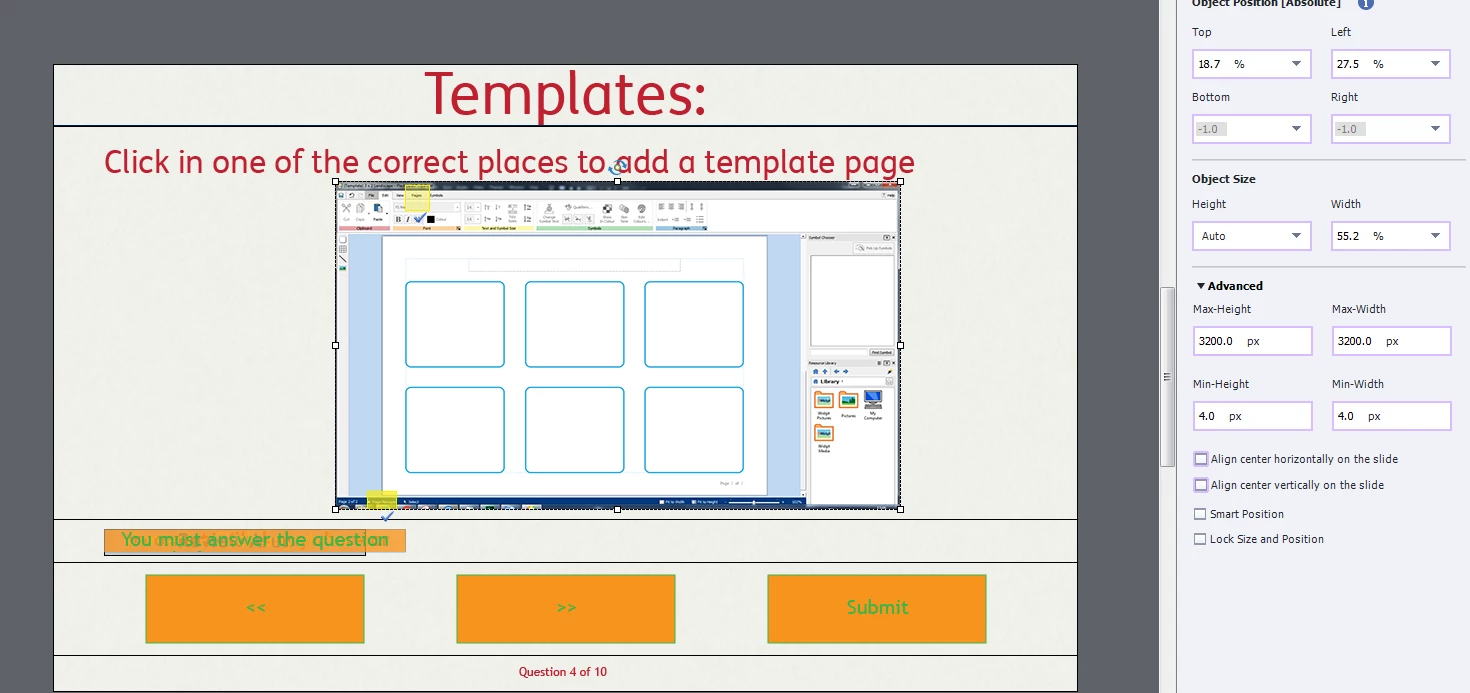
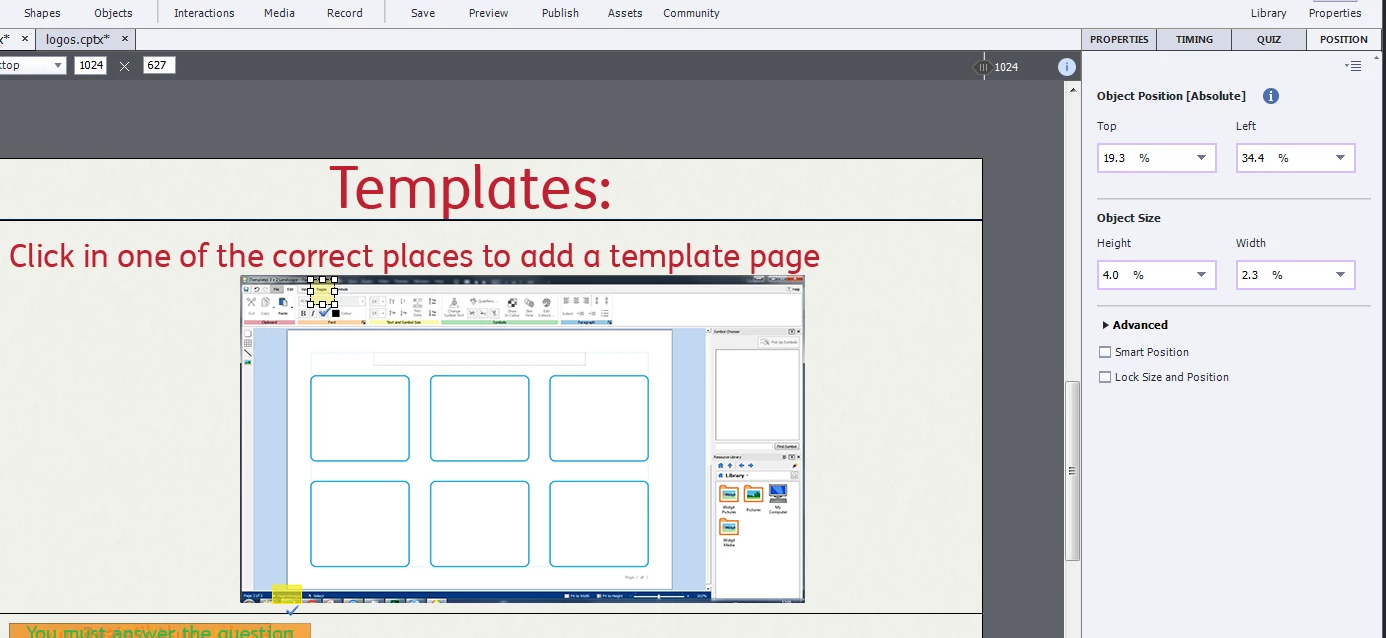
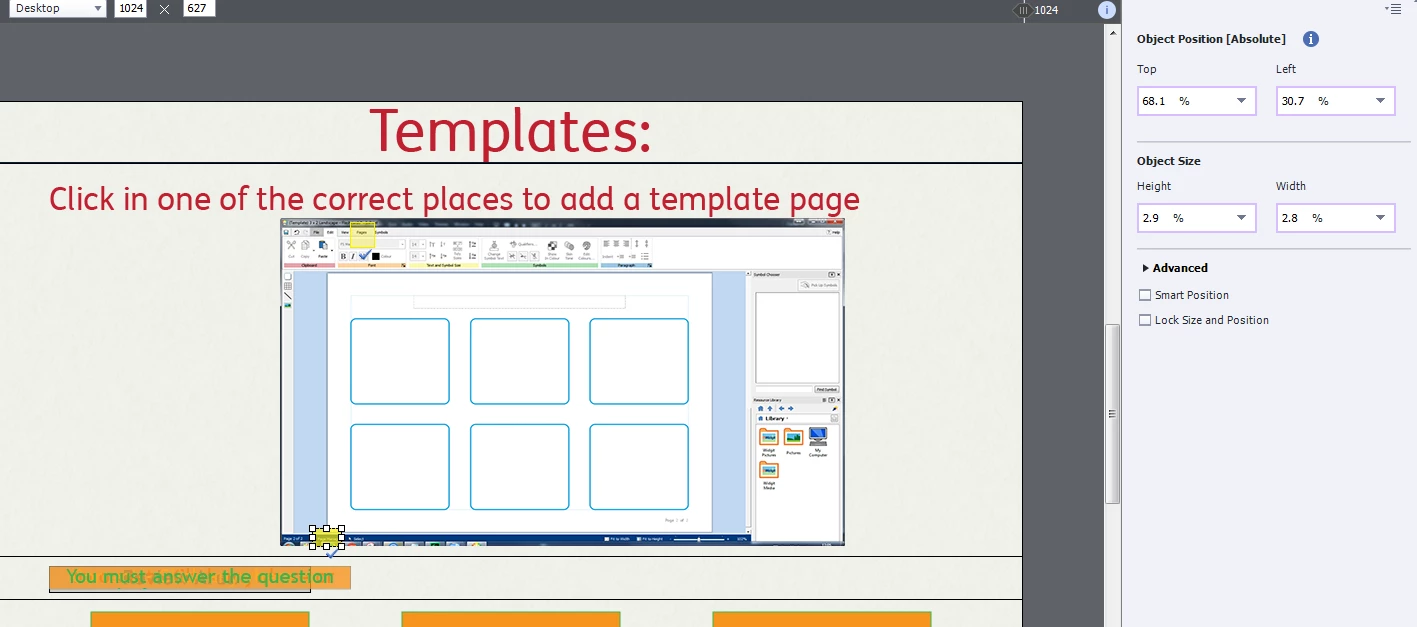
I'm sure theres a simple thing im missing, but its like wading through treacle! Steep learning curve!
My advice as a trainer would be: never start with a responsive project! You first have to understand the core of Captivate for a normal project. Working with Fluid boxes adds a higher level of complexity, especially in this typical exceptional set up for a Hotspot Quiz slide.
Challenges for Starters - Captivate blog
Do not believe that myth that you can just jump in and develop a project... that is marketing hype. Captivate is not an application as easy as a simple Word app.
I have a feeling, cannot check it, that you don't have the hotspots IN the static fluid box. Only in a static fluid box, which is needed in this case because hotspots need overlapping objects which are not possible in a normal fluid box, do you have full control over the position and size of the objects. It becomes then the same work flow as with Breakpoint views in this static fluid box. Check the Smart Position in the Position properties and you'll see how and to what the hotspots refer to with your settings lf Top and Left. Maybe you'll better set them relative to the top of the image instead of the top of the slide, same with left.
Already have an account? Login
Enter your E-mail address. We'll send you an e-mail with instructions to reset your password.
 AdChoices