


Question
Hotspot Image Help
I find working with images in Captivate a lot less intuitive than it should be.
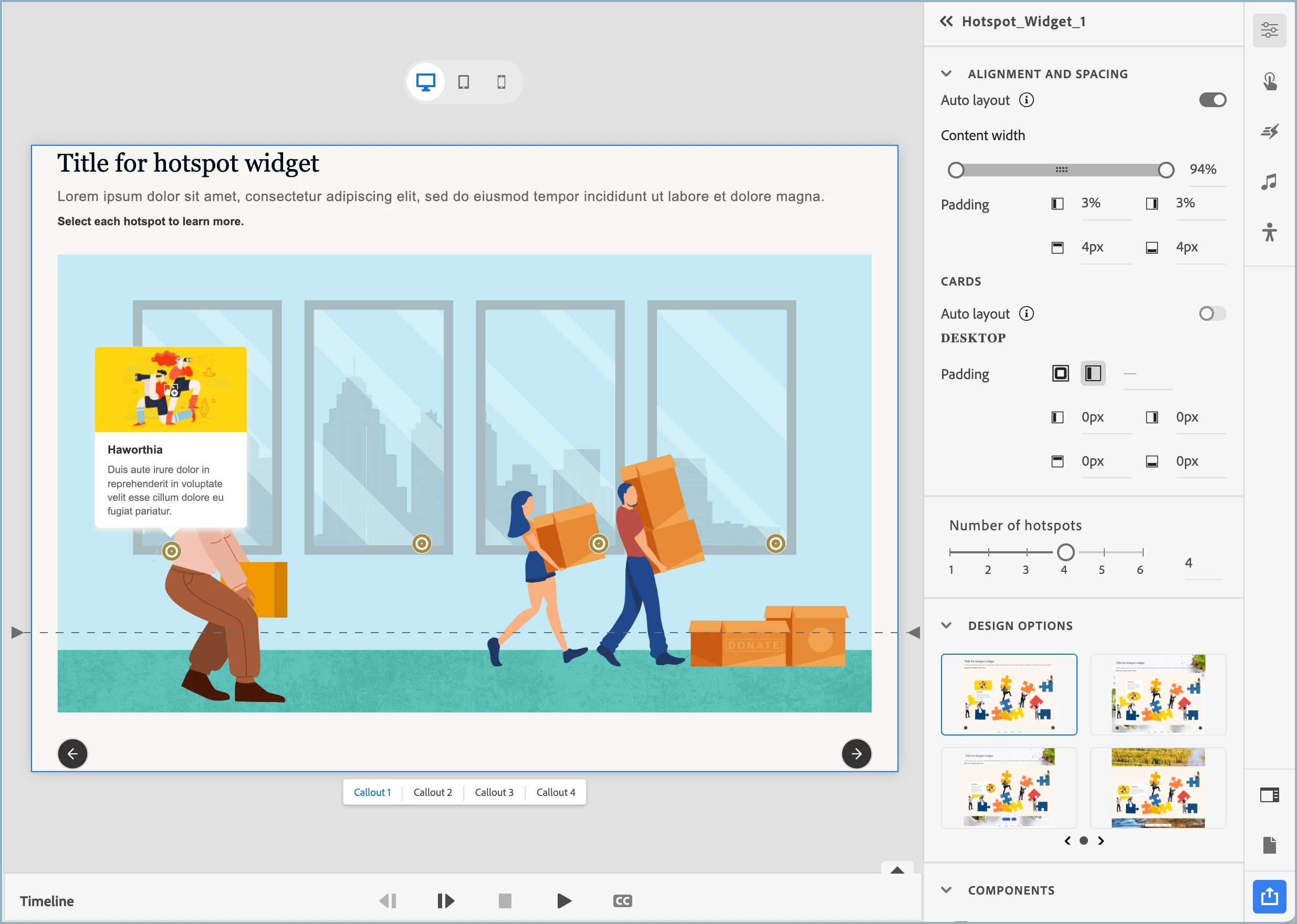
This is a hotspot slide. I want all of the content below to fit above the dotted line. To do that, I am going to have to resize my image, and that is fine, but I can't find any good way to do that inside of Captivate. I can resize outside of Captivate, but I would just be guessing at the right size and would have to do it several times to get the correct proportions.
I wish I could just select the image, drag a corner to resize it, and take the rest of the block size with it, but apparently, that is not how it was designed. What are my options here?
 AdChoices