


Answered
How can I decrease the margin in a polygon/circle smart shape even less than "0".
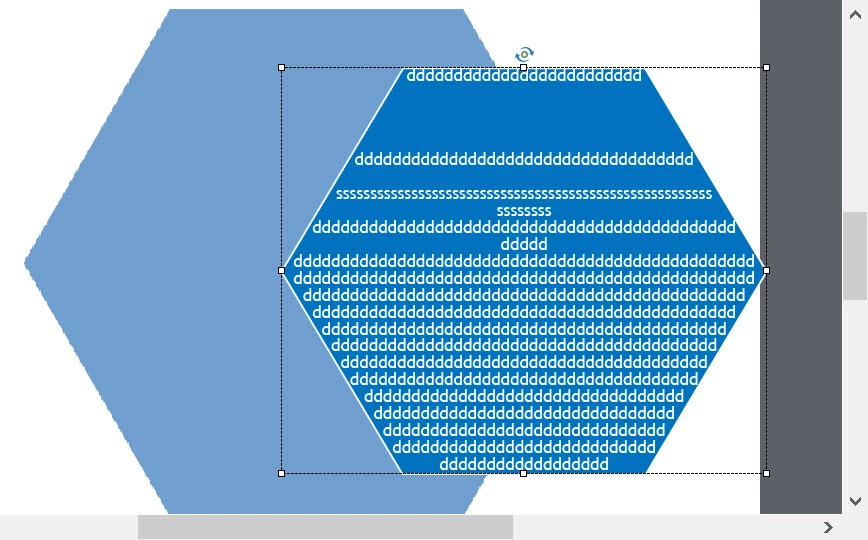
Hi. I'm putting text in a smart shape hexagon, and I don't want it to wrap, but just stay on the same line (it's not long text). The margin is set to "0", but that corresponds to the left upper side of the shape- not the mid-left point. Is there a way to change this? If not, would you suggest grouping two smart shapes together? A rectangle (w/ text) inside the hexagon? Thanks for your help.
Bill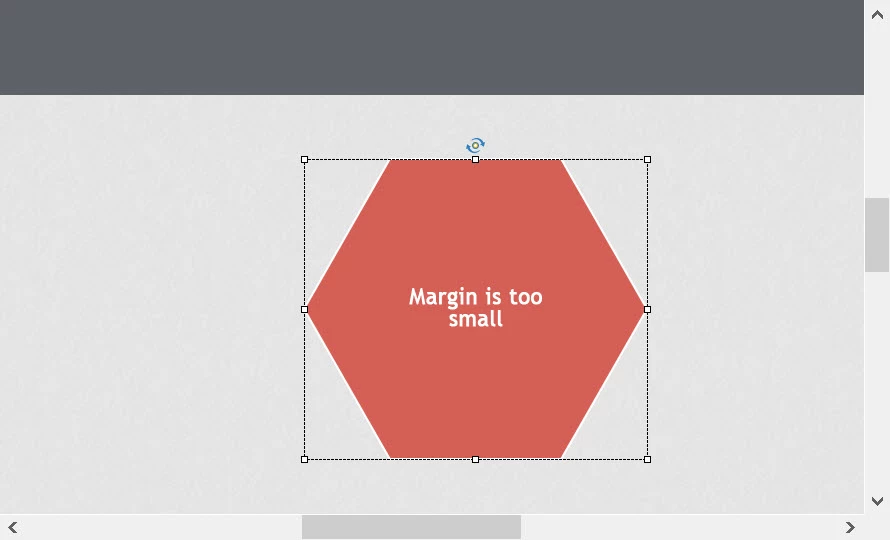
 AdChoices