
How can I keep interactions from overriding my "pause project till user clicks " button?
Actually, I have just discovered a solution to this problem, but I still wanted to get feedback, and I wanted to share my solution.
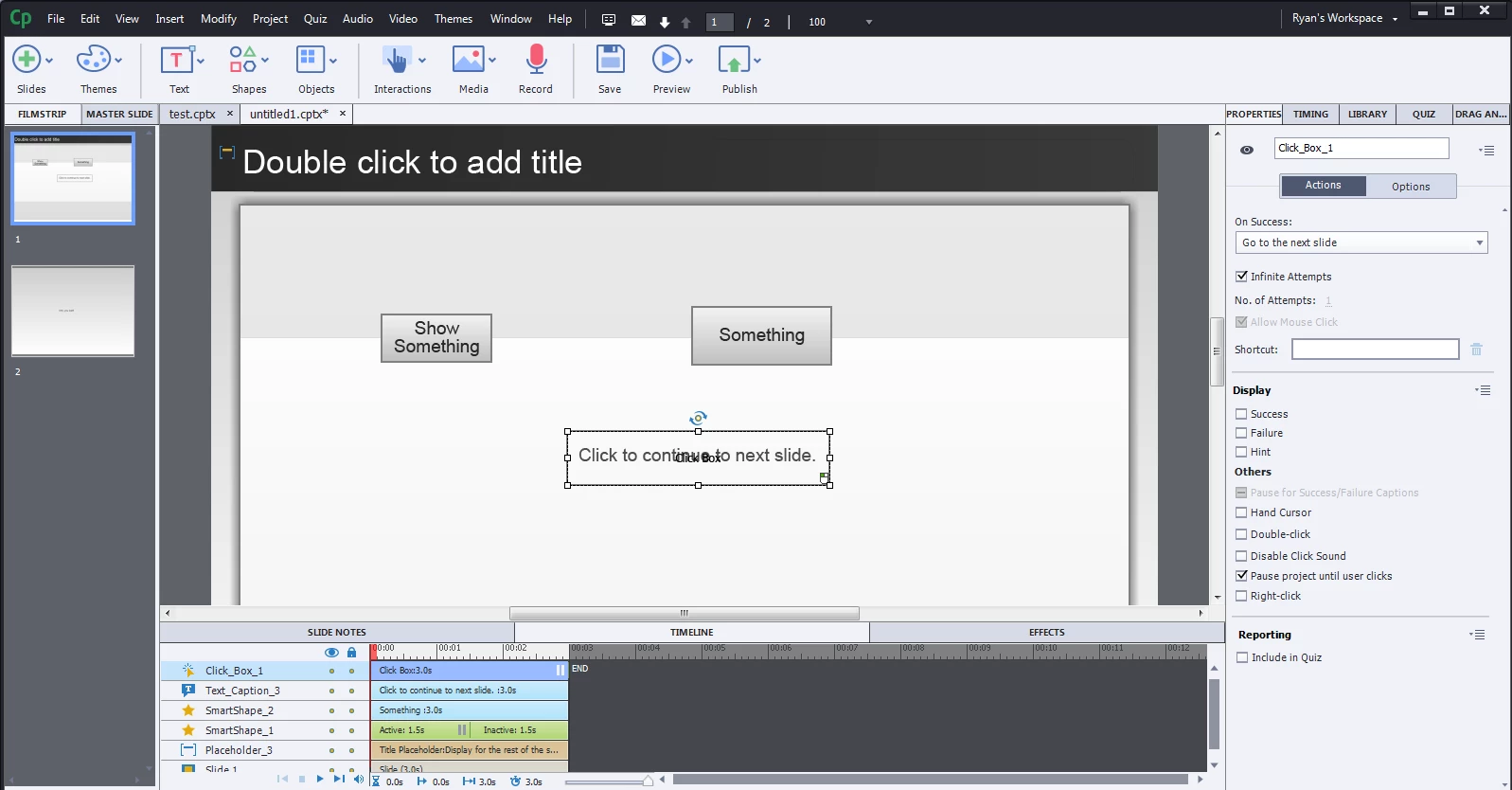
Problem : I have a smart shape-button and a click box on a slide. The user should be forced to click on the click box to go to the next slide. I checkmarked "pause project till user clicks" in an attempt to get this happen. But this is misleading because the user can still "override" this by clicking on other interactive objects. I don't think this is new to anyone. For example, if he clicks twice on "show something" he will advance to the next slide. Why does this happen? Is it because once the initial action is executed, the next action is always "continue"? So probably the age-old question: how do you keep certain interactive objects from breaking the "pause fence" created by others?
My bootstrap solution : Rather than just "show" on success, I created an advanced action which includes "show" and "pause"
 AdChoices