

How can I record progress bar loading in Captivate?
I am recording a software simulation in Adobe Captivate. The problem is that, during a process where we show how to import duties and taxes, recording does not show loading progress bar as it is. It only shows the beggining of the process 0% and then 100% (complete). However, the software takes some time for loading and we would like to show it. I understand that Captivate does not make videos, instead it takes screenshots, so maybe it is someway related to it. Is there any setting I could make in order to record all steps (0%, 1%, 2%, 3% and so on)?
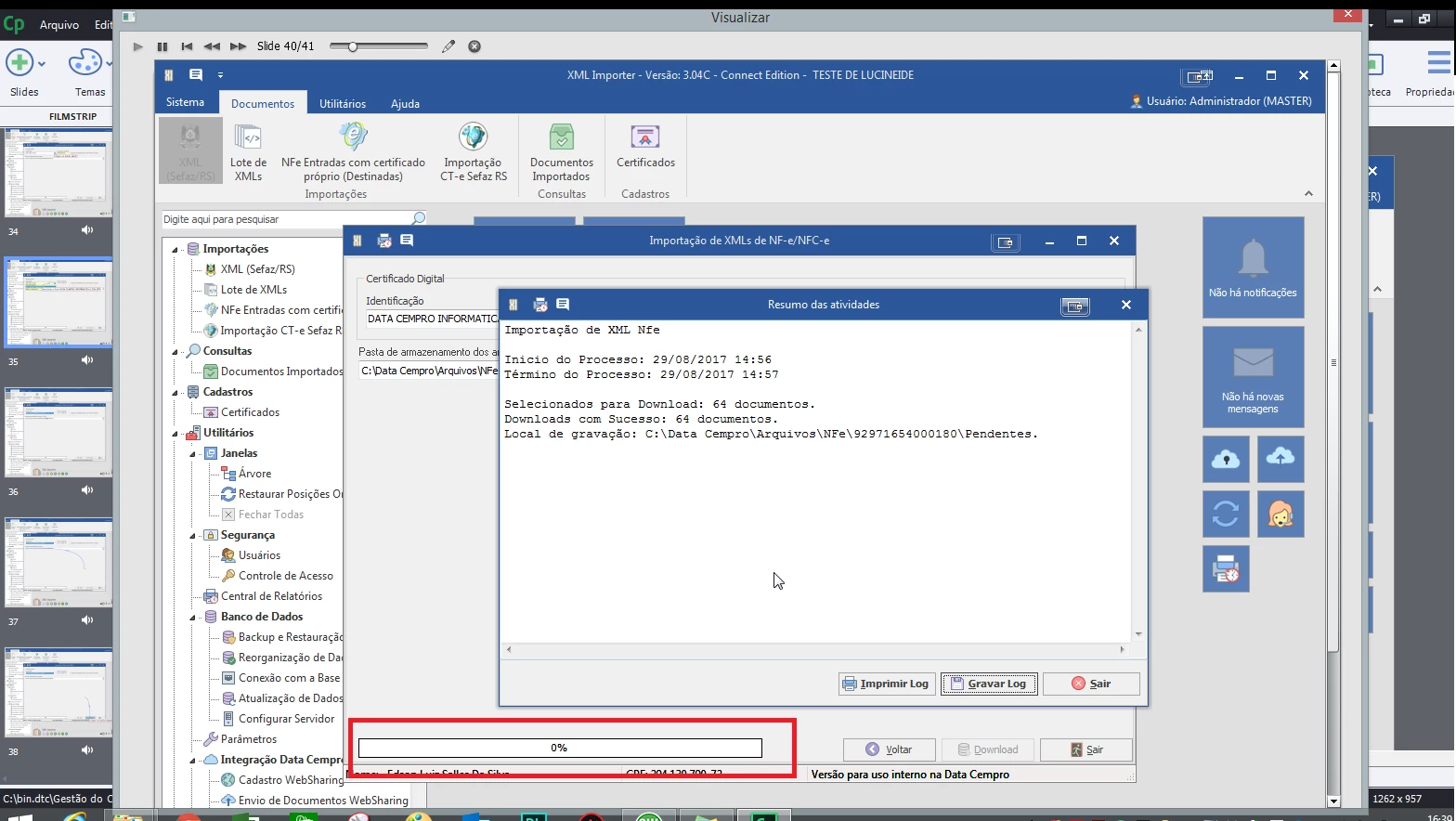
The following image shows it. The progress bar stays in 0%, but an image is shown saying download is complete.
This is how recording looks. However, while I was recording, the progress loading happened as usual.
Is there anybody who can help me?


 AdChoices