
How do I edit hidden mouseover objects?
Hey all,
I have captured various software sims and have noticed a strange effect related to mouse clicks and mouse hovers throughout them.
Not always, but frequently when there is a mouse down or over state, Captivate seems to capture this. In previous versions of Captivate, I would manually capture an extra screen to record a mouseover/mousedown state.
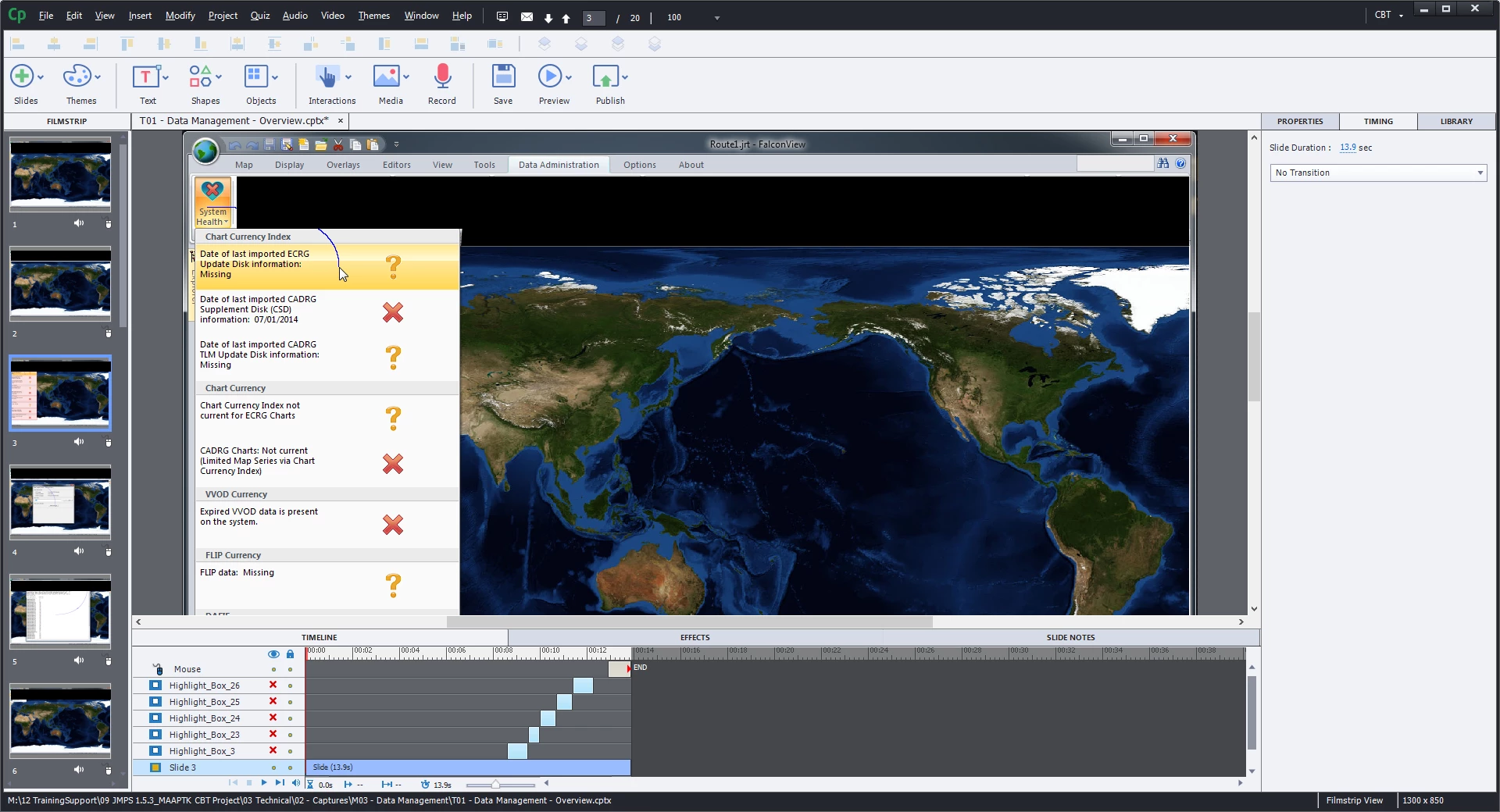
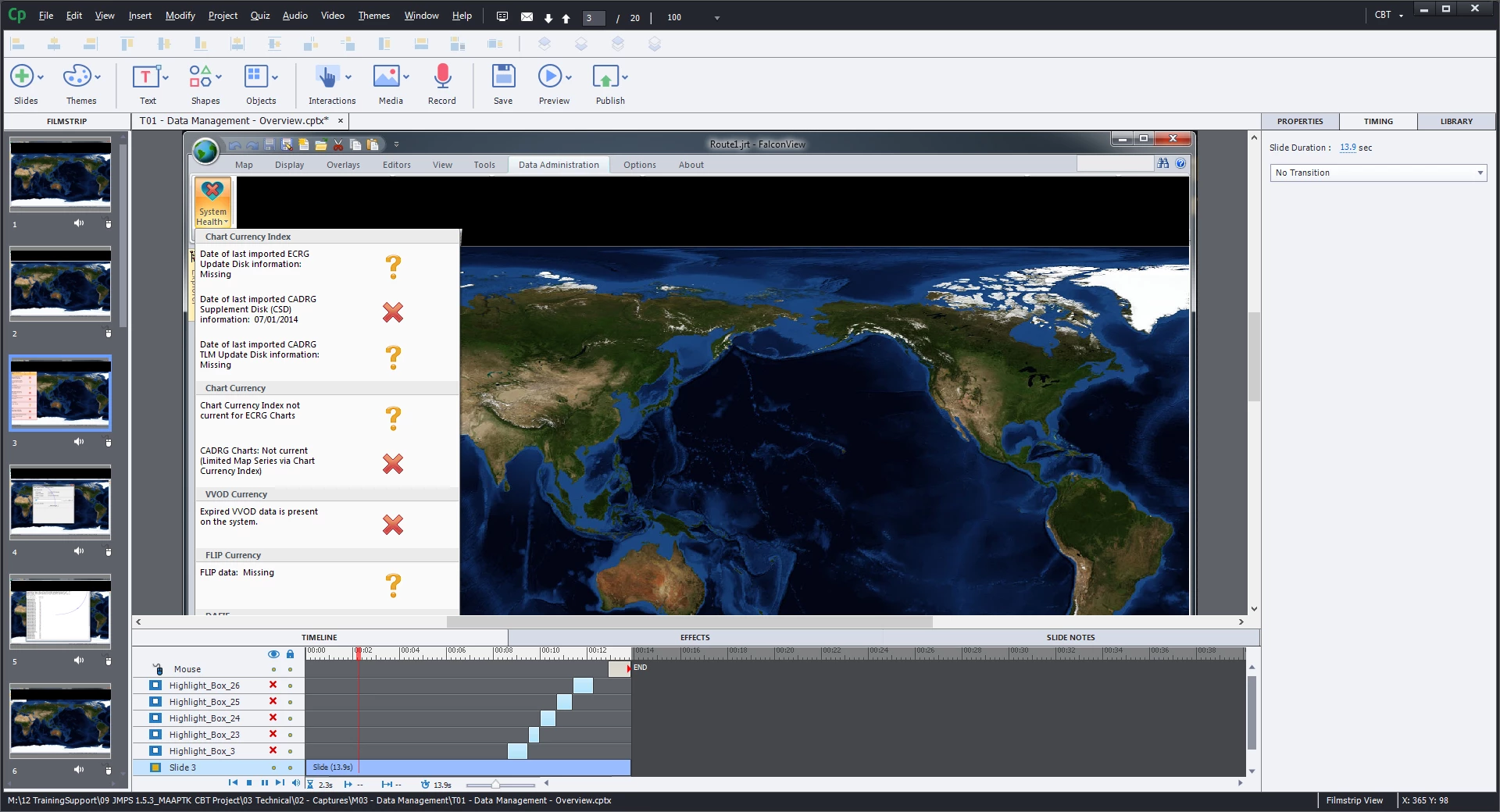
In the attached screens, you can see that before preview the mouseover state is recorded and displays by default, once the timeline is played, the mouseover state is hidden until a specific point in the timeline. There is no indication on the timeline of this mouseover state or when it appears.
The object is separate from the background - if i change the background image the mouseover state still appears over the top of whatever background I use.
This is not a major issue, but sometimes I am required to modify screens and I would be good to know how to edit/delete these mouseover/mousedown images, rather than create a blank slide where they aren't present.
The first image shows the mouseover state - when the slide is not playing. The second image shows no mouseover with the slide playing.
TLDR - Does anyone know about hidden mouseover/mousedown images, and how to edit them?
Cheers.
 AdChoices