Question
How do I enable Function Keys for Capt 5 simulations?
I have a simualtion where the learner is instructed to press certain function keys (F11, F4) to "activate" a window within out system (this new window is part of the next slide).
During preview, the function keys are enabled,but when launching the siulation via the WEB or LMS, those keys are not fucitonal and i get the following response by activating the webaddress field instead of moving to the next step.
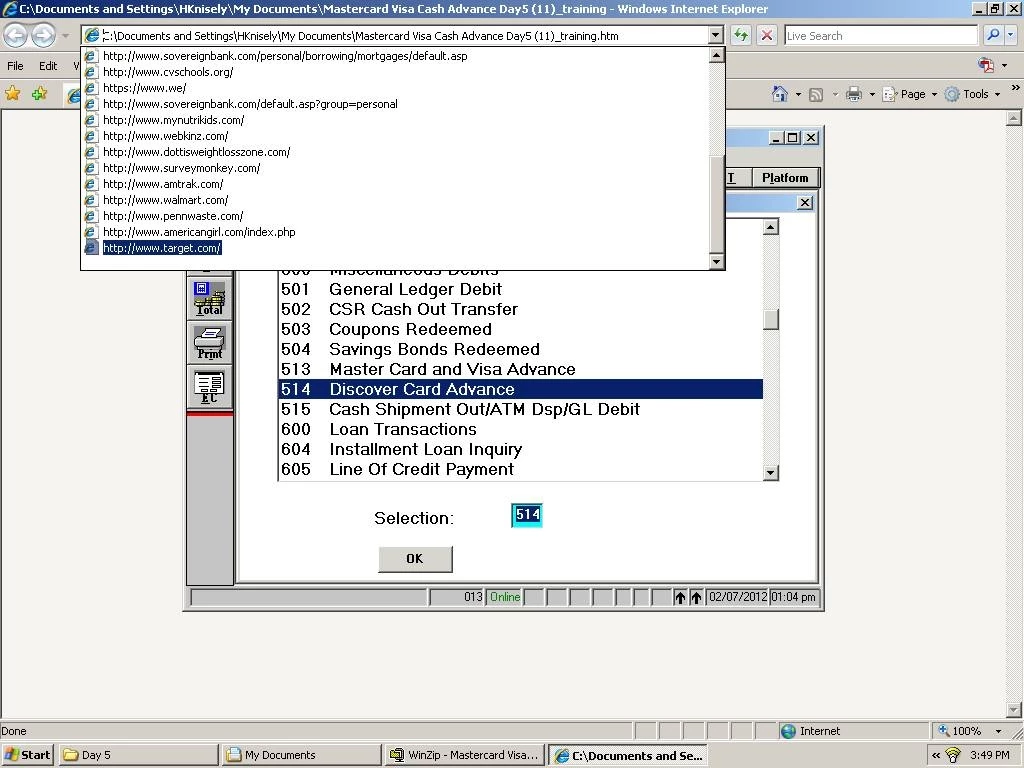
is there anything in the settings/properties that i need to modify to get the expected result?
 AdChoices