

Answered
How do I get elements above a quiz button?
Hi,
I'm using a multiple choice slide as a knowledge check. I want to run some advanced actions when there's either a correct or incorrect answer. It involves showing a hidden SmartShape that has response text, an image, and some custom buttons. The issue is that no matter what, when the SmartShape appears, the Submit button is still visible (it should be under the SmartShape). Here's a prototype of what I mean:
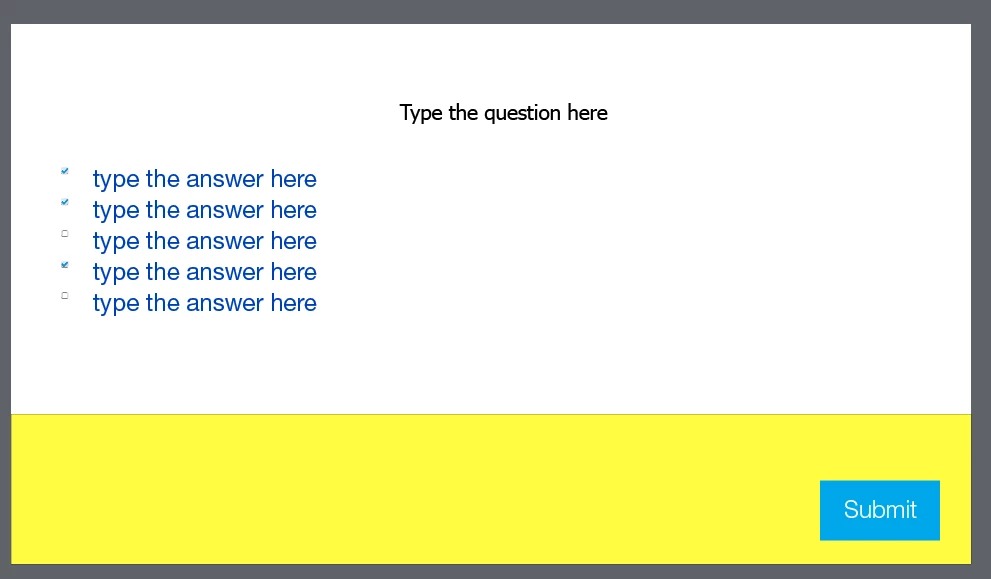
The SmartShape is the frontmost element on the slide. Is there a way around this? I can't find any way to hide the Submit button.
(as a side question, is there any way to avoid having the checkboxes so tiny?)
Thanks,
Mike


 AdChoices