
How do I set my project to advance to next slide on mouse click vs just play?
Captivate 6 on mac running OS 10.7.5 file format in question .htm (firefox)
I'm brand new to Captivate 6 (never used it before) I have put together a mock presentation from scratch which has a few introductory slides then a quiz. When I publish it there is a "play" button which is NOT the behavior I want.
I watched a training video from Lynda.com and the insstructor imported a PPT file, there was a dialog box which asked the how to advance slide, there was a drop down menu and one of two options was advance "on mouse click". This is the behavior I'm looking for.
I've scoured the internet and forums etc to find a comparable option elsewhere in Captivate 6 when creating from scratch vs importing from PPT and cannot find one anywhere. I've also read that you can insert a click box object and that that would do what I'm looking for but that doesn't work either.
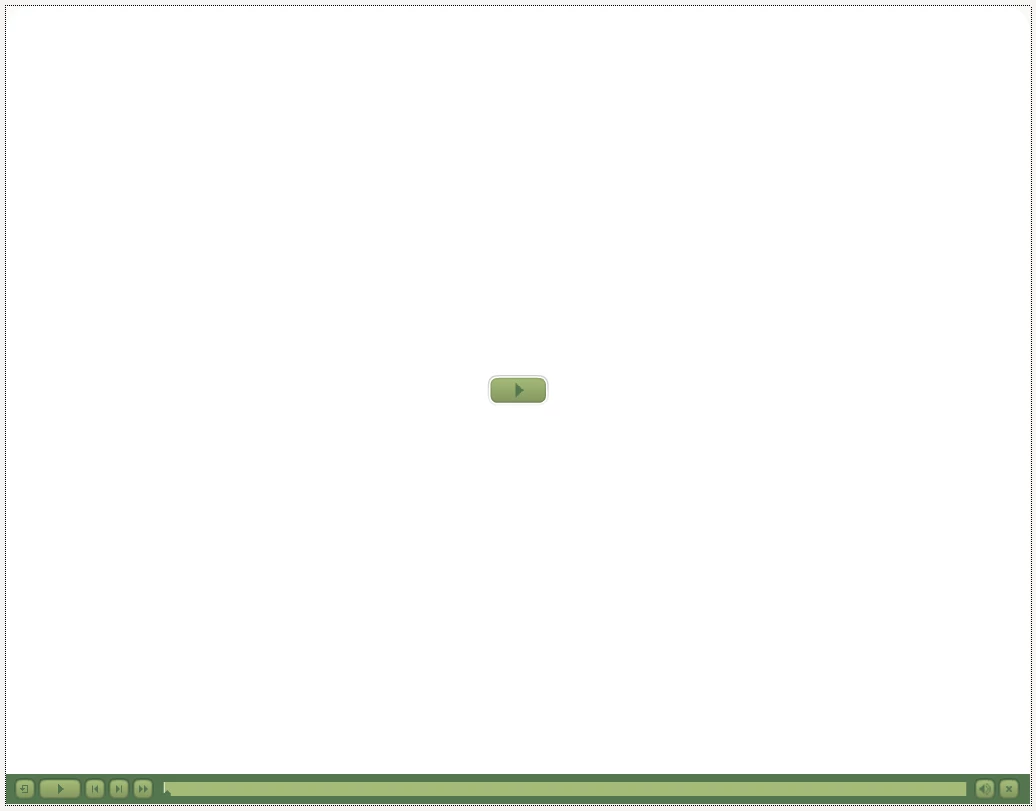
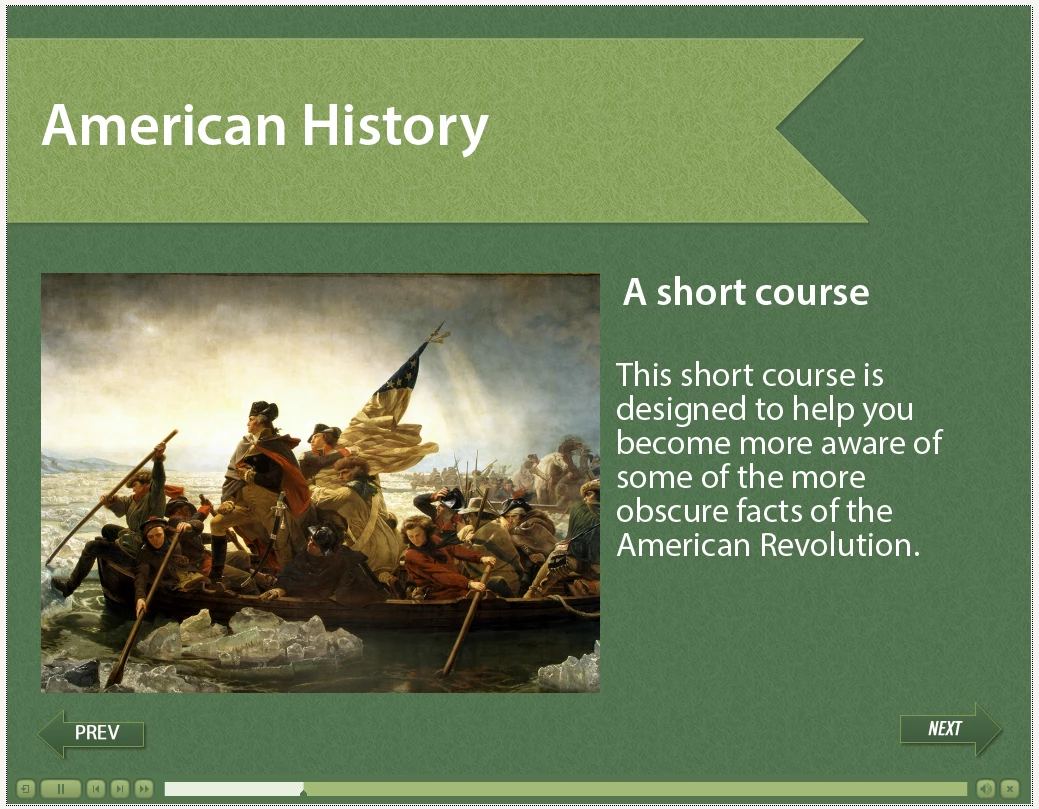
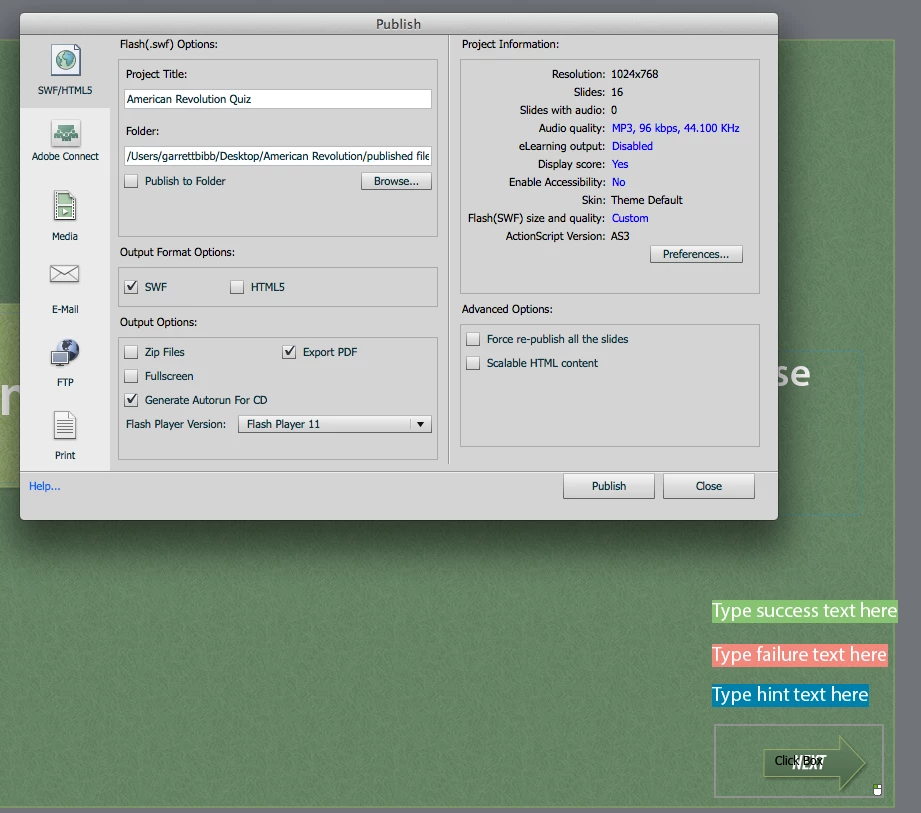
Does any such option exist and if so where/ how do I get to it/ use it. Please see attachments below. First screen shot is the first slide I get which isn't the first slide either, what's up with that? Next one is simply to show how the project just "plays" instead of advancing slide by slide. Third is my publish dialog box. Bottom line I don't want a "play" button I want the user to mouse click next, next, next etc. How do I do this?
Thank you for any help or suggestions!
 AdChoices