Answered
How do you edit a certificate in Captivate 7?
I want to delete the "authorized signature" part of the certificate of completion widget in Captivate 7 and can't figure out how to do it.

I want to delete the "authorized signature" part of the certificate of completion widget in Captivate 7 and can't figure out how to do it.
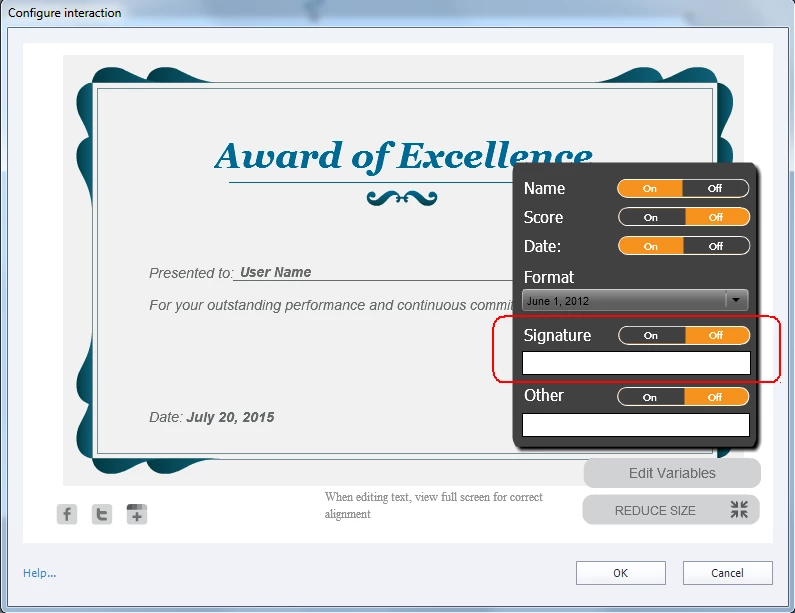
Deleting is simple. Go in full screen mode, and click on the button Edit Variables. Then switch Signature to OFF
Already have an account? Login
Enter your E-mail address. We'll send you an e-mail with instructions to reset your password.
 AdChoices