

How do you embed a Vimeo video stream in a Captivate 9 slide?
For online training that will be run through a public web-site, we want to display a series of Captivate slides, some of which will showcase Vimeo videos, as per this mockup:
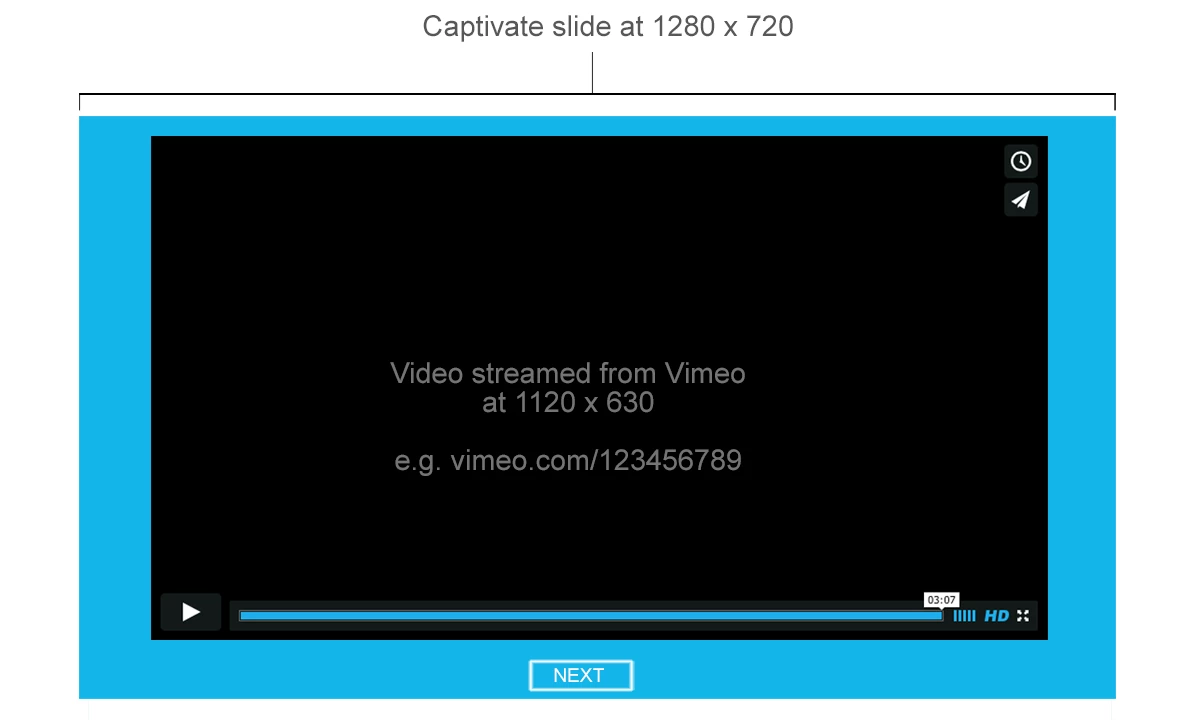
So once a user gets to a particular Captivate slide (rendered out as HTML5 not SWF) the Vimeo video would play (preferable) or the user would have to click/tap the Vimeo play button to view the video. The user could pause or skip ahead in the Vimeo video as they wish, but to advance in the Captivate (and through the project), they would have to click the 'Next' button which would then advance them to the next Captivate slide.
Please note that we are using Captivate 9 on Mac.
I haven't seen a solution yet that will allow us to embed the Vimeo video at the dimensions (1120x630) using a Vimeo embed code, on a Captivate slide set at dimensions of 1280 x 720. Many talk about Inserting a Web object or a Youtube video but we only want to insert a particular Vimeo video on slide A, another Vimeo video on slide B, etc.
Any solutions?
 AdChoices