
How do you keep make what you built look like what is published?
Hello,
Im relitivly new here and am hoping that this is an obvious question, but I couldnt find an answer.
Ive built a quiz and changed the layout and coloring from the typically flat grey, however what I see when building is different than what is in the preview or published.
For instance, one of the quiz questions is a matching quiz that looks like this: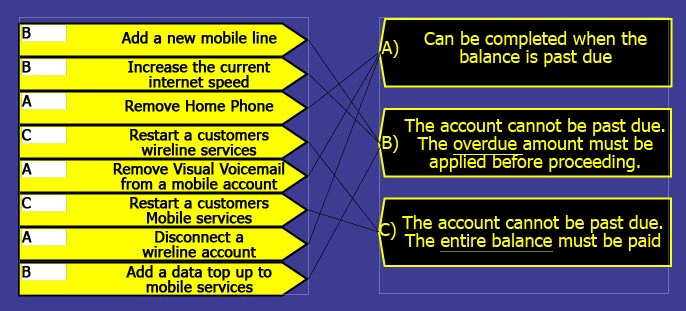
However what publishes is this: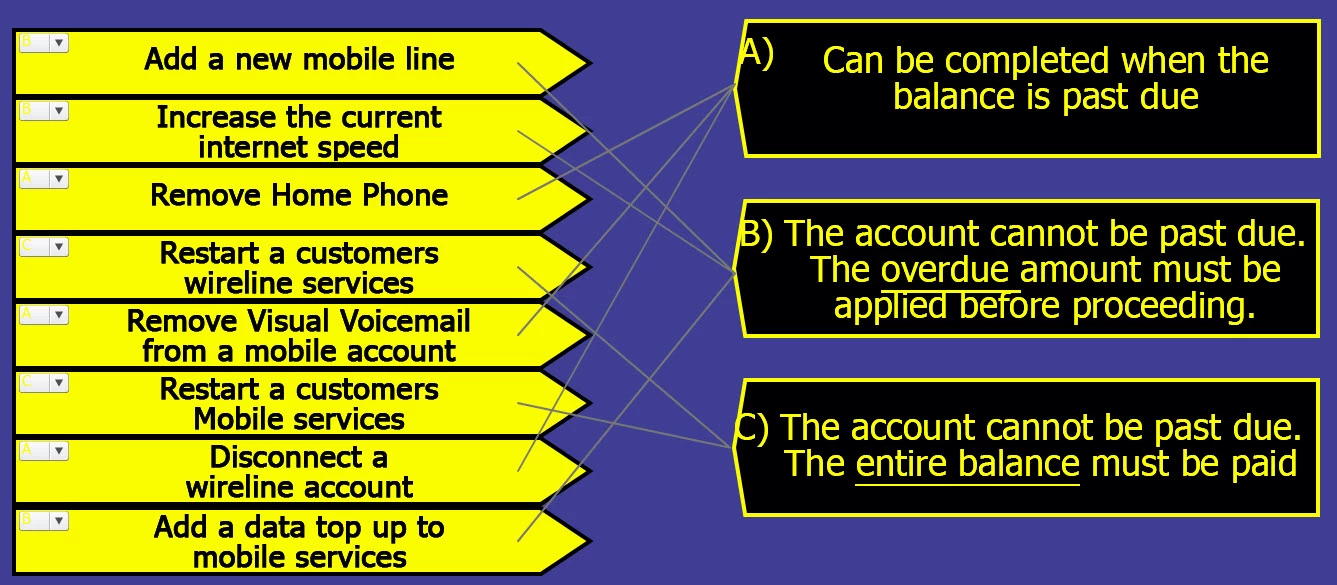
The text colors in the drop down are different, but I can make that work by inverting all the colors on the slide.
What I cant fix is that the connector lines have moved left, are now grey, the words are smaller on the yellow boxes and the words moved up in the black boxes. I played around with Shift+F7 options but it only changed some of the boxes and not others and diddnt fix the issue.
Is there a way to make it so that what I see when I am building is actually what publishes?


 AdChoices