

How to hide a slide once it has been viewed once (e.g. a feedback survey form)?
I'd like to ask the learner for feedback questions per course in the Learning Path.
I don't want to use the LMS default feedback questions becuase if the questions are changed it changes for all courses.
Additionally if an external feedback site is used, e.g. Survey Monkey, we can update the questions easily (done by another team) and just embed the form as a web object in the scorm file.
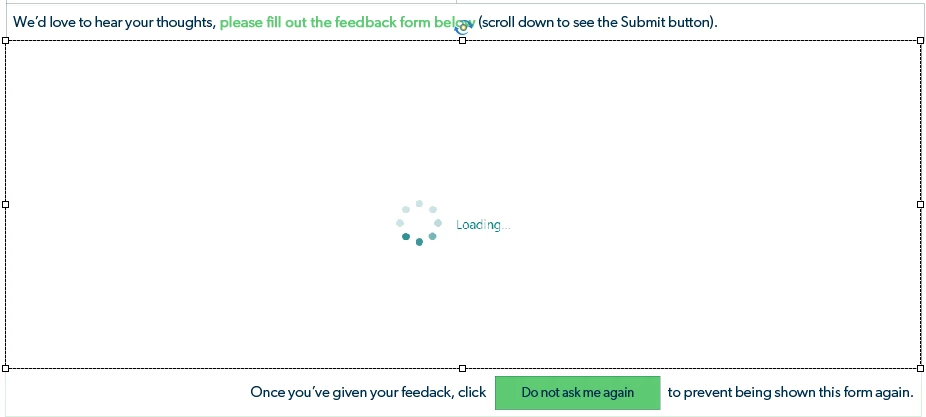
The issue I am having is that the embedded webform does not reconize the learner has already filled in the feedback form once, and so each time the learner revisits the eLearning it will ask for feedback again, which is tedious for the learner and skews reporting. So I thought about having a button whereby after the learner has filled in the feedback form, they would click and it would hide that slide going forwards whenever they revisited the eLearning.
I can't figure out what advanced action to do to make that happen ... would appreciate any ideas.
I am on Adobe Captivate 2019 Release 11.8.0.586


 AdChoices